Caricature By PhotoFunia vs Profile Picture Maker By Picsart
Explore the showdown between Caricature By PhotoFunia vs Profile Picture Maker By Picsart and find out which AI Photo Editing tool wins. We analyze upvotes, features, reviews, pricing, alternatives, and more.
In a face-off between Caricature By PhotoFunia and Profile Picture Maker By Picsart, which one takes the crown?
When we contrast Caricature By PhotoFunia with Profile Picture Maker By Picsart, both of which are exceptional AI-operated photo editing tools, and place them side by side, we can spot several crucial similarities and divergences. The upvote count shows a clear preference for Profile Picture Maker By Picsart. The number of upvotes for Profile Picture Maker By Picsart stands at 9, and for Caricature By PhotoFunia it's 6.
Don't agree with the result? Cast your vote and be a part of the decision-making process!
Caricature By PhotoFunia


What is Caricature By PhotoFunia?
Caricature By PhotoFunia is a free online photo effect that turns a portrait into a hand-drawn caricature sketch. You upload a photo, the site runs automatic face detection, and the Caricature effect exaggerates facial features into a pencil-style drawing in a few clicks. No drawing skills or desktop software required.
PhotoFunia hosts 642 photo effects, and this caricature filter is one preset in that catalog rather than a standalone portrait editor. That makes it fast for a one-off social post, but you get less control than a dedicated caricature app that lets you tune line weight, pose, or art style.
Caricature By PhotoFunia suits casual creators, families, and social media users who want a playful profile picture or party invite without learning Photoshop. The mobile site supports multiple interface languages, and results are ready to download or share straight from the browser.
Profile Picture Maker By Picsart
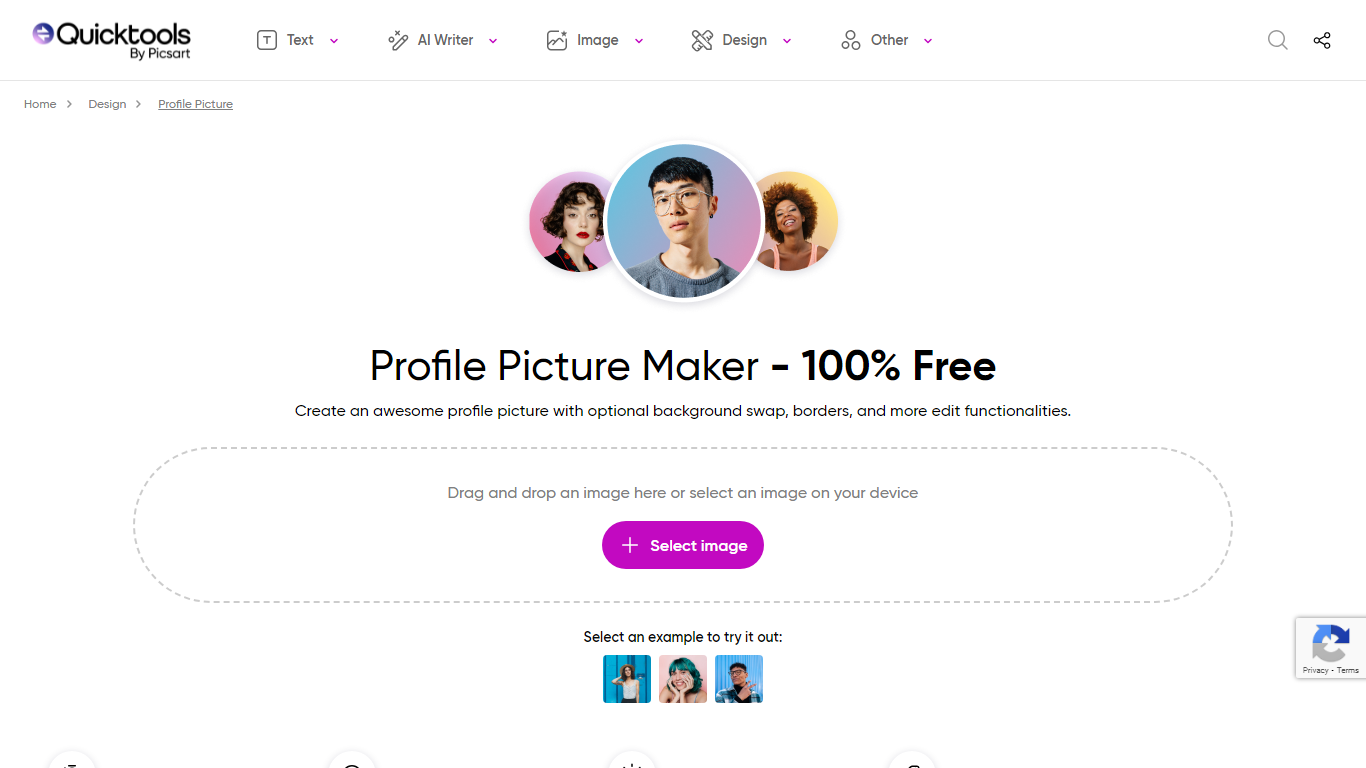
What is Profile Picture Maker By Picsart?
Profile Picture Maker By Picsart crops, reframes, and styles square avatars for social platforms inside the free Quicktools browser editor. You upload a photo, optionally swap the background, add borders or colors, then export preset sizes for Instagram, LinkedIn, Discord, and other networks.
Most avatar editors auto-remove backgrounds whether you want that or not. Picsart's version lets you keep or replace the backdrop, then rotate, scale, and position the subject before picking platform-specific dimensions like 400x400 for LinkedIn or 128x128 for Discord.
Creators refreshing Instagram, Zoom, or Slack avatars use it because it needs no account, stores no images, and advertises 1 to 2 minute results. The page rates 4.8 out of 5 from 51 reviews and sits inside Picsart's broader Quicktools suite launched in 2021.
Caricature By PhotoFunia Upvotes
Profile Picture Maker By Picsart Upvotes
Caricature By PhotoFunia Top Features
Automatic face detection picks the subject before applying the caricature sketch
One-click Caricaturize button after uploading a portrait photo
Part of PhotoFunia's catalog of 642 free online photo effects
Works in mobile browsers with no app install required
Interface available in 15 languages including English, Spanish, and Japanese
Related drawing effects such as Sketch and Artist in a Hat on the same platform
Profile Picture Maker By Picsart Top Features
100% free profile picture editor with no sign-up required
Optional background removal or custom colored and patterned backdrops
Border and fine-tune controls for rotate, scale, and positioning
Preset export sizes for Instagram (320x320), LinkedIn (400x400), Discord (128x128), and more
Drag-and-drop upload with advertised 1 to 2 minute processing
No image storage policy stated on the tool page
4.8 star Quicktools rating from 51 reviews
Caricature By PhotoFunia Category
- Photo Editing
Profile Picture Maker By Picsart Category
- Photo Editing
Caricature By PhotoFunia Pricing Type
- Free
Profile Picture Maker By Picsart Pricing Type
- Free