Caricature Maker By Fotor vs IMI Prompt
In the face-off between Caricature Maker By Fotor vs IMI Prompt, which AI Avatar Generation tool takes the crown? We scrutinize features, alternatives, upvotes, reviews, pricing, and more.
When we put Caricature Maker By Fotor and IMI Prompt head to head, which one emerges as the victor?
If we were to analyze Caricature Maker By Fotor and IMI Prompt, both of which are AI-powered avatar generation tools, what would we find? The upvote count is neck and neck for both Caricature Maker By Fotor and IMI Prompt. You can help us determine the winner by casting your vote and tipping the scales in favor of one of the tools.
Feeling rebellious? Cast your vote and shake things up!
Caricature Maker By Fotor
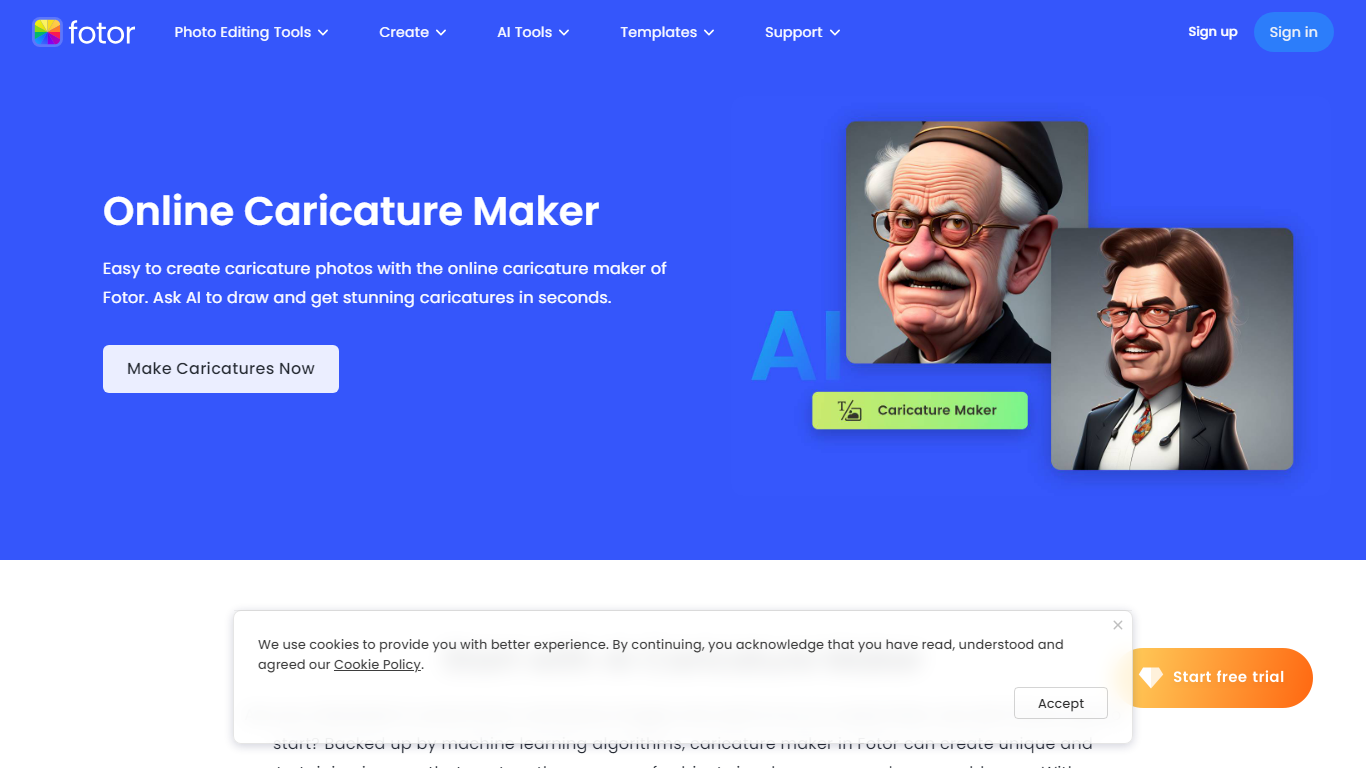

What is Caricature Maker By Fotor?
Caricature Maker By Fotor turns selfies, group shots, pets, or scenery into exaggerated portrait art from the browser. Upload a photo, tap Generate, and the tool applies built-in caricature prompts so you skip writing your own text prompt. The page advertises free online use with no login required for a first try.
Generic cartoon filters flatten everyone the same way. Fotor keeps identity anchors while stretching eyes, chins, and head size, and it ships preset styles such as marker pen, color pencil, sketch, 3D pop, and vintage looks you can swap in seconds. A 3×3 grid mode renders nine poses from one selfie, which is handy for avatar packs without running nine separate jobs.
Social creators, gift makers, and event planners are the use cases Fotor lists for memes, holiday cards, and wedding invites. New users receive free credits, then Fotor Pro subscriptions add monthly credits, watermark-free exports, and access to models like Nano Banana on the pricing page.
IMI Prompt
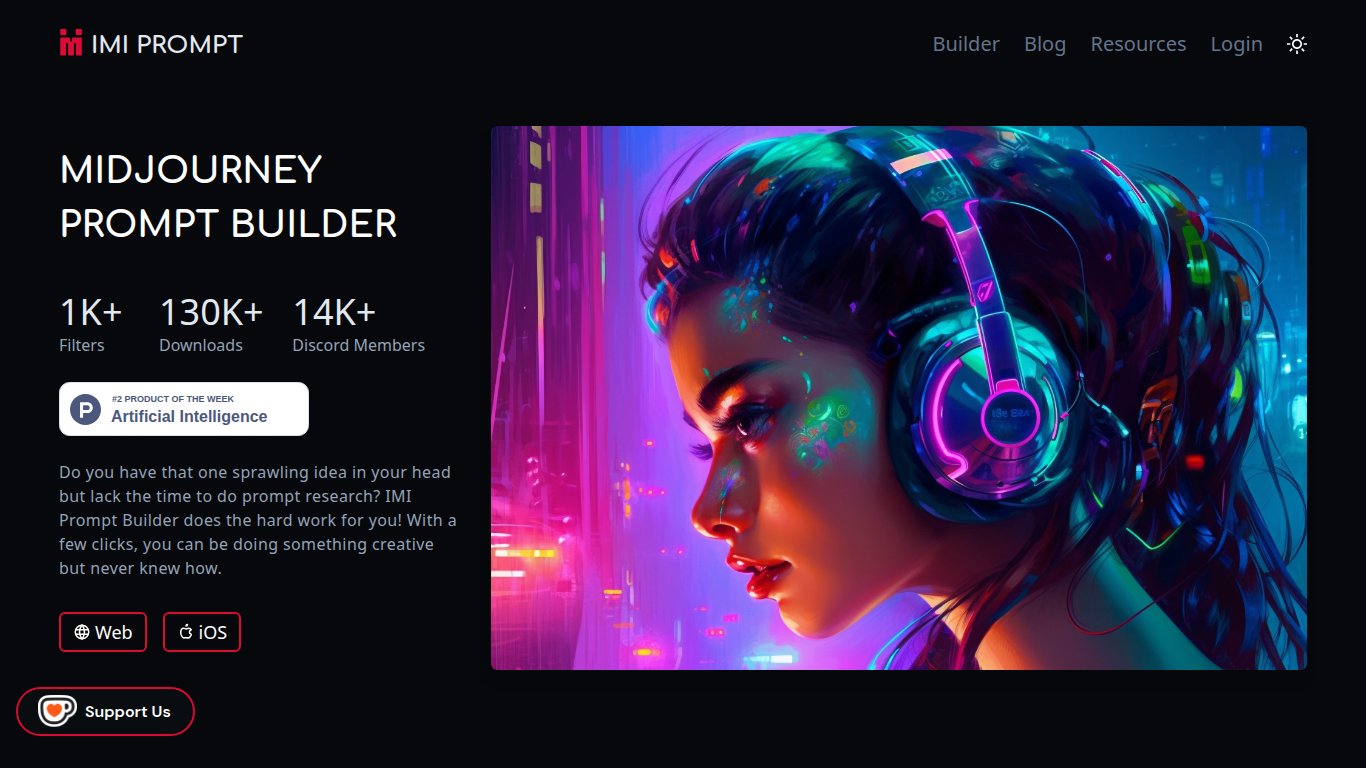
What is IMI Prompt?
IMI Prompt is a Midjourney prompt builder that turns art style, color, and subject picks into ready-to-paste prompts for avatar and image generation. It runs on the web plus iOS and Android apps, with 1,000+ filter options and templates kept current for Midjourney v5. Pick combinations without memorizing prompt syntax, then copy the result into Discord.
Most Midjourney users stitch prompts together from cheat sheets and community threads. IMI Prompt packages thousands of style, color, and object combinations behind a visual picker, which cuts research time but still needs a separate Midjourney subscription to render images.
Digital artists, hobbyists, and avatar creators who want faster Midjourney experiments without learning every parameter are the core users. The 14,000+ member Discord community and YouTube tutorials cover version updates like v5 features and Midjourney /describe workflows.
Caricature Maker By Fotor Upvotes
IMI Prompt Upvotes
Caricature Maker By Fotor Top Features
Built-in caricature prompts let you generate from one photo click without typing
Style presets include marker pen, color pencil, sketch, 3D pop, and vintage looks
3×3 grid mode creates nine pose variations from a single uploaded selfie
Accepts JPG, JPEG, PNG, WebP, and HEIC inputs and exports HD JPG or PNG files
Text-to-caricature mode builds characters from custom written descriptions
Runs on Google Gemini Nano Banana with results in under 10 seconds per FAQ
IMI Prompt Top Features
1,000+ art style, color, and object filters in the visual prompt builder
130,000+ downloads across web, iOS App Store, and Google Play apps
Prompt templates updated for Midjourney v5 compatibility
Web builder plus native iOS and Android apps for on-the-go editing
14,000+ member Discord community for Midjourney tips and updates
Tutorial videos covering Midjourney basics and v5 feature walkthroughs
Caricature Maker By Fotor Category
- Avatar Generation
IMI Prompt Category
- Avatar Generation
Caricature Maker By Fotor Pricing Type
- Freemium
IMI Prompt Pricing Type
- Freemium