Casper AI vs Genei
In the contest of Casper AI vs Genei, which AI Copywriting tool is the champion? We evaluate pricing, alternatives, upvotes, features, reviews, and more.
If you had to choose between Casper AI and Genei, which one would you go for?
When we examine Casper AI and Genei, both of which are AI-enabled copywriting tools, what unique characteristics do we discover? Casper AI stands out as the clear frontrunner in terms of upvotes. Casper AI has received 44 upvotes from aitools.fyi users, while Genei has received 3 upvotes.
Not your cup of tea? Upvote your preferred tool and stir things up!
Casper AI
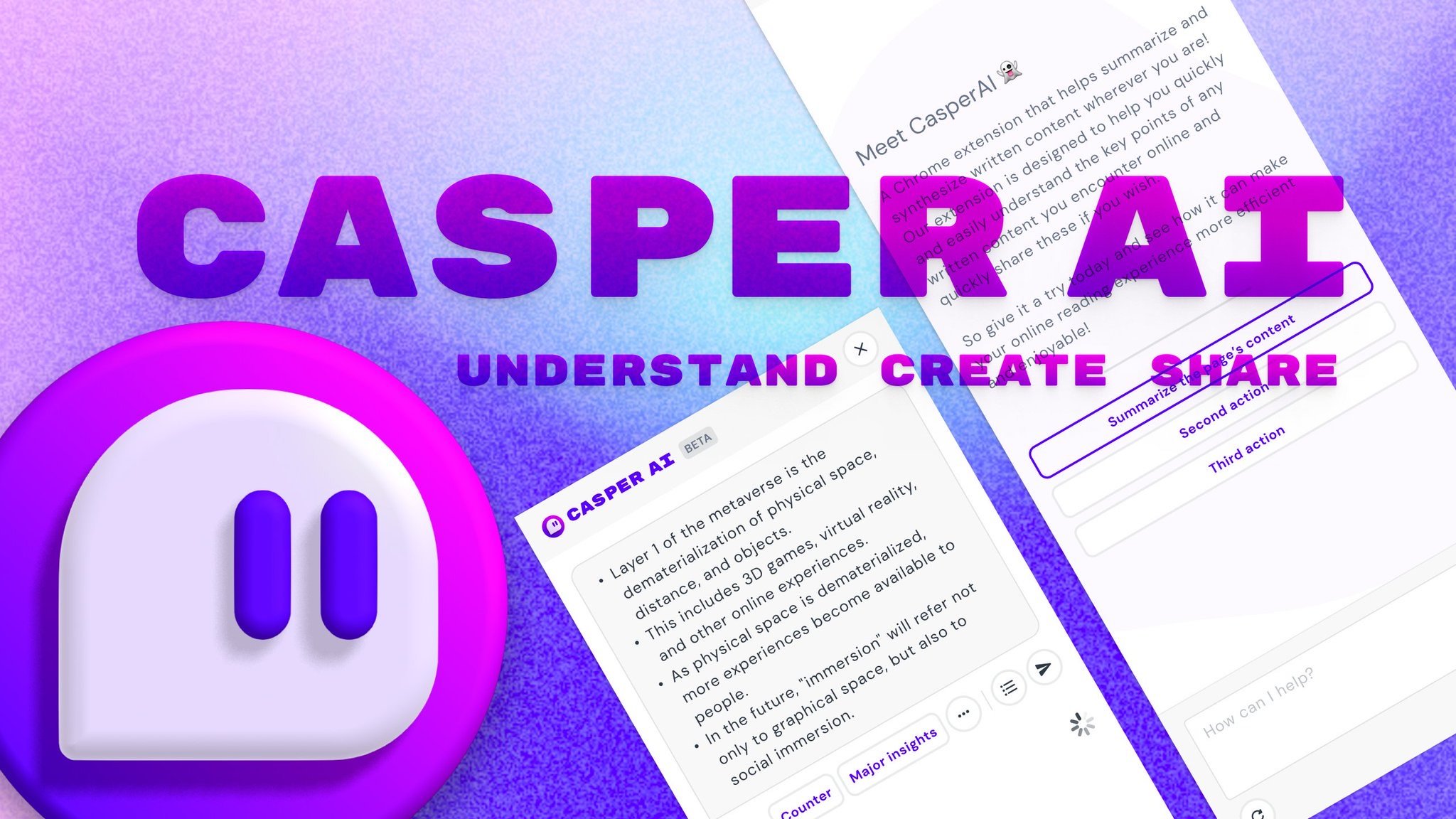

What is Casper AI?
Casper AI is a Chrome extension for copywriting and research workflows that summarizes web pages and PDFs so you can brief articles, track policy changes, or scan deal documents without reading every word. It runs inside the browser, pulls text from the page you are on, and turns long sources into short notes you can share with teammates.
Where many sidebar assistants chase open-ended chat, Casper AI stays closer to analyst-style reading work. It highlights new insights from public sources, compresses news into shareable summaries, and focuses on understanding and distributing findings rather than generating full drafts from scratch. That narrow scope suits professionals who need quick comprehension more than long-form content generation.
The Chrome Web Store listing targets analysts, strategists, policymakers, and business developers who prepare for exams, research investments, work on deals, or track new laws. Version 0.4.2 lists about 10,000 users and a 4.4 out of 5 rating from 77 reviews, with English as the only supported language.
Genei
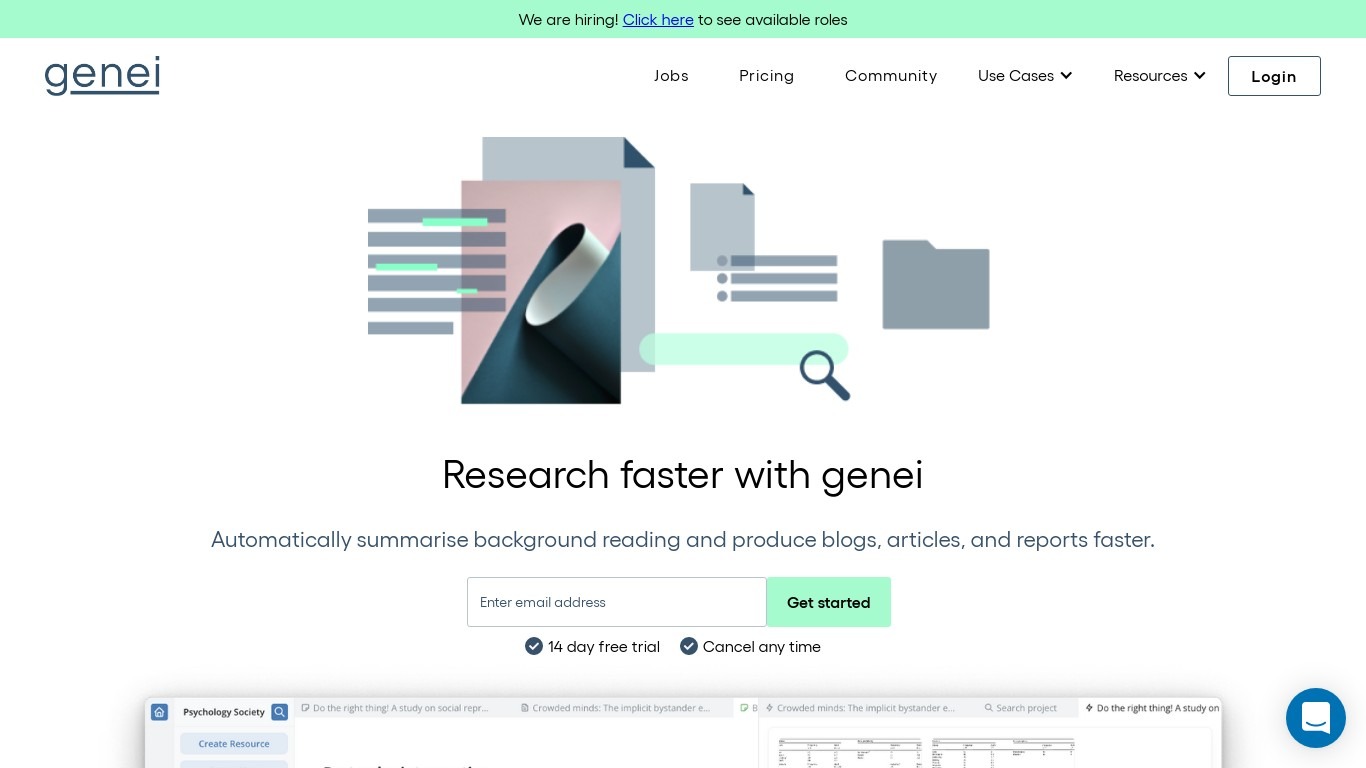
What is Genei?
Genei is a copywriting research workspace that pulls PDFs and webpages into projects so you can summarize sources, extract keywords, and draft blogs, articles, and reports from linked notes. You upload documents or paste URLs, organize them in folders, and jump from AI summaries straight to the passage they came from. It is built for writers who need citations attached to every quote, not a blank chat box.
Where a general LLM guesses from memory, Genei keeps your reading list inside the app and ties each summary bullet to a specific spot in the source file. Pro adds multi-document search, GPT-3 paraphrasing, and question answering across every paper in a project, which matters when a literature review spans dozens of PDFs. The trade-off is narrow scope: it reads and reorganizes what you feed it rather than generating finished copy from a single prompt.
Students and academics use it to speed literature reviews, with Genei claiming overview panels help users get through documents up to 70% faster. Content producers, journalists, and professional writers pair the web app with a Chrome extension that saves pages while browsing. Support is at [email protected], desktop only, English documents only.
Casper AI Upvotes
Genei Upvotes
Casper AI Top Features
Summarizes web pages and PDFs from the active browser tab
Targets analyst workflows like investment research, deal review, and policy tracking
Turns long articles into short notes you can share with stakeholders
Chrome Web Store version 0.4.2 with about 10,000 users
Offers in-app purchases with a 14-day refund window on first purchase
Collects website content to power summaries per the listed privacy policy
Genei Top Features
14-day free trial on every plan with cancel-anytime billing listed on the pricing page
Import PDFs and webpages into unlimited projects; Professional Basic caps uploads at 15MB per file
Pro unlocks multi-document analysis, GPT-3 paraphrase tools, and AI question answering across a project library
Chrome extension summarizes or saves webpages while you browse without leaving the tab
Reference generator links notes to exact source passages for export-ready citations
Keyword extraction and semantic search surface terms and sections inside each uploaded document
Casper AI Category
- Copywriting
Genei Category
- Copywriting
Casper AI Pricing Type
- Freemium
Genei Pricing Type
- Paid