Chatclient vs GptAutoBOT
In the clash of Chatclient vs GptAutoBOT, which AI Chat Bot tool emerges victorious? We assess reviews, pricing, alternatives, features, upvotes, and more.
When we put Chatclient and GptAutoBOT head to head, which one emerges as the victor?
Let's take a closer look at Chatclient and GptAutoBOT, both of which are AI-driven chat bot tools, and see what sets them apart. There's no clear winner in terms of upvotes, as both tools have received the same number. Be a part of the decision-making process. Your vote could determine the winner.
You don't agree with the result? Cast your vote to help us decide!
Chatclient

What is Chatclient?
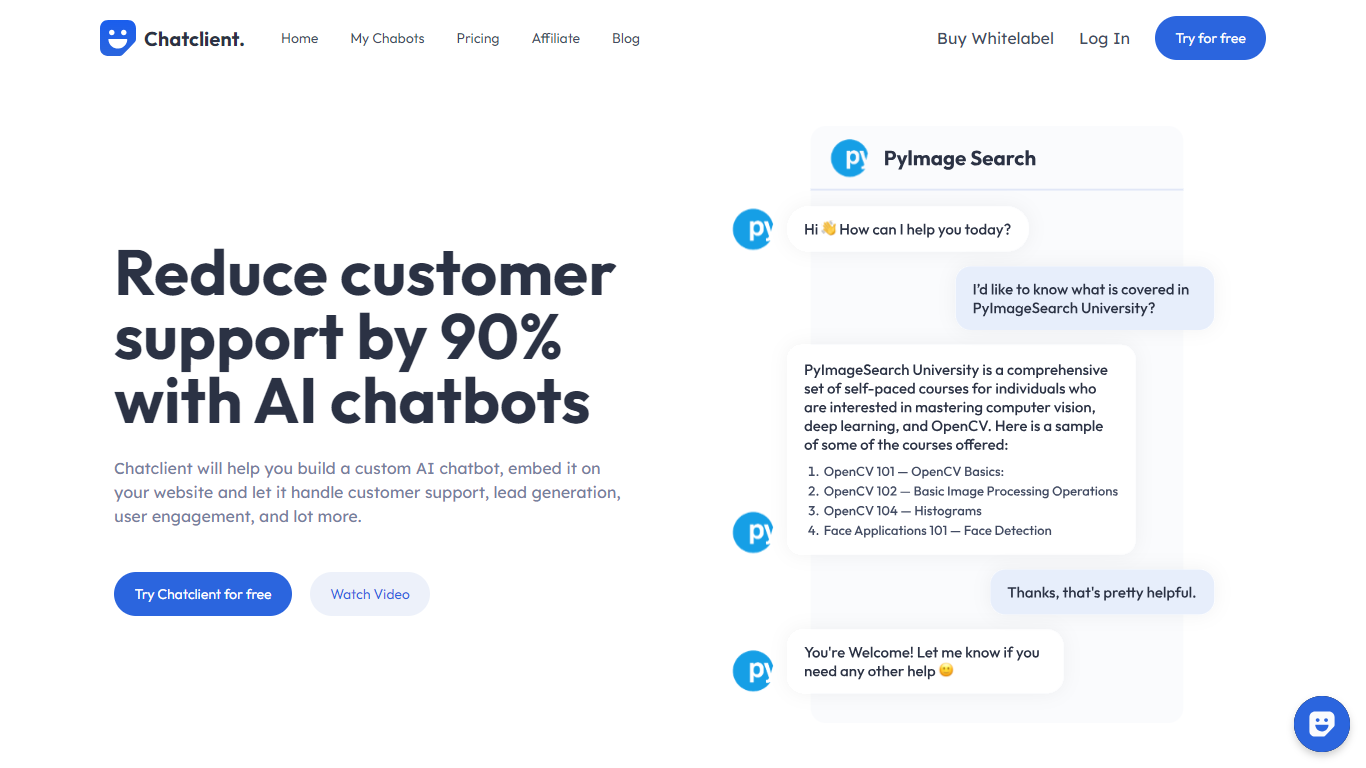
Chatclient is a custom AI agent builder for businesses that want ChatGPT-style chat on their own website. You upload documents, paste text, or point it at your site, and it trains an agent that answers questions from that content. The result is an embeddable chat widget or API you can drop into any page.
The platform targets customer support, lead generation, and user engagement. Agents can collect leads, hand off to human support when answers fall short, and run across 95+ languages even when your source data is in one language. Integrations cover Slack, WhatsApp, Zapier, and more, with auto-retrain options to keep agents synced with your latest content.
Model choice spans fast and advanced tiers depending on plan, including GPT-4o Mini, Claude 3.5 Haiku, Gemini 1.5 Flash, GPT-4o, Claude 3.5 Sonnet, Claude 3 Opus, and Gemini 1.5 Pro. Whitelabel and custom domain options are available for teams that want to remove Chatclient branding.
GptAutoBOT
What is GptAutoBOT?
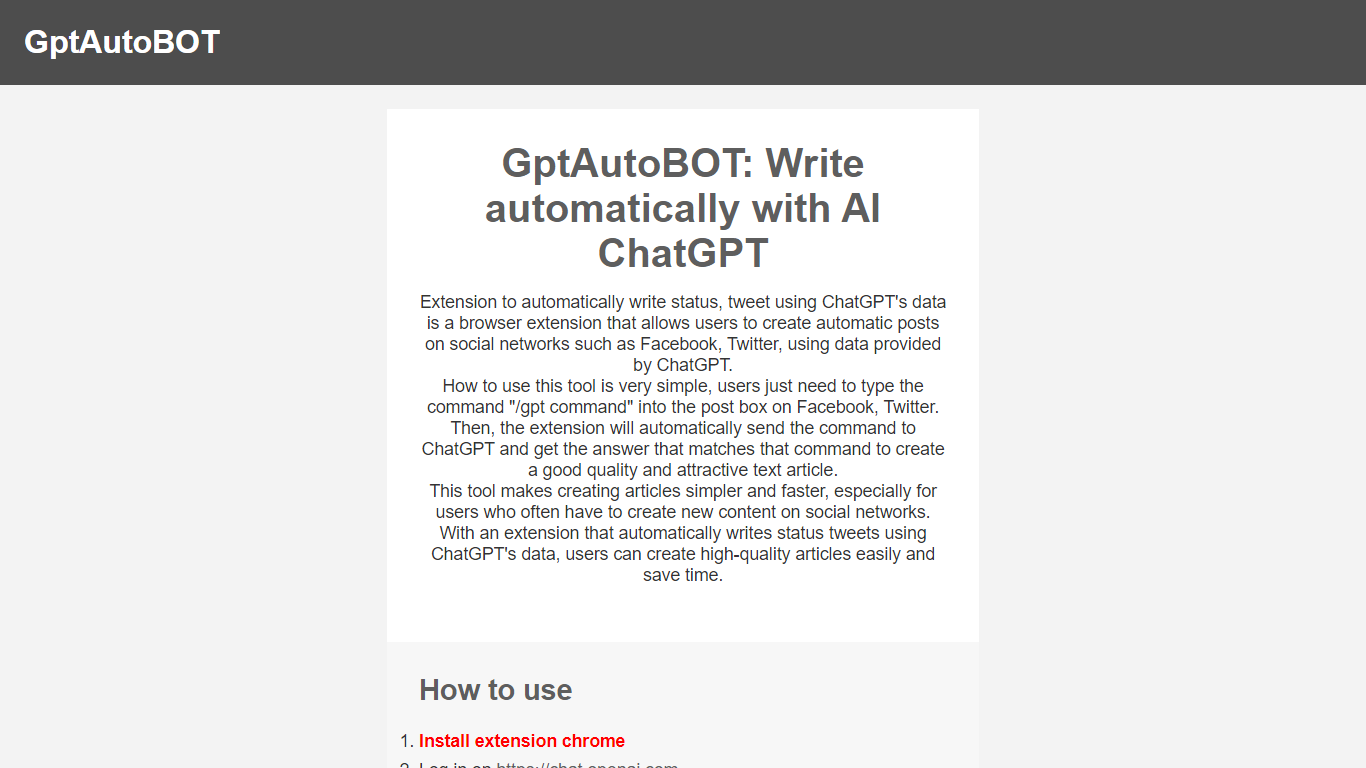
Experience seamless social media content creation with GptAutoBOT, the innovative browser extension designed to harness the power of ChatGPT. With the facility to construct intriguing articles and status updates on platforms like Facebook and Twitter, this tool ensures both quality and efficiency. Wave goodbye to the blank page and say hello to auto-generated, appealing text for your social networks.
Using GptAutoBOT is a breeze—simply install the Chrome extension, log in at chat.openai.com, and begin crafting your content. By entering "/gpt" followed by your command in any text box, GptAutoBOT takes over, transforming your command into a polished post. This user-friendly extension is perfect for content creators and social media enthusiasts seeking to enhance their online presence with minimal effort.
What's more, GptAutoBOT isn't just about social media posts. Our suite of products includes GPTGO.Ai, combining the power of ChatGPT with Google Search technology to elevate your content search capabilities. Step up your content game with GptAutoBOT and explore the possibilities that AI-driven writing assistance can bring to your digital strategy.
Chatclient Upvotes
GptAutoBOT Upvotes
Chatclient Top Features
Train agents from website URLs, PDFs, DOCX, CSV, TXT files, or pasted text
Pick fast or advanced models like GPT-4o, Claude 3.5 Sonnet, and Gemini 1.5 Pro
Embed a chat bubble or iframe on unlimited websites, or connect via API
Auto-retrain agents on a schedule so answers stay aligned with your latest content
Hand off chats to human support when customers need more than the AI can answer
Connect Slack, WhatsApp, Zapier, and other tools for multi-channel deployment
Support 95+ languages for questions and answers across different source languages
Whitelabel option removes Chatclient branding and supports a custom domain
GptAutoBOT Top Features
Effortless Installation: Quick Chrome extension setup for immediate use.
Easy Social Media Integration: Supports Facebook and Twitter for direct content creation.
Simple Commands: Enter "/gpt" plus your command for automated writing.
Content Quality: Generates high-quality and attractive text for posts.
Time-Saving: Saves time by automating content creation for frequent social media users.
Chatclient Category
- Chat Bot
GptAutoBOT Category
- Chat Bot
Chatclient Pricing Type
- Freemium
GptAutoBOT Pricing Type
- Freemium