Chatgot vs Owlbot
Compare Chatgot vs Owlbot and see which AI Chat Bot tool is better when we compare features, reviews, pricing, alternatives, upvotes, etc.
Which one is better? Chatgot or Owlbot?
When we compare Chatgot with Owlbot, which are both AI-powered chat bot tools, The users have made their preference clear, Owlbot leads in upvotes. Owlbot has 8 upvotes, and Chatgot has 7 upvotes.
Disagree with the result? Upvote your favorite tool and help it win!
Chatgot

What is Chatgot?
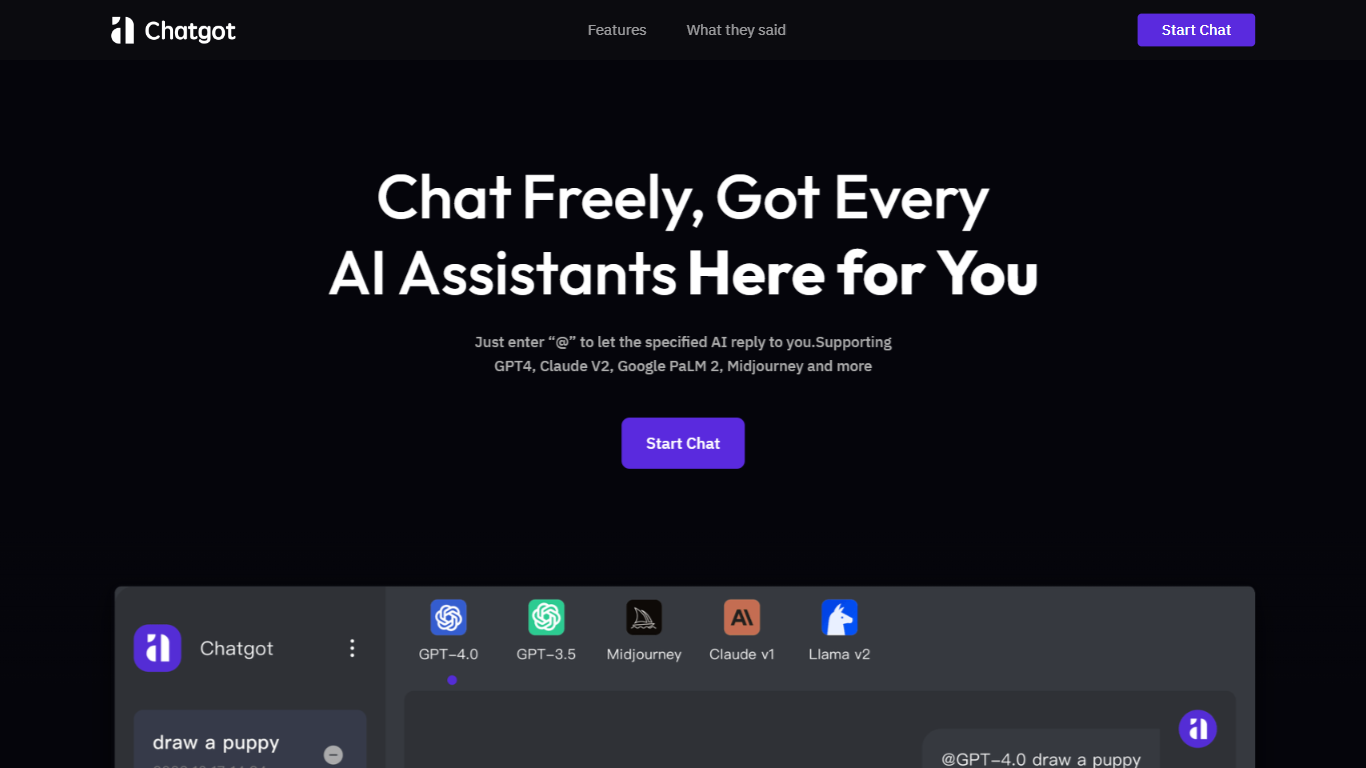
Chatgot is a free online chatbot that bundles AI chatting, writing help, PDF analysis, and image generation in one browser workspace. You can start chatting without creating an account, switch between models like GPT-4o mini and Claude 3 Haiku, or pick specialized bots for email drafting, coding, and research. A Chrome and Edge extension mirrors the same tools if you want the assistant inside your browser tabs.
Most AI chat sites lock you into one model or one task type. Chatgot keeps chat, ChatPDF uploads, text-to-image generation, and custom bot building on the same homepage, so you are not bouncing between separate PDF and image apps. The free tier caps you at 10 standard queries per day, which is tighter than all-you-can-eat wrappers but still enough to test the full feature set before paying.
Students use ChatPDF to question long reports instead of rereading every page. Marketers and bloggers lean on the writing assistant and watermark-free image generator for drafts. Professionals who want a private bot for email tone or client research can create a custom assistant without writing code.
Owlbot
What is Owlbot?
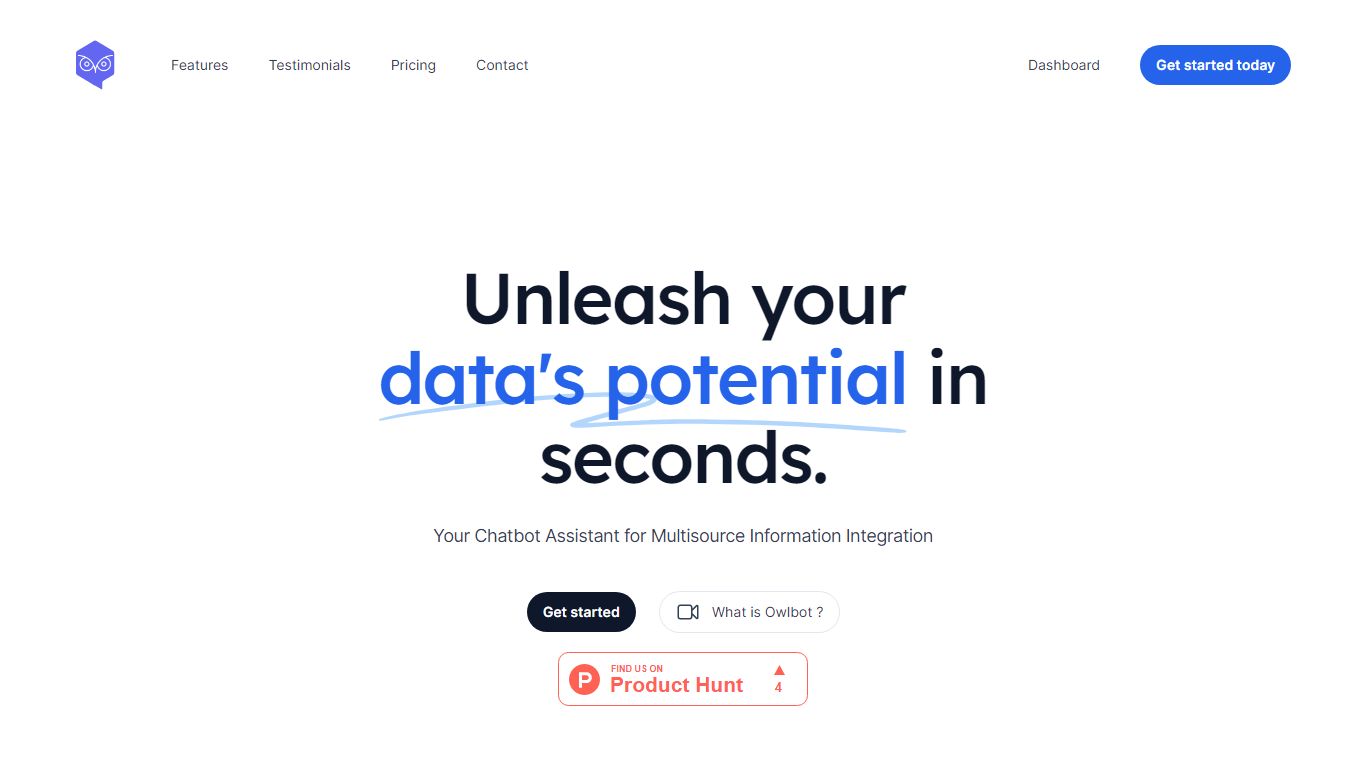
Owlbot turns your website, PDFs, and docs into a customer-facing chatbot that cites its sources on every answer. You import knowledge, pick one of 12 LLM models, and deploy the agent on your site, WhatsApp, Slack, or via API without writing code.
Unlike generic chat widgets that guess from a thin FAQ, Owlbot grounds replies in uploaded policies and links the exact document behind each answer. Function calling on Enterprise lets the bot pull live data or trigger workflows mid-conversation.
Support teams and small businesses use Owlbot when they want 24/7 answers in 95 languages, lead capture inside chat, and analytics on what customers actually ask after hours.
Chatgot Upvotes
Owlbot Upvotes
Chatgot Top Features
Start chatting with GPT-4o mini and 10 other models without signing up first
Upload PDFs for summaries, outlines, and Q&A through the built-in ChatPDF tool
Generate watermark-free images in multiple artistic styles from a text prompt
Build custom AI bots with your own prompts and model choice at no extra setup cost
Free plan includes 10 standard queries per day; Pro unlocks 6,000 monthly queries for $9.9
Chrome and Edge browser extensions bring the same chat, PDF, and image tools to any tab
Owlbot Top Features
Starter at $19 per month includes 1 chatbot and 2,000 messages
Small Business at $39 per month supports 5 chatbots and 5,000 messages
Enterprise at $59 per month allows 10 chatbots and 10,000 messages
12 LLM models including Mistral, OpenAI, and Anthropic options
Answers in 95 languages with automatic language detection
Function calling on Enterprise connects custom APIs and workflows
Chatgot Category
- Chat Bot
Owlbot Category
- Chat Bot
Chatgot Pricing Type
- Freemium
Owlbot Pricing Type
- Freemium