ChatGate (formerly ChatGPT AI) vs Divi AI
In the face-off between ChatGate (formerly ChatGPT AI) vs Divi AI, which AI All In One tool takes the crown? We scrutinize features, alternatives, upvotes, reviews, pricing, and more.
In a face-off between ChatGate (formerly ChatGPT AI) and Divi AI, which one takes the crown?
If we were to analyze ChatGate (formerly ChatGPT AI) and Divi AI, both of which are AI-powered all in one tools, what would we find? Neither tool takes the lead, as they both have the same upvote count. Since other aitools.fyi users could decide the winner, the ball is in your court now to cast your vote and help us determine the winner.
Not your cup of tea? Upvote your preferred tool and stir things up!
ChatGate (formerly ChatGPT AI)
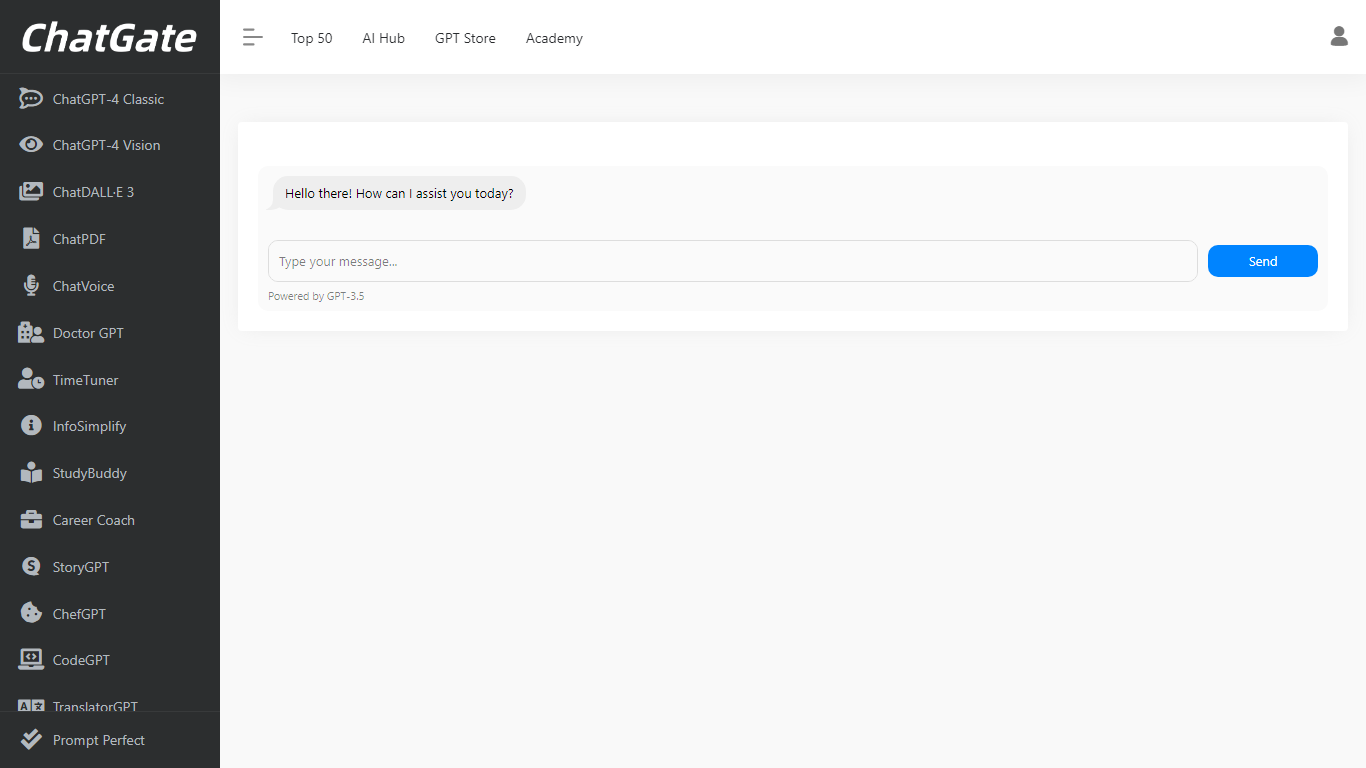

What is ChatGate (formerly ChatGPT AI)?
ChatGate at chatgpt.ai is a third-party AI gateway that routes chat, image, and video requests across ChatGPT, Gemini, Claude, and other major models from one web interface. You pick a model manually or leave routing on Auto, then generate without juggling separate provider accounts.
Unlike signing up directly with OpenAI or Google, ChatGate sells consolidated access through tiered subscriptions and adds a Discover feed that ranks newly launched AI apps by category. The chatgpt.ai domain redirects to chatgate.ai, so the product brands as ChatGate even though the listing URL predates the rename.
Builders, marketers, and researchers who want one bill for multiple frontier models fit here, especially if they also browse the Discover leaderboard for fresh tools. It is not the official OpenAI ChatGPT product at chat.openai.com.
Divi AI
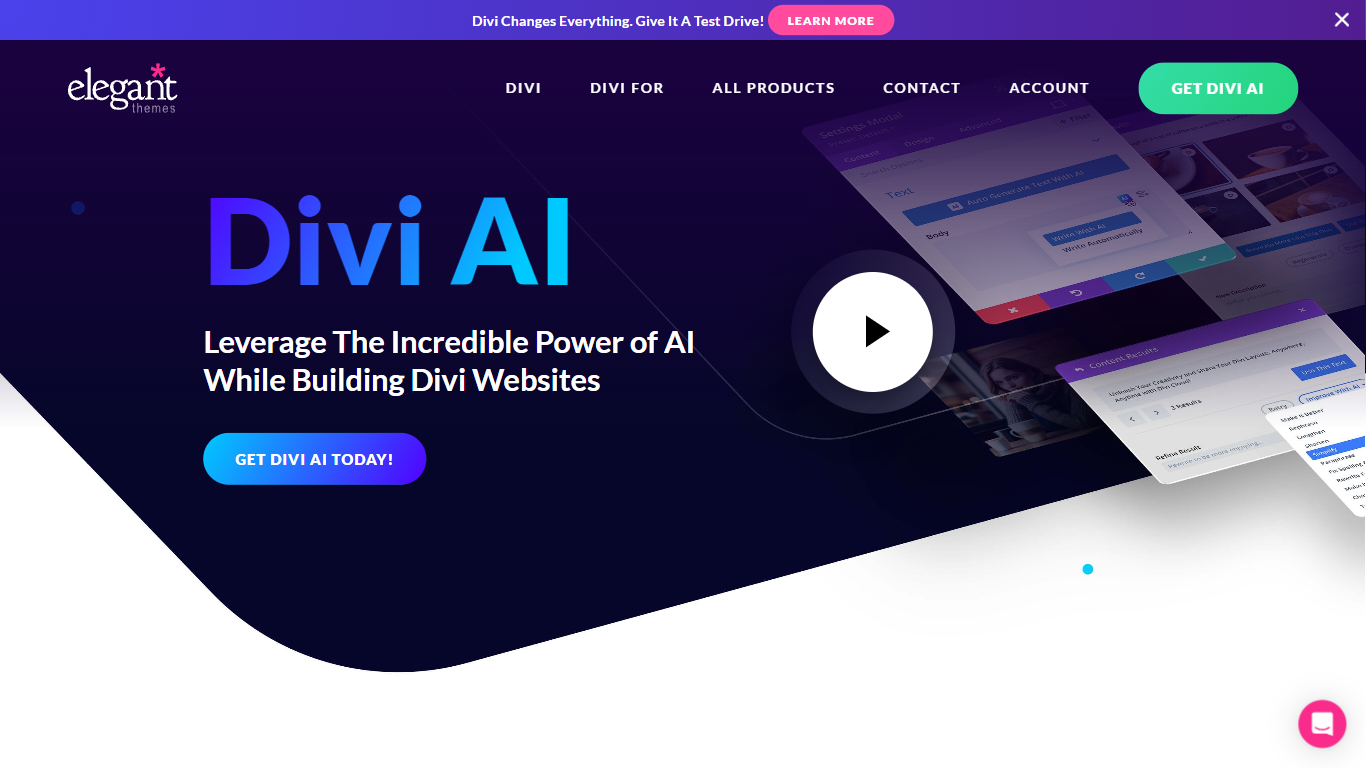
What is Divi AI?
Divi AI lives inside the Divi Visual Builder for WordPress and generates layouts, copy, images, and custom CSS from prompts. It builds full websites through Divi Quick Sites, drafts new sections on demand, and writes code fine-tuned on the Divi module codebase. Existing Divi customers get a limited free trial; unlimited generation requires a Divi AI or Divi Pro subscription.
General tools like ChatGPT or Jasper sit outside your WordPress workflow and cannot see your page context or Divi modules. Divi AI reads your site name, page content, and surrounding modules to suggest on-brand layouts, and it uploads generated images straight to the WordPress media library. That tight integration with Divi's visual builder is the main reason to use it over a separate AI writing tab.
Web designers, freelancers, and agencies already building with Divi use it to skip manual layout assembly and stock photo hunts. Small business owners running their own WordPress sites also lean on Quick Sites to spin up a full site with consistent brand fonts and colors stored for future pages.
ChatGate (formerly ChatGPT AI) Upvotes
Divi AI Upvotes
ChatGate (formerly ChatGPT AI) Top Features
Reach ChatGPT, Gemini, Claude, and other models from one chat workspace
Generate text, images, and video without switching provider sites
Switch models manually or leave routing on Auto
Web research workflows included on every paid plan from $20 per month
Discover feed ranks new AI apps across 15 product categories
Yearly billing saves 20% compared with monthly payments
Divi AI Top Features
Divi Quick Sites generates full websites with AI layouts, copy, and photos in one click
Standalone Divi AI plan costs $193 per year ($16.08 per month billed annually) for unlimited generation
Code and custom CSS generation is fine-tuned on the Divi module codebase inside Visual Builder
Reference-image editing, outpainting, upscaling, and style transfer for module images
Divi Pro bundle at $277 per year includes Divi AI with unlimited usage across unlimited sites
Brand fonts and colors can be stored so AI layouts stay on-brand across pages
ChatGate (formerly ChatGPT AI) Category
- All In One
Divi AI Category
- All In One
ChatGate (formerly ChatGPT AI) Pricing Type
- Freemium
Divi AI Pricing Type
- Paid