Chatterdocs vs Botsheets
Compare Chatterdocs vs Botsheets and see which AI Customer Support tool is better when we compare features, reviews, pricing, alternatives, upvotes, etc.
Which one is better? Chatterdocs or Botsheets?
When we compare Chatterdocs with Botsheets, which are both AI-powered customer support tools, Both tools have received the same number of upvotes from aitools.fyi users. You can help us determine the winner by casting your vote and tipping the scales in favor of one of the tools.
Disagree with the result? Upvote your favorite tool and help it win!
Chatterdocs

What is Chatterdocs?
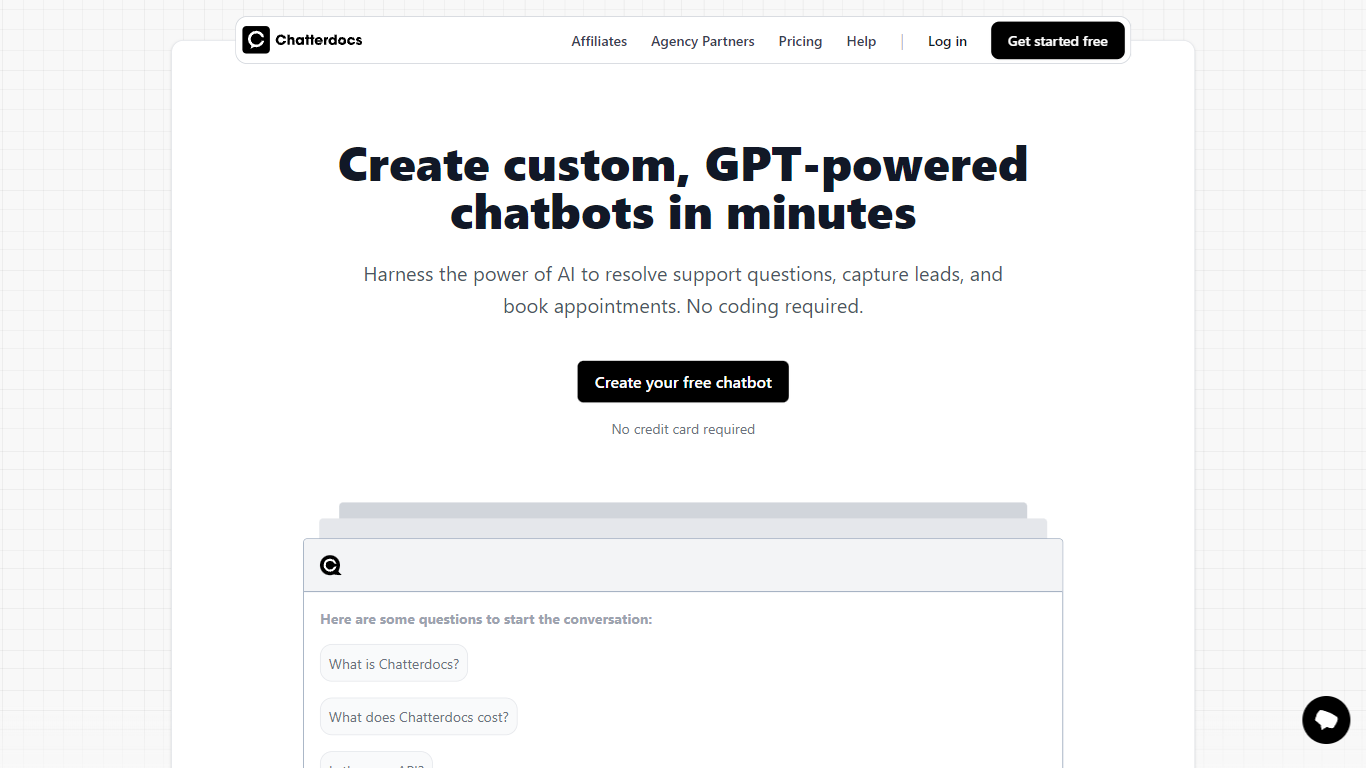
Chatterdocs is a customer support chatbot builder that trains GPT-powered assistants on your website pages, documents, and Notion workspaces. You import content, customize responses, and deploy a chat widget, Slack slash commands, or API push without writing code. The homepage still offers a free chatbot signup with no credit card required.
Chatterdocs now directs new customers to ResolveAI, its merged successor brand, but the original site remains live with docs and onboarding. Compared with Intercom or Zendesk bots tied to full help desks, Chatterdocs focuses on fast GPT training from files and URLs, plus lead capture and appointment booking inside the chat widget.
It fits support teams, agencies, and SaaS sites that want 24/7 answers trained on their own data. Plans on the linked ResolveAI pricing page start at $9 per month with a 10-day free trial, scaling to Expert at $79 per month for higher message and character limits.
Botsheets
What is Botsheets?
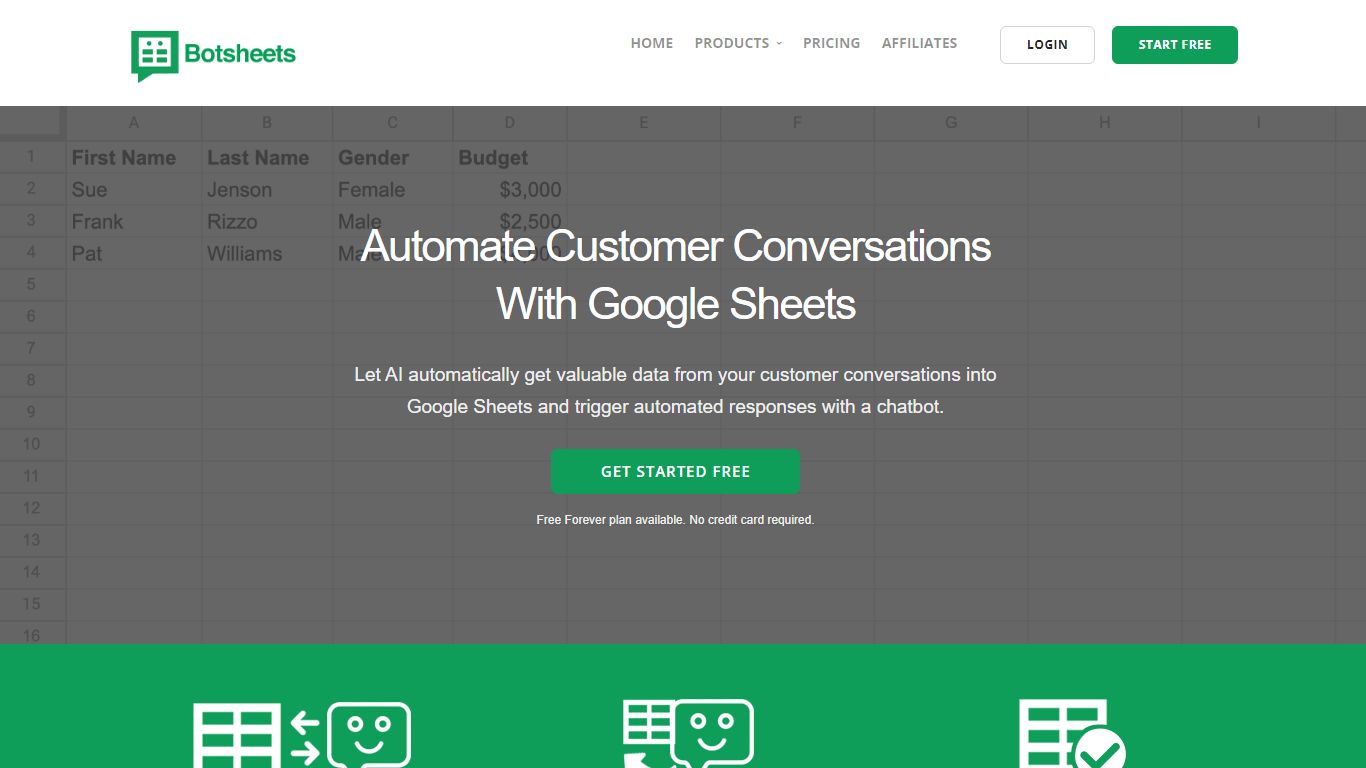
Botsheets builds marketing chatbots that read and write Google Sheets as their data layer. Connect a Google Drive, and the bot pulls spreadsheet rows to answer questions, extracts conversation data back into sheets, and generates tables or charts from natural language prompts. Agencies and marketing teams use it when clients already manage content in spreadsheets instead of a chatbot dashboard.
Generic chatbot builders store knowledge in proprietary dashboards that clients rarely touch. Botsheets keeps the source of truth in Google Sheets, so non-technical clients update chatbot content by editing cells. It also generates Google Slides presentations from sheet data and offers a Manychat plugin, which is a narrower Google Workspace workflow than standalone website chat widgets.
Teams deploy website chatbots as form replacements, share data-exploration bots via embed links, and auto-build slide decks from datasets. Lite starts at $19 per month for the Manychat plugin with 10,000 requests.
Chatterdocs Upvotes
Botsheets Upvotes
Chatterdocs Top Features
Basic plan at $9 per month includes 1 chatbot, 20 training sources, and 2,000 AI messages
Import website pages, PDFs, CSV, Markdown, audio files, and Notion workspaces as training data
Embed a chat widget, use Slack slash commands, or push responses via API
Lead capture and appointment booking built into the chat interface
Human live chat takeover when visitors ask to speak with a real person
10-day free trial on paid plans with 5-minute setup per ResolveAI pricing page
Botsheets Top Features
Chatbots read Google Sheets rows to generate conversational responses
Extracts structured data from chat conversations into Google Sheets
Generates Google Slides with insights and charts from sheet data in about 2 minutes
Connects webpages and PDFs as additional chatbot data sources
Manychat plugin Lite plan includes 10,000 requests at $19 per month
Website chatbots replace forms by collecting data through conversation
Add your own OpenAI API key to bypass Botsheets message credits
Chatterdocs Category
- Customer Support
Botsheets Category
- Customer Support
Chatterdocs Pricing Type
- Freemium
Botsheets Pricing Type
- Freemium