ChatWP vs TypingMind
Compare ChatWP vs TypingMind and see which AI Chat Bot tool is better when we compare features, reviews, pricing, alternatives, upvotes, etc.
Which one is better? ChatWP or TypingMind?
When we compare ChatWP with TypingMind, which are both AI-powered chat bot tools, Neither tool takes the lead, as they both have the same upvote count. Join the aitools.fyi users in deciding the winner by casting your vote.
Does the result make you go "hmm"? Cast your vote and turn that frown upside down!
ChatWP

What is ChatWP?
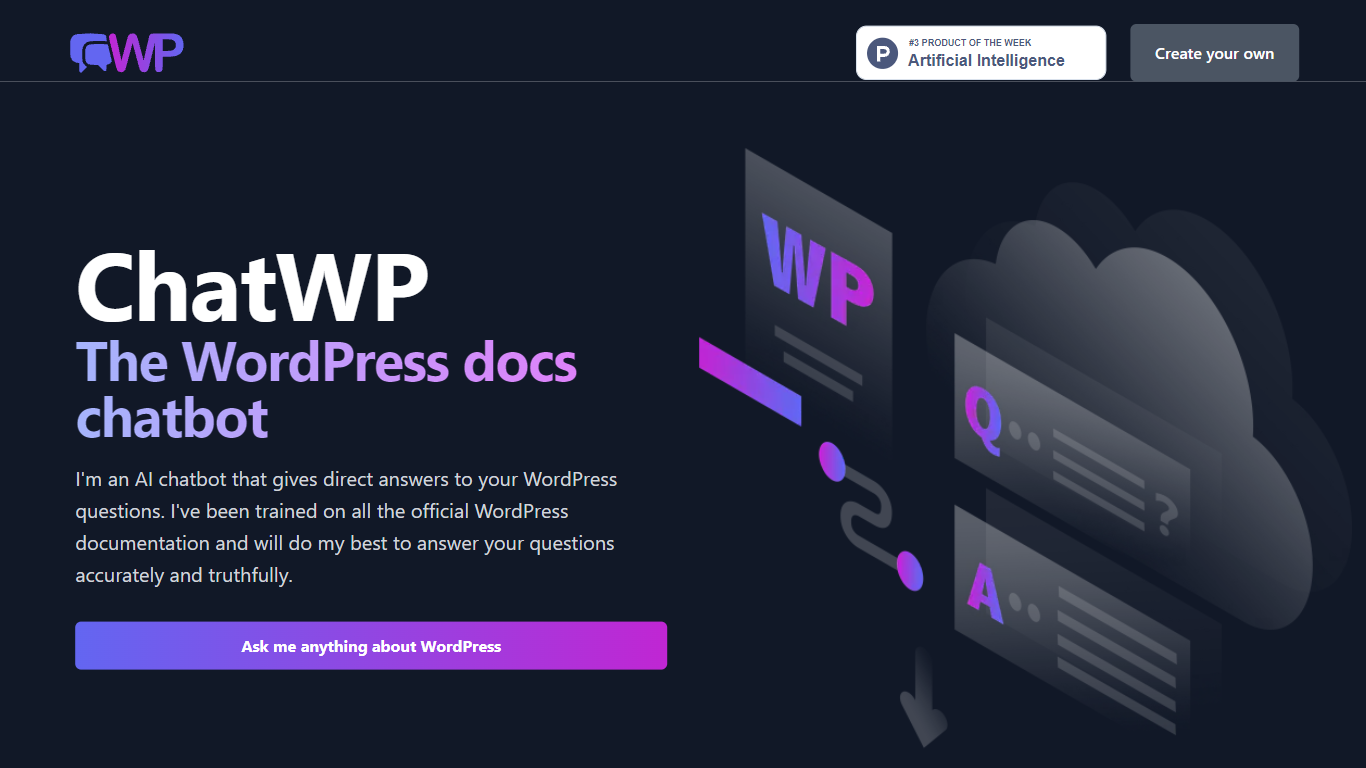
ChatWP is a free WordPress documentation chatbot that answers questions drawn from the official WordPress.org docs corpus. You type a full question on wpdocs.chat and get a direct answer instead of hunting through support articles. The bot cites its sources so you can verify what it says, though it warns it may occasionally invent details.
Most WordPress help chatbots scrape plugin marketplaces or theme docs. ChatWP sticks to core WordPress.org documentation only, which means plugin-specific questions get a clear refusal rather than a guess. That narrow scope trades breadth for fewer wrong answers about third-party products you do not run.
Site owners learning WordPress basics, freelance developers checking core APIs, and anyone migrating a site who needs step-by-step guidance benefit most. You can also ask for code examples, lists, or responses in languages like Spanish by specifying the format in your prompt.
TypingMind
What is TypingMind?
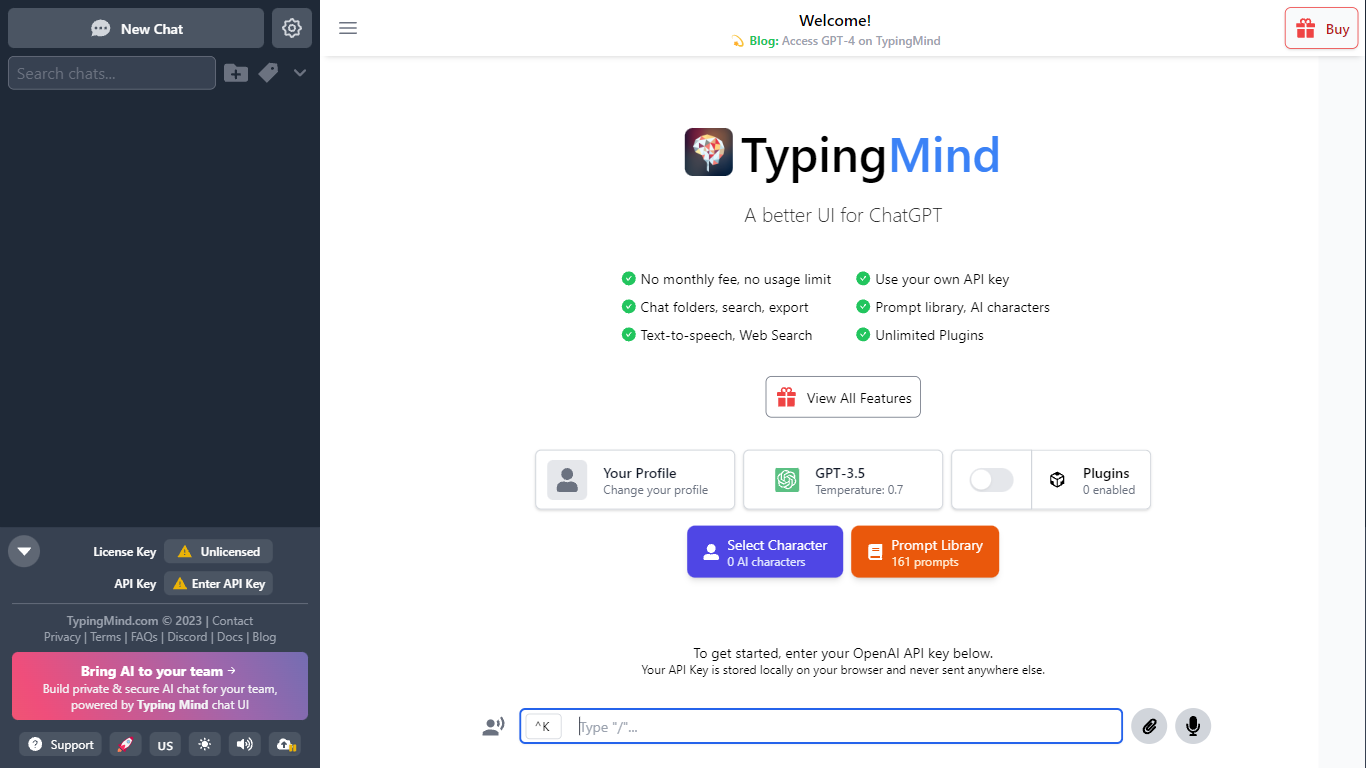
TypingMind gives you one chat interface for ChatGPT, Claude, Gemini, DeepSeek, and other LLMs while you bring your own API keys. You pay a one-time license fee to TypingMind, then only for the tokens each model provider charges. Chats, folders, agents, and API credentials stay in local browser storage by default, so your conversations are not sent for model training.
Where ChatGPT Plus locks you into OpenAI and caps usage, TypingMind lets you switch models mid-conversation, run multi-model parallel chats, and connect MCP tools, RAG knowledge bases, and custom plugins. Prompt caching can cut token costs up to 90% on supported models. Over 50 pre-built agents cover coding, research, and marketing workflows out of the box.
TypingMind suits power users and teams who already pay for API access and want a richer UI than vendor defaults. More than 20,641 customers use it daily, and a separate TypingMind for Teams product adds admin controls, custom branding, and self-hosting for companies.
ChatWP Upvotes
TypingMind Upvotes
ChatWP Top Features
Trained exclusively on official WordPress.org documentation, not plugin or theme docs
Ask full questions like "How do I install a plugin?" instead of keyword searches
Request output as code examples, lists, or in Spanish by specifying the format
Source citations included with answers so you can verify claims
No signup required at wpdocs.chat, with a Random button for sample questions
Built by Aaron Edwards, former CTO at WPMU DEV and founder of DocsBot AI
TypingMind Top Features
Access ChatGPT, Claude, Gemini, and 20+ LLMs from one interface
Lifetime licenses from $39 Standard to $99 Premium with no TypingMind subscription
Prompt caching reduces token costs up to 90% on supported models
50+ pre-built AI agents plus custom agent and plugin builder
MCP connectors for Figma, GitHub, GitLab, Redis, Make, and Apify
Local-first storage keeps chats and API keys on your device by default
ChatWP Category
- Chat Bot
TypingMind Category
- Chat Bot
ChatWP Pricing Type
- Free
TypingMind Pricing Type
- Paid