Clapper vs Video Editor By VIDIO
When comparing Clapper vs Video Editor By VIDIO, which AI Video Editing tool shines brighter? We look at pricing, alternatives, upvotes, features, reviews, and more.
In a comparison between Clapper and Video Editor By VIDIO, which one comes out on top?
When we put Clapper and Video Editor By VIDIO side by side, both being AI-powered video editing tools, Both tools are equally favored, as indicated by the identical upvote count. You can help us determine the winner by casting your vote and tipping the scales in favor of one of the tools.
Think we got it wrong? Cast your vote and show us who's boss!
Clapper

What is Clapper?
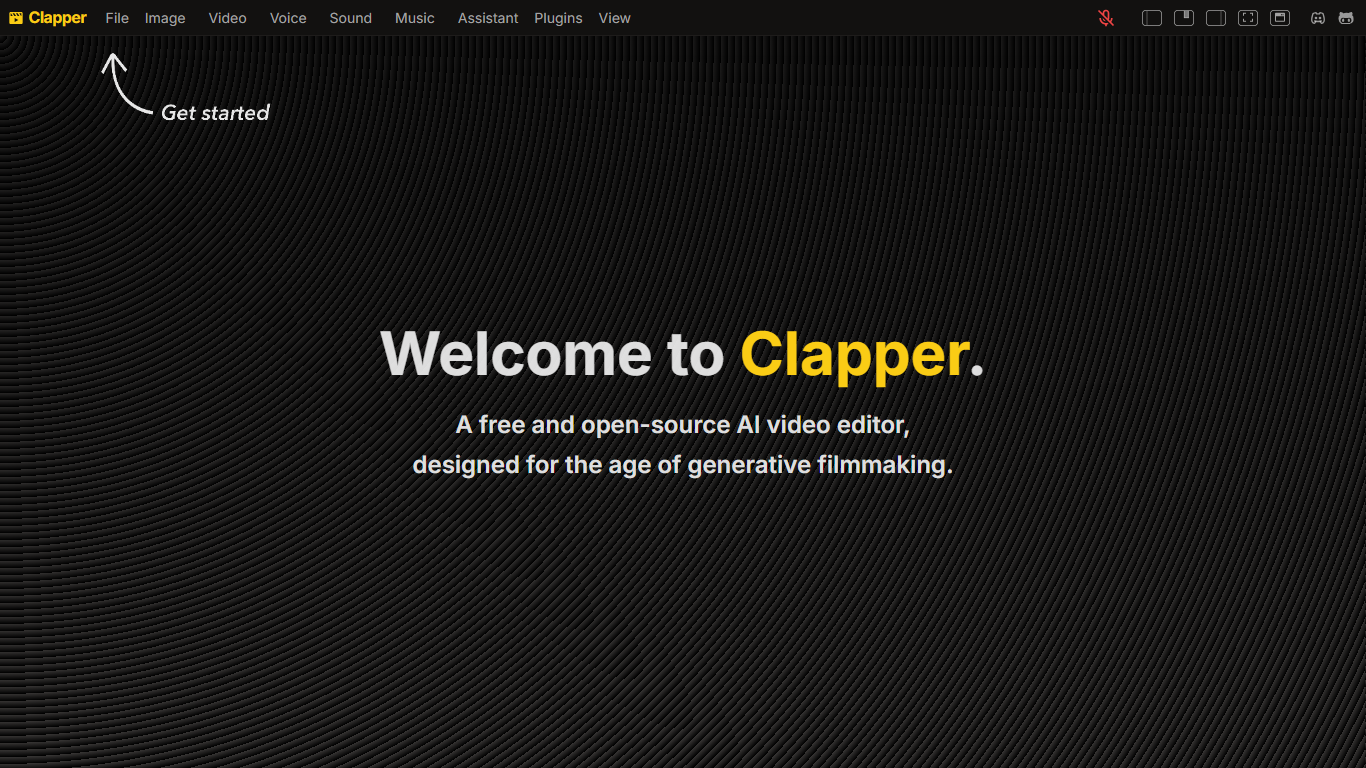
Clapper is an open-source AI story visualization tool that turns high-level creative directions into video sequences without a traditional timeline editor. You describe characters, locations, weather, style, and mood, then iterate with an AI assistant instead of cutting raw clips by hand.
Most AI video editors still expect 3D scenes or frame-by-frame exports. Clapper works from narrative abstractions and is building a Director's Mode where you prompt changes in fullscreen while the set assistant updates the scene. The hosted demo lives on Hugging Face at clapper.app, with local installs via Bun on port 3000.
It targets filmmakers, hobbyists, and developers experimenting with AI cinema. The README warns the project is in very early alpha: some buttons break, workflows are incomplete, and the public Hugging Face Space showed a build error during this research run, though the GitHub repo remains active under GPL v3.
Video Editor By VIDIO

What is Video Editor By VIDIO?
Video Editor By VIDIO lets you edit videos in the browser by describing changes in plain language instead of clicking through timeline menus. Upload a clip, tell the assistant what you want changed, and export the result without installing desktop software. It supports GIF, MP4, MOV, WEBM, and other common formats with a 3GB upload cap.
Traditional editors pack dozens of panels most casual creators never open. Video Editor By VIDIO deliberately keeps the workflow to three steps: upload, chat your request, download. That narrow focus fits social clips, quick captioning, and cleanup jobs where opening Premiere would be overkill.
The tool handles short-form cuts, auto captions, color filters, audio extraction, silence detection, and background noise removal through the same chat interface. VIDIO reports more than 500,000 users, with ratings of 4.8 on G2 and 4.7 on Trustpilot. Content creators, social media managers, and small teams use it when they need fast edits from any device.
Clapper Upvotes
Video Editor By VIDIO Upvotes
Clapper Top Features
Iterate on stories using characters, locations, weather, and style abstractions
Public demo hosted on Hugging Face at clapper.app
Local install runs on localhost port 3000 with Bun and Node 20.17.0
GPL v3 license with open roadmap and Discord community support
Director's Mode planned for fullscreen AI-assisted prompting
Swappable model stack for images, voices, and script generation
Video Editor By VIDIO Top Features
Natural-language editing accepts plain-text requests instead of manual timeline work
Supports GIF, MP4, MOV, MPG, WEBM, and MPEG uploads up to 3GB per file
Stitches up to 5 video clips together in a single conversational edit project
Handles captions, color filters, audio extraction, silence detection, and noise removal
Runs entirely in the browser with no local installation required
Free Basic plan available; Pro 20 starts at $8 per month with 20 credits
Rated 4.8 on G2 and 4.7 on Trustpilot across VIDIO's user base
Clapper Category
- Video Editing
Video Editor By VIDIO Category
- Video Editing
Clapper Pricing Type
- Free
Video Editor By VIDIO Pricing Type
- Freemium