Clip Panda vs Typeframes
In the face-off between Clip Panda vs Typeframes, which AI Video Editing tool takes the crown? We scrutinize features, alternatives, upvotes, reviews, pricing, and more.
In a face-off between Clip Panda and Typeframes, which one takes the crown?
If we were to analyze Clip Panda and Typeframes, both of which are AI-powered video editing tools, what would we find? Typeframes is the clear winner in terms of upvotes. Typeframes has been upvoted 7 times by aitools.fyi users, and Clip Panda has been upvoted 6 times.
Disagree with the result? Upvote your favorite tool and help it win!
Clip Panda

What is Clip Panda?
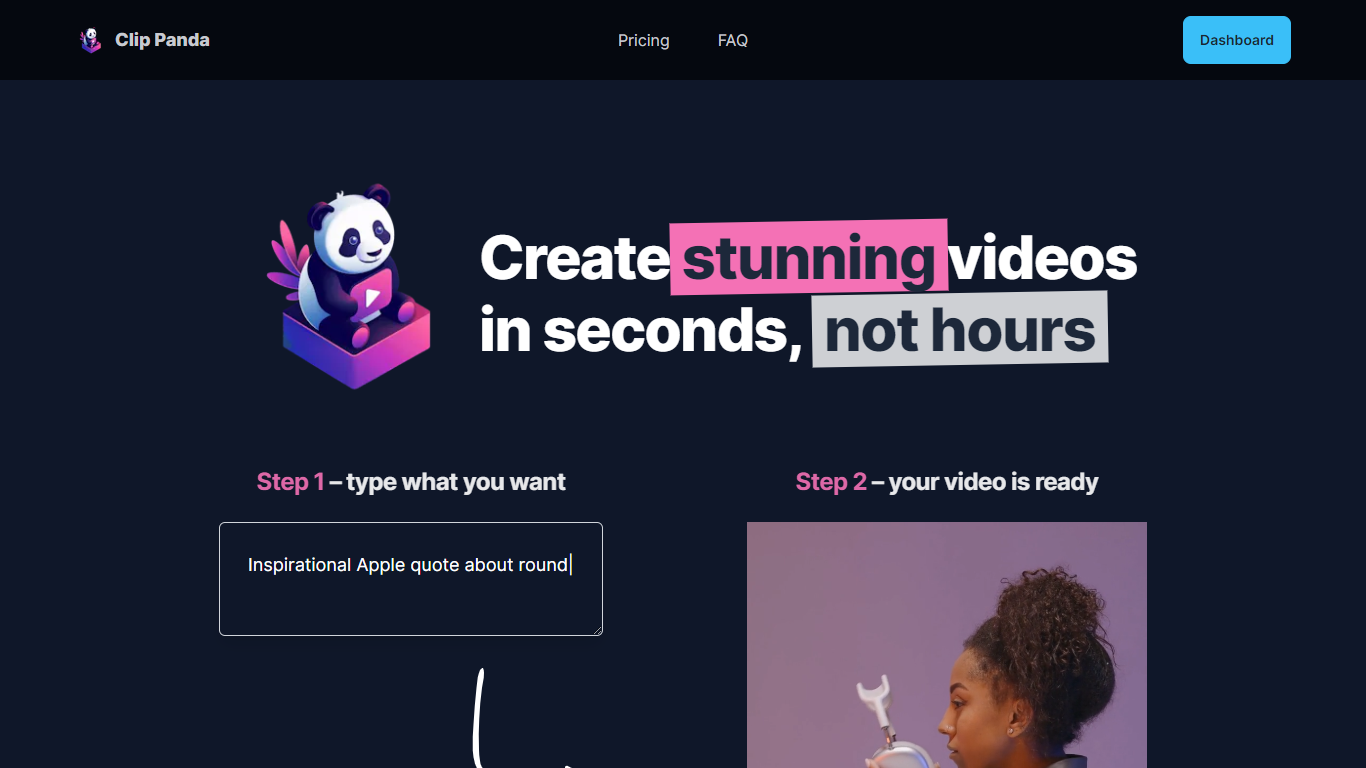
Clip Panda redefines the way you create videos by significantly reducing the time and effort involved. With this user-friendly tool, you can transform your ideas into engaging videos in a matter of seconds.
This platform is designed to streamline the video creation process, making it accessible even for those who are not professionals in video editing. Without the need for extensive hours of editing, users can enjoy a quick, efficient path to producing high-quality video content that stands out.
Typeframes

What is Typeframes?
Typeframes converts simple text prompts into engaging product videos optimized for social media platforms like YouTube, Instagram, and TikTok. It enables users to produce high-quality videos quickly without advanced video editing skills.
What sets Typeframes apart is its AI-driven approach that simplifies video production by offering customizable templates and automated suggestions to boost engagement. Unlike traditional video editors, it focuses on speed and ease of use, allowing creators to generate videos in minutes rather than hours.
The platform supports exporting videos in multiple resolutions tailored for different social media formats, including vertical videos. This makes Typeframes especially useful for content creators and marketers aiming to produce consistent, platform-optimized video content efficiently.
By streamlining the video creation process, Typeframes helps users save time and resources while enhancing their social media presence with visually appealing videos.
Clip Panda Upvotes
Typeframes Upvotes
Clip Panda Top Features
Efficiency: Accelerate your video production process from hours to seconds.
User-Friendly Interface: Intuitive design that enables easy navigation and video creation.
High-Quality Output: Ensure the final product is of professional quality.
Accessibility: Great for users at all skill levels, no professional editing experience required.
Time-Saving: Maximize productivity by spending less time on video editing and more on content delivery.
Typeframes Top Features
Transform text prompts into engaging videos quickly
Customize templates to match your brand style easily
Create vertical videos optimized for social platforms
Simple interface requires no video editing skills
Export videos in multiple resolutions including high quality
AI-driven suggestions to boost video engagement
Clip Panda Category
- Video Editing
Typeframes Category
- Video Editing
Clip Panda Pricing Type
- Freemium
Typeframes Pricing Type
- Freemium