Clipboard TTS vs BoodleBox
Dive into the comparison of Clipboard TTS vs BoodleBox and discover which AI Text to Speech (TTS) tool stands out. We examine alternatives, upvotes, features, reviews, pricing, and beyond.
In a comparison between Clipboard TTS and BoodleBox, which one comes out on top?
When we compare Clipboard TTS and BoodleBox, two exceptional text to speech (tts) tools powered by artificial intelligence, and place them side by side, several key similarities and differences come to light. Interestingly, both tools have managed to secure the same number of upvotes. Your vote matters! Help us decide the winner among aitools.fyi users by casting your vote.
Not your cup of tea? Upvote your preferred tool and stir things up!
Clipboard TTS

What is Clipboard TTS?
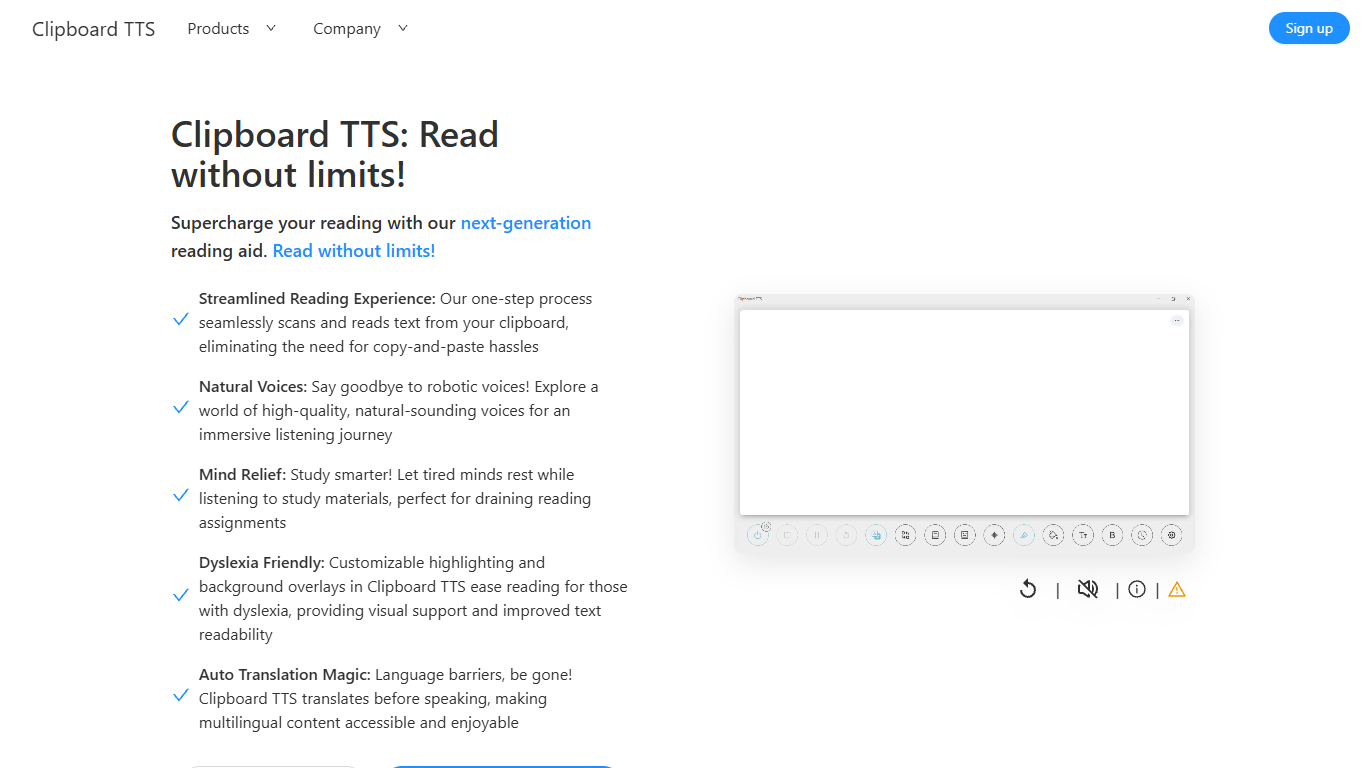
Clipboard TTS is a desktop reading aid that watches your clipboard and reads copied text aloud. Instead of pasting text into a separate app, you copy anything on your computer and hear it spoken back in a voice you choose. The tool targets readers who want hands-free access to articles, study materials, and documents.
The software is built with dyslexia and reading fatigue in mind. It offers word and sentence highlighting, colored background overlays, the OpenDyslexic font, and BoldCue bolding to help eyes track text while audio plays. Auto-translation detects the language of copied text and speaks it in the language tied to your selected voice.
Clipboard TTS runs as a Windows desktop application with a Linux version listed as coming soon. It supports 49 languages and more than 100 voices, plus image-to-text conversion when you copy a screenshot or photo containing text.
BoodleBox
What is BoodleBox?
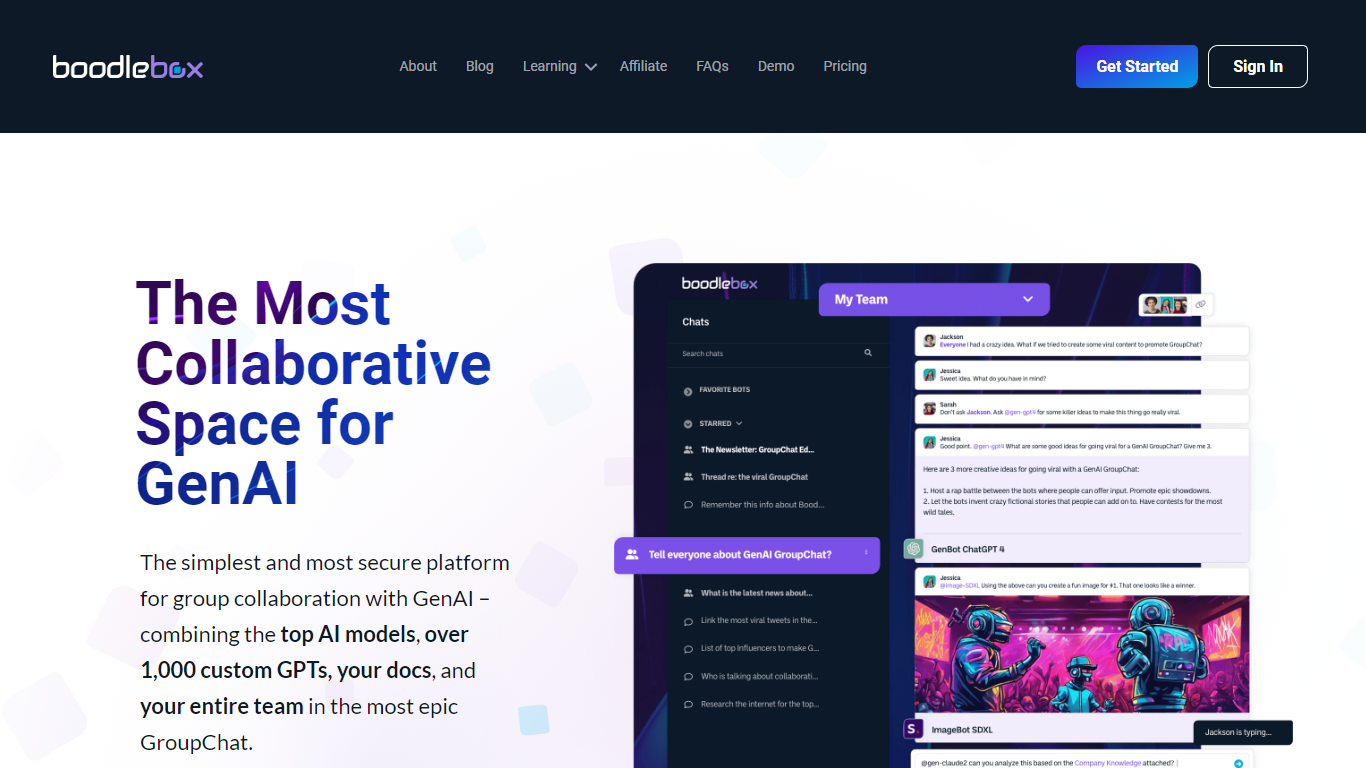
BoodleBox is a collaborative AI workspace for education, enterprise teams, and individuals. It puts 38+ leading models (ChatGPT, Claude, Gemini, Perplexity, and more) in one shared environment where multiple people can work with AI side by side.
Users can upload documents into a knowledge bank, build custom bots from institutional or team expertise, and run prompts across models without losing shared context. Coach Mode guides users toward stronger AI literacy while they work. The platform advertises up to 96% token reduction versus direct model access.
Security is a core pitch: SOC 2 Type II, FERPA, HIPAA, GDPR, HECVAT 4.0, and no-training agreements with LLM providers. Pricing ranges from a free Basic plan with 5 premium prompts per day to Premium at $20/month and Power at $100/month, plus custom Enterprise plans.
Clipboard TTS Upvotes
BoodleBox Upvotes
Clipboard TTS Top Features
Monitors your clipboard and reads new text automatically without pasting into a separate window
Converts copied images to speech via built-in OCR when text appears in a screenshot
Highlights the current word and sentence in colors you choose while audio plays
Auto-translates copied text to match the language of your selected voice before speaking
AI Assist uses GPT-3 to rewrite or summarize copied text based on a custom prompt you write
BoodleBox Top Features
Access 38+ AI models including ChatGPT, Claude, Gemini, and Perplexity in one workspace
Shared workspaces for real-time collaboration across faculty, students, or teams
Custom bot builder grounded in uploaded documents and institutional knowledge
Coach Mode that guides users while they work with basic and premium models
Enterprise security with SOC 2 Type II, FERPA, HIPAA, GDPR, and no model training on user data
Clipboard TTS Category
- Text to Speech (TTS)
BoodleBox Category
- Text to Speech (TTS)
Clipboard TTS Pricing Type
- Paid
BoodleBox Pricing Type
- Freemium