Clipboard TTS vs FakeYou
Compare Clipboard TTS vs FakeYou and see which AI Text to Speech (TTS) tool is better when we compare features, reviews, pricing, alternatives, upvotes, etc.
Which one is better? Clipboard TTS or FakeYou?
When we compare Clipboard TTS with FakeYou, which are both AI-powered text to speech (tts) tools, The upvote count reveals a draw, with both tools earning the same number of upvotes. Every vote counts! Cast yours and contribute to the decision of the winner.
Think we got it wrong? Cast your vote and show us who's boss!
Clipboard TTS

What is Clipboard TTS?
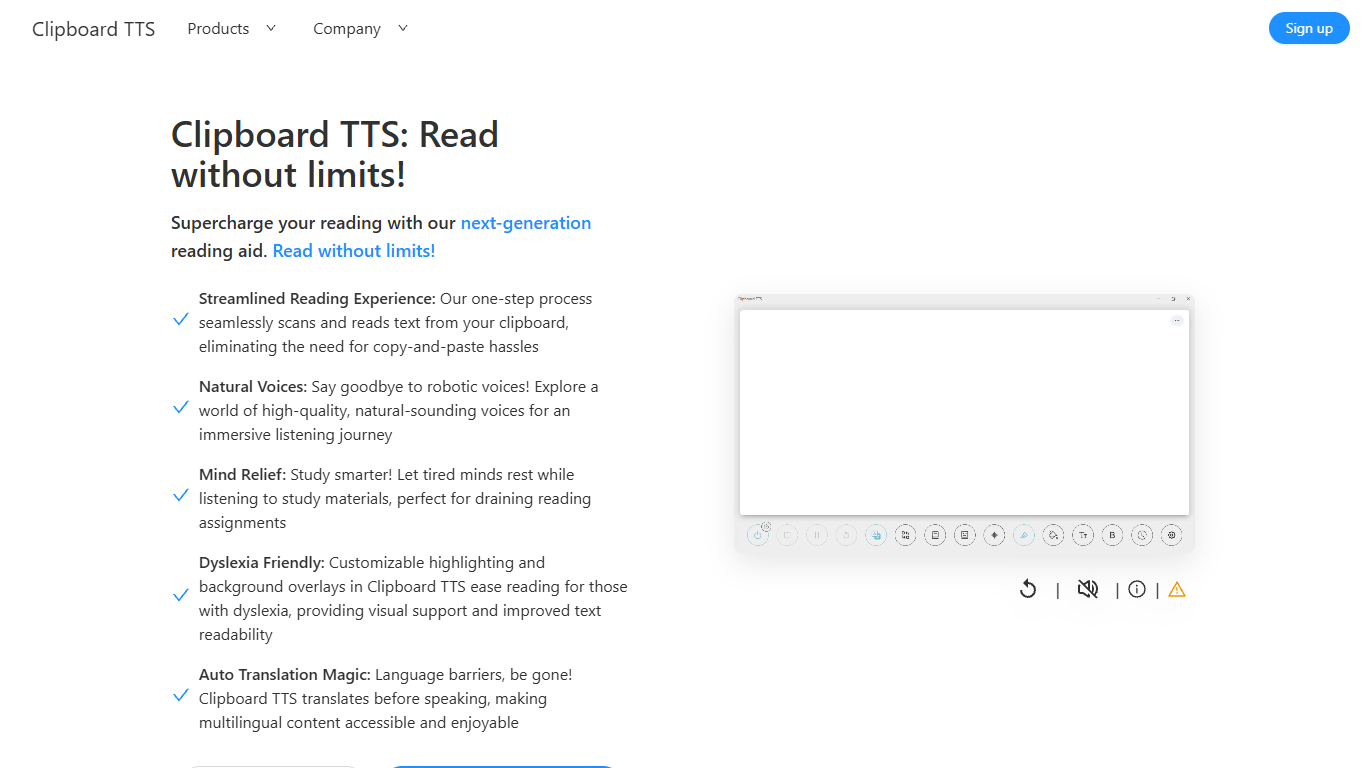
Clipboard TTS is a desktop reading aid that watches your clipboard and reads copied text aloud. Instead of pasting text into a separate app, you copy anything on your computer and hear it spoken back in a voice you choose. The tool targets readers who want hands-free access to articles, study materials, and documents.
The software is built with dyslexia and reading fatigue in mind. It offers word and sentence highlighting, colored background overlays, the OpenDyslexic font, and BoldCue bolding to help eyes track text while audio plays. Auto-translation detects the language of copied text and speaks it in the language tied to your selected voice.
Clipboard TTS runs as a Windows desktop application with a Linux version listed as coming soon. It supports 49 languages and more than 100 voices, plus image-to-text conversion when you copy a screenshot or photo containing text.
FakeYou
What is FakeYou?
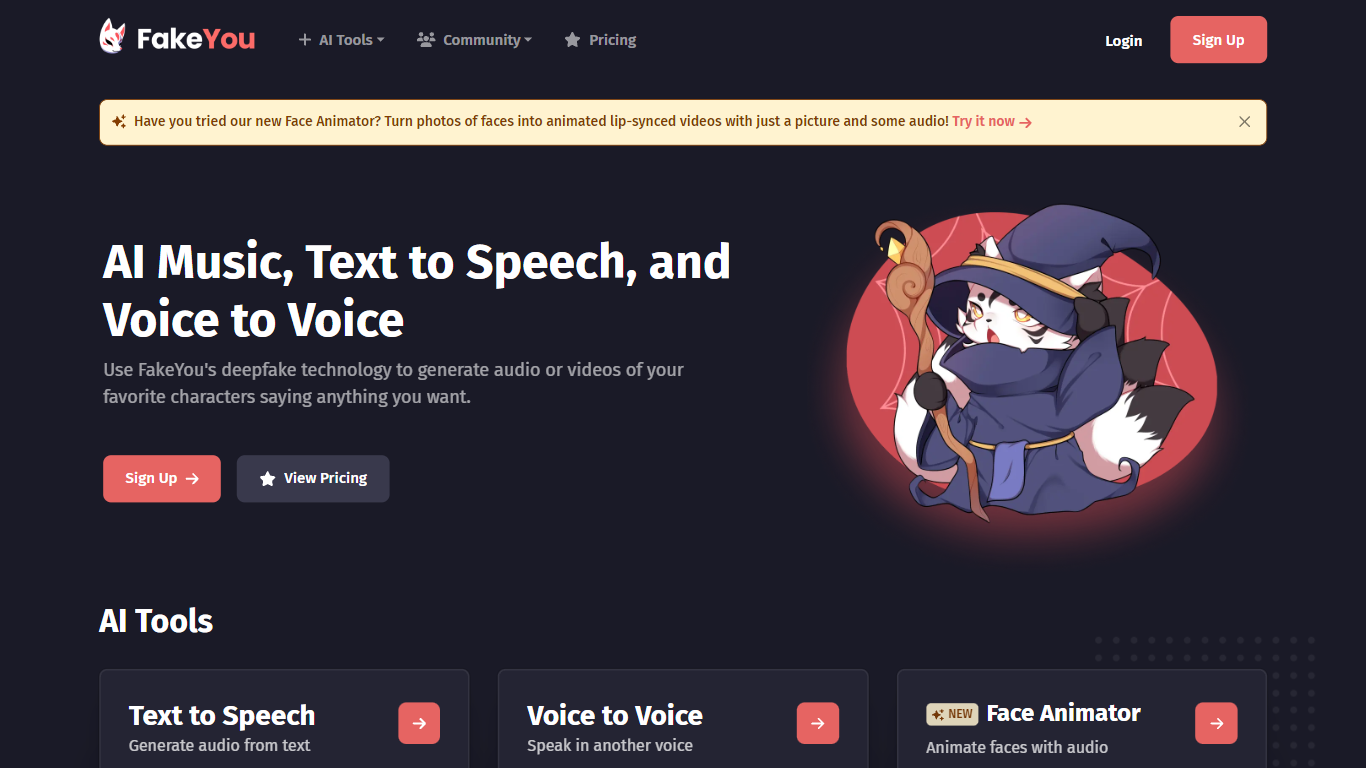
FakeYou turns text into character and celebrity speech using a library of community-trained voice models. You pick a voice, type what you want said, and download or share the generated audio. The platform also covers voice-to-voice conversion, custom voice design, and tools for cloning or converting voices with zero-shot workflows.
What sets FakeYou apart is scale and community contribution. The text-to-speech catalog lists more than 3,500 voices built and uploaded by creators worldwide, from cartoon characters to original personas. Featured voices, search filters, and community ratings help you sort through the options without guessing.
FakeYou positions itself as one piece of a broader creative stack aimed at solo creators. The about page states a mission to help anyone produce full-length content from home without large teams or studio budgets. Press logos and on-site copy cite Techstars backing and over 10 million users globally.
Content creators, gamers, musicians, and hobby voice actors use FakeYou for narration, memes, covers, and fan projects. Free access covers the core generators, while Plus, Pro, and Elite subscriptions add faster queue times, longer clip limits, and private model uploads.
Clipboard TTS Upvotes
FakeYou Upvotes
Clipboard TTS Top Features
Monitors your clipboard and reads new text automatically without pasting into a separate window
Converts copied images to speech via built-in OCR when text appears in a screenshot
Highlights the current word and sentence in colors you choose while audio plays
Auto-translates copied text to match the language of your selected voice before speaking
AI Assist uses GPT-3 to rewrite or summarize copied text based on a custom prompt you write
FakeYou Top Features
Browse 3,500+ community-trained character and celebrity voices for text-to-speech
Convert recorded or uploaded audio into another voice with pitch shift up to 36 semitones
Voice Designer (beta) walks you through building a custom voice from scratch
F5-TTS and Seed-VC pages add zero-shot voice cloning and conversion workflows
Upload trained voice models and share them with the FakeYou community
Premium tiers unlock faster processing, longer clips, and private model storage
Clipboard TTS Category
- Text to Speech (TTS)
FakeYou Category
- Text to Speech (TTS)
Clipboard TTS Pricing Type
- Paid
FakeYou Pricing Type
- Freemium