Clipboard TTS vs Pickles
In the face-off between Clipboard TTS vs Pickles, which AI Text to Speech (TTS) tool takes the crown? We scrutinize features, alternatives, upvotes, reviews, pricing, and more.
In a face-off between Clipboard TTS and Pickles, which one takes the crown?
If we were to analyze Clipboard TTS and Pickles, both of which are AI-powered text to speech (tts) tools, what would we find? Both tools have received the same number of upvotes from aitools.fyi users. You can help us determine the winner by casting your vote and tipping the scales in favor of one of the tools.
Feeling rebellious? Cast your vote and shake things up!
Clipboard TTS
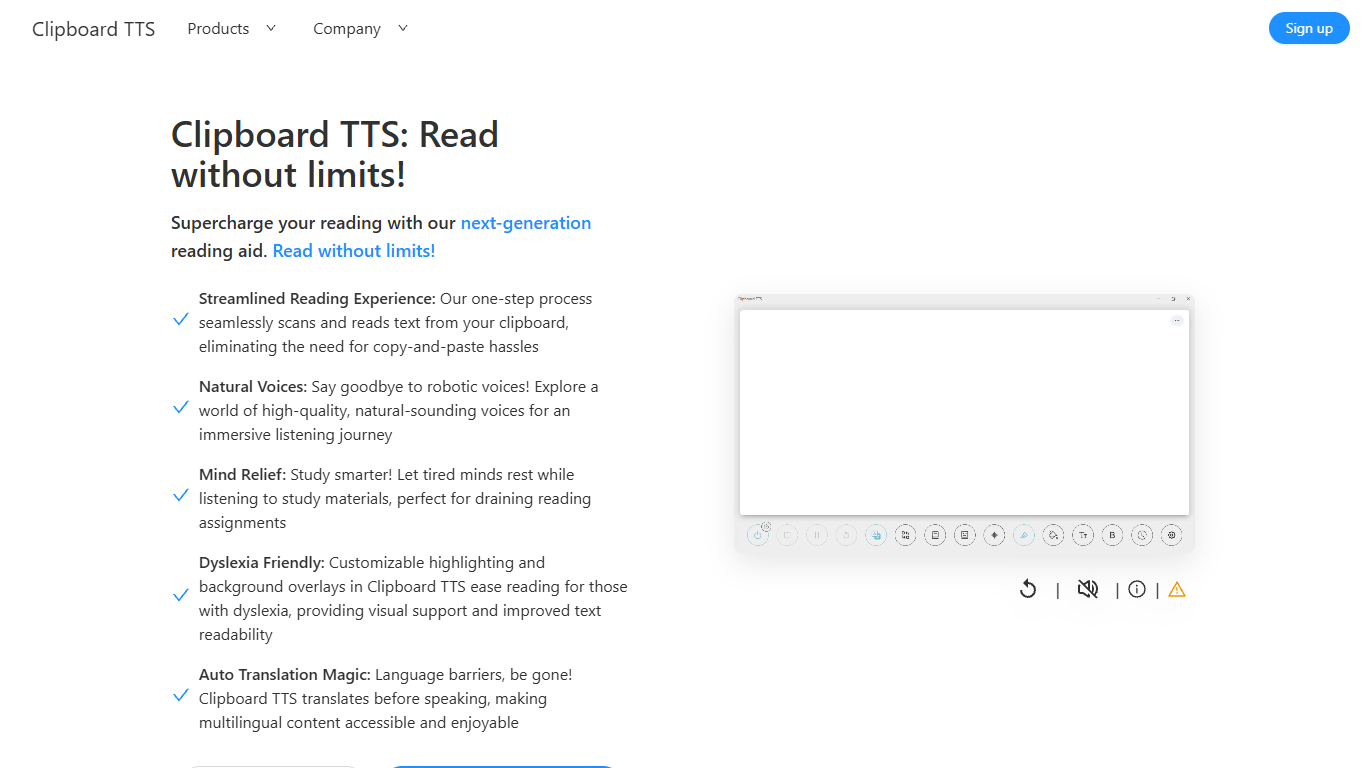

What is Clipboard TTS?
Clipboard TTS is a desktop reading aid that watches your clipboard and reads copied text aloud. Instead of pasting text into a separate app, you copy anything on your computer and hear it spoken back in a voice you choose. The tool targets readers who want hands-free access to articles, study materials, and documents.
The software is built with dyslexia and reading fatigue in mind. It offers word and sentence highlighting, colored background overlays, the OpenDyslexic font, and BoldCue bolding to help eyes track text while audio plays. Auto-translation detects the language of copied text and speaks it in the language tied to your selected voice.
Clipboard TTS runs as a Windows desktop application with a Linux version listed as coming soon. It supports 49 languages and more than 100 voices, plus image-to-text conversion when you copy a screenshot or photo containing text.
Pickles
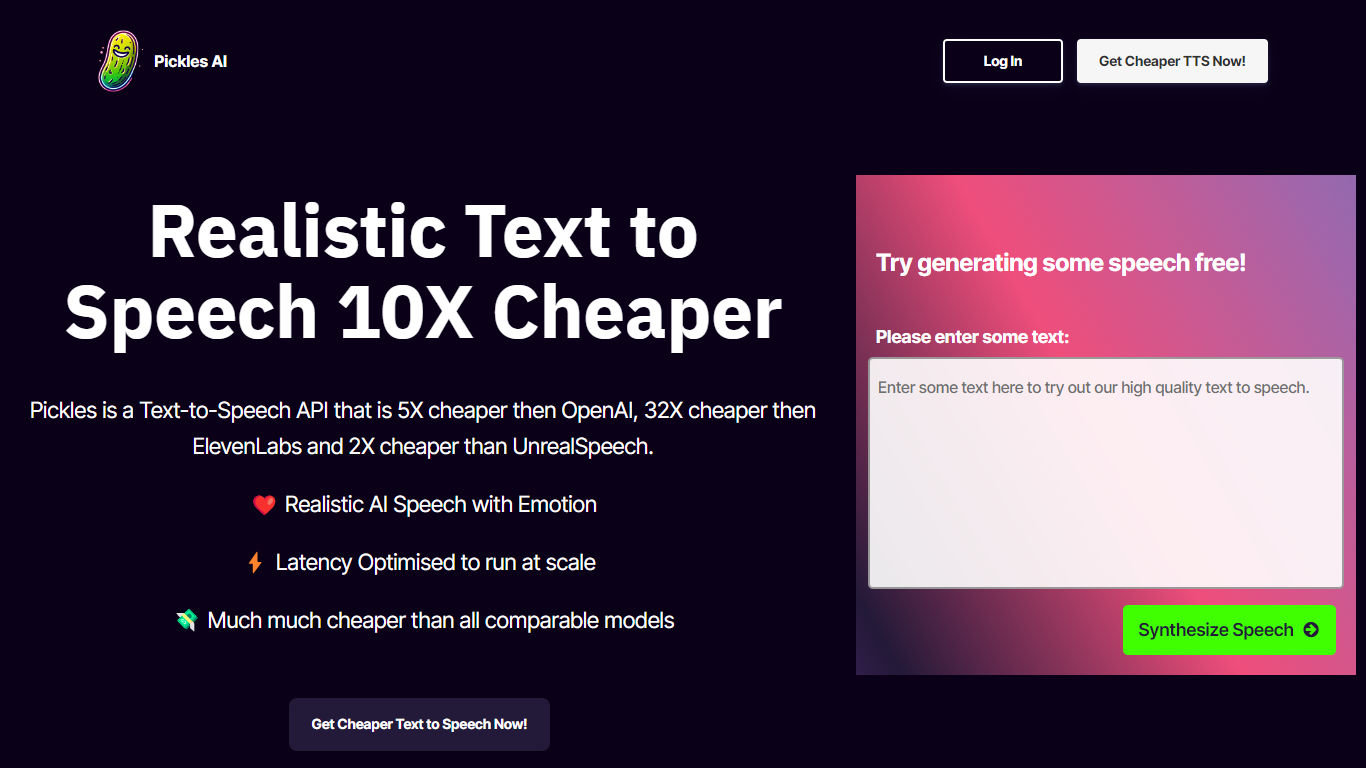
What is Pickles?
Pickles is a text-to-speech API built for developers who need realistic synthesized speech without paying premium voice-model rates. You send text over a simple HTTPS call and get back a hosted WAV file ready to play or store. It fits teams wiring voice into apps, bots, audiobook pipelines, or any product where cost per character is the main constraint.
Pickles leads with unit economics. The homepage claims roughly 5x lower cost than OpenAI TTS, 32x lower than ElevenLabs, and 2x lower than UnrealSpeech on comparable usage. Sample clips on the site generate in 0.1 to 0.2 seconds, which signals a latency-first design for near-real-time apps. You trade the big voice libraries and studio polish of consumer TTS brands for a stripped-down API and volume-based monthly plans.
Indie developers and early-stage startups can start on the Hobby plan at $9 per month for 1 million characters (about 200 hours of speech). Teams shipping at scale have Growth at $79 for 10 million characters or Enterprise at $599 for 100 million. Checkout runs through Stripe with one-click cancel, and the Discord community handles integration questions.
Clipboard TTS Upvotes
Pickles Upvotes
Clipboard TTS Top Features
Monitors your clipboard and reads new text automatically without pasting into a separate window
Converts copied images to speech via built-in OCR when text appears in a screenshot
Highlights the current word and sentence in colors you choose while audio plays
Auto-translates copied text to match the language of your selected voice before speaking
AI Assist uses GPT-3 to rewrite or summarize copied text based on a custom prompt you write
Pickles Top Features
Hobby plan includes 1 million characters per month for $9
Sample Forrest Gump clip generated in 0.1 seconds on the homepage
HTTPS API returns a hosted WAV file with no client-side audio processing
Growth tier offers 10 million characters per month for $79
Enterprise tier supports 100 million characters per month for $599
Stripe checkout with one-click subscription cancel
Clipboard TTS Category
- Text to Speech (TTS)
Pickles Category
- Text to Speech (TTS)
Clipboard TTS Pricing Type
- Paid
Pickles Pricing Type
- Paid