Clipboard TTS vs ReadSpeaker
Dive into the comparison of Clipboard TTS vs ReadSpeaker and discover which AI Text to Speech (TTS) tool stands out. We examine alternatives, upvotes, features, reviews, pricing, and beyond.
When comparing Clipboard TTS and ReadSpeaker, which one rises above the other?
When we compare Clipboard TTS and ReadSpeaker, two exceptional text to speech (tts) tools powered by artificial intelligence, and place them side by side, several key similarities and differences come to light. Both tools are equally favored, as indicated by the identical upvote count. The power is in your hands! Cast your vote and have a say in deciding the winner.
Does the result make you go "hmm"? Cast your vote and turn that frown upside down!
Clipboard TTS
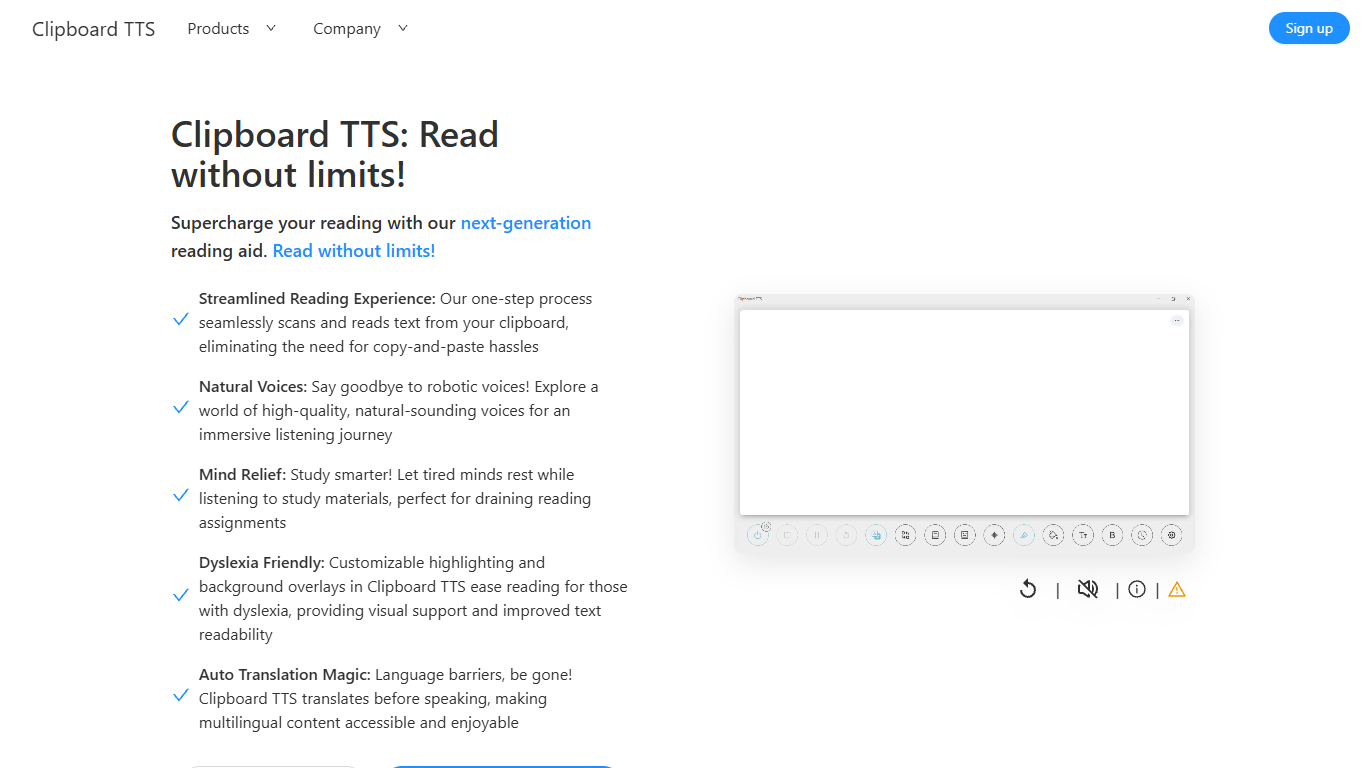

What is Clipboard TTS?
Clipboard TTS is a desktop reading aid that watches your clipboard and reads copied text aloud. Instead of pasting text into a separate app, you copy anything on your computer and hear it spoken back in a voice you choose. The tool targets readers who want hands-free access to articles, study materials, and documents.
The software is built with dyslexia and reading fatigue in mind. It offers word and sentence highlighting, colored background overlays, the OpenDyslexic font, and BoldCue bolding to help eyes track text while audio plays. Auto-translation detects the language of copied text and speaks it in the language tied to your selected voice.
Clipboard TTS runs as a Windows desktop application with a Linux version listed as coming soon. It supports 49 languages and more than 100 voices, plus image-to-text conversion when you copy a screenshot or photo containing text.
ReadSpeaker
What is ReadSpeaker?
ReadSpeaker is an enterprise text-to-speech platform that turns written content into natural-sounding audio across websites, documents, apps, and learning systems. Its catalog includes more than 300 AI voices across 90+ languages and dialects, with deployment options spanning browser plugins, APIs, SDKs, and on-premise servers.
Core products include webReader for live website reading, docReader for online PDFs and documents, and speechCloud API for developers who need TTS inside their own apps. The Education Suite adds LMS integrations for platforms like Canvas, Moodle, Blackboard, and Brightspace, plus literacy tools such as TextAid for struggling readers.
ReadSpeaker also offers speechMaker Studio for cloud-based voice content creation, speechEngine SDK for embedded and desktop use, and custom voice development for branded audio. The company cites 12,000+ customer organizations and serves sectors including education, government, healthcare, publishing, transportation, and gaming.
Security and accessibility are central to the platform. ReadSpeaker highlights ISO/IEC 27001:2022 certification, GDPR compliance, and support for WCAG and VPAT accessibility requirements.
Clipboard TTS Upvotes
ReadSpeaker Upvotes
Clipboard TTS Top Features
Monitors your clipboard and reads new text automatically without pasting into a separate window
Converts copied images to speech via built-in OCR when text appears in a screenshot
Highlights the current word and sentence in colors you choose while audio plays
Auto-translates copied text to match the language of your selected voice before speaking
AI Assist uses GPT-3 to rewrite or summarize copied text based on a custom prompt you write
ReadSpeaker Top Features
webReader plugin reads website content aloud in real time with translation support
docReader plays back online PDFs and document formats in the browser
speechCloud API adds premium TTS to apps, devices, and cloud workflows
Education Suite integrates with major LMS platforms including Canvas, Moodle, and Blackboard
Custom Voice Studio builds exclusive branded voices for enterprise use
Clipboard TTS Category
- Text to Speech (TTS)
ReadSpeaker Category
- Text to Speech (TTS)
Clipboard TTS Pricing Type
- Paid
ReadSpeaker Pricing Type
- Paid