Clipboard TTS vs Speechelo - AI text to speech voices
Explore the showdown between Clipboard TTS vs Speechelo - AI text to speech voices and find out which AI Text to Speech (TTS) tool wins. We analyze upvotes, features, reviews, pricing, alternatives, and more.
When comparing Clipboard TTS and Speechelo - AI text to speech voices, which one rises above the other?
When we contrast Clipboard TTS with Speechelo - AI text to speech voices, both of which are exceptional AI-operated text to speech (tts) tools, and place them side by side, we can spot several crucial similarities and divergences. Both tools have received the same number of upvotes from aitools.fyi users. Your vote matters! Help us decide the winner among aitools.fyi users by casting your vote.
Does the result make you go "hmm"? Cast your vote and turn that frown upside down!
Clipboard TTS

What is Clipboard TTS?
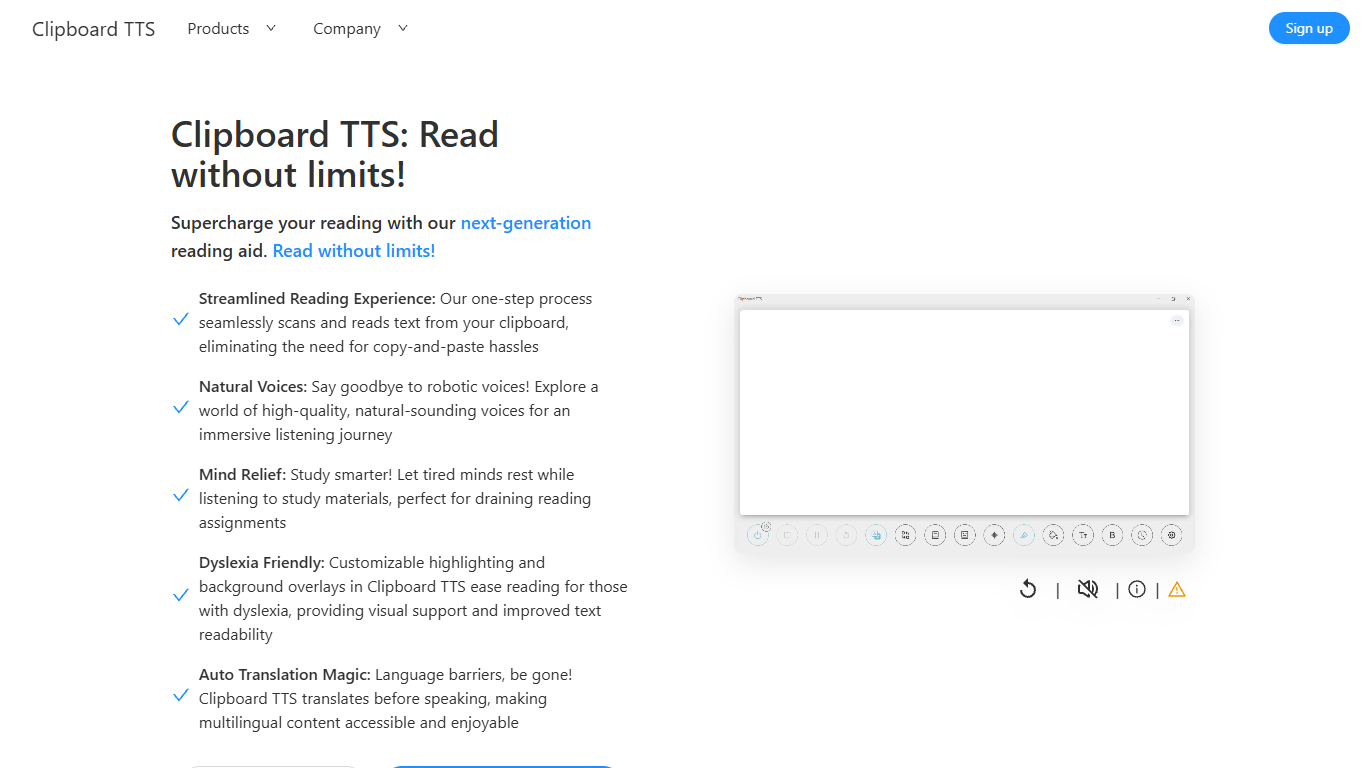
Clipboard TTS is a desktop reading aid that watches your clipboard and reads copied text aloud. Instead of pasting text into a separate app, you copy anything on your computer and hear it spoken back in a voice you choose. The tool targets readers who want hands-free access to articles, study materials, and documents.
The software is built with dyslexia and reading fatigue in mind. It offers word and sentence highlighting, colored background overlays, the OpenDyslexic font, and BoldCue bolding to help eyes track text while audio plays. Auto-translation detects the language of copied text and speaks it in the language tied to your selected voice.
Clipboard TTS runs as a Windows desktop application with a Linux version listed as coming soon. It supports 49 languages and more than 100 voices, plus image-to-text conversion when you copy a screenshot or photo containing text.
Speechelo - AI text to speech voices
What is Speechelo - AI text to speech voices?
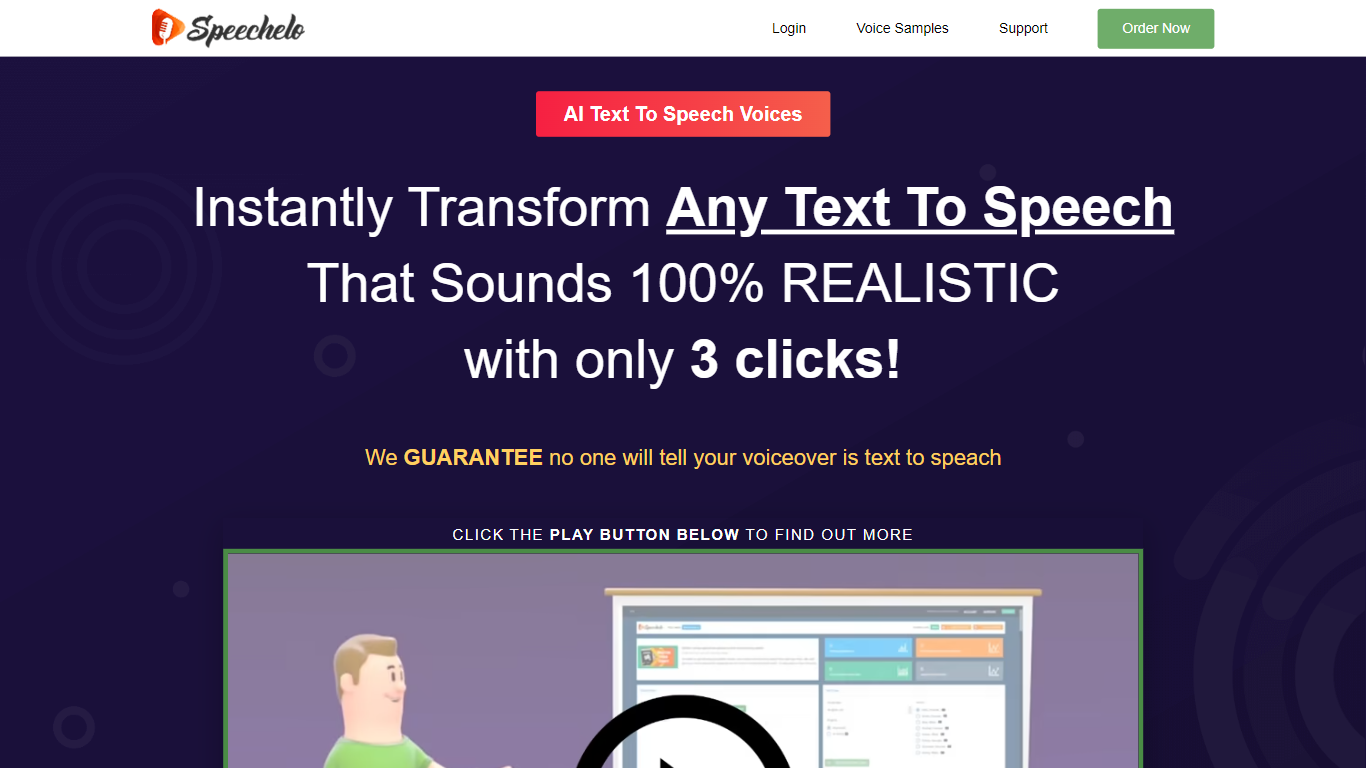
Speechelo is a cloud text-to-speech app built for people who need voiceovers for videos without hiring a voice actor or recording their own narration. You paste a script, pick a voice, and download an audio file ready to drop into your video editor.
What sets it apart from phone-system TTS is the focus on video narration. The engine adds inflections, lets you choose normal, joyful, or serious delivery, and supports breathing sounds and longer pauses so the output sounds less flat.
It targets video marketers, YouTube creators, course builders, and small businesses who need sales, training, or explainer narration on a budget. The app runs in the browser on desktop, Mac, or mobile with no install required.
Clipboard TTS Upvotes
Speechelo - AI text to speech voices Upvotes
Clipboard TTS Top Features
Monitors your clipboard and reads new text automatically without pasting into a separate window
Converts copied images to speech via built-in OCR when text appears in a screenshot
Highlights the current word and sentence in colors you choose while audio plays
Auto-translates copied text to match the language of your selected voice before speaking
AI Assist uses GPT-3 to rewrite or summarize copied text based on a custom prompt you write
Speechelo - AI text to speech voices Top Features
Paste a script and download a voiceover in under 10 seconds
Over 30 male and female voices with inflections and natural pacing
Three delivery tones: normal, joyful, or serious
Add breathing sounds and longer pauses for more natural speech
Works in English plus 23 other languages
Runs in the browser on desktop, Mac, or mobile with no install
Exports audio for Camtasia, Adobe Premiere, Animaker, Powtoon, and similar editors
Clipboard TTS Category
- Text to Speech (TTS)
Speechelo - AI text to speech voices Category
- Text to Speech (TTS)
Clipboard TTS Pricing Type
- Paid
Speechelo - AI text to speech voices Pricing Type
- Paid