Clipboard TTS vs SpeechGen.io
In the face-off between Clipboard TTS vs SpeechGen.io, which AI Text to Speech (TTS) tool takes the crown? We scrutinize features, alternatives, upvotes, reviews, pricing, and more.
In a face-off between Clipboard TTS and SpeechGen.io, which one takes the crown?
If we were to analyze Clipboard TTS and SpeechGen.io, both of which are AI-powered text to speech (tts) tools, what would we find? Both tools have received the same number of upvotes from aitools.fyi users. Be a part of the decision-making process. Your vote could determine the winner.
Don't agree with the result? Cast your vote and be a part of the decision-making process!
Clipboard TTS

What is Clipboard TTS?
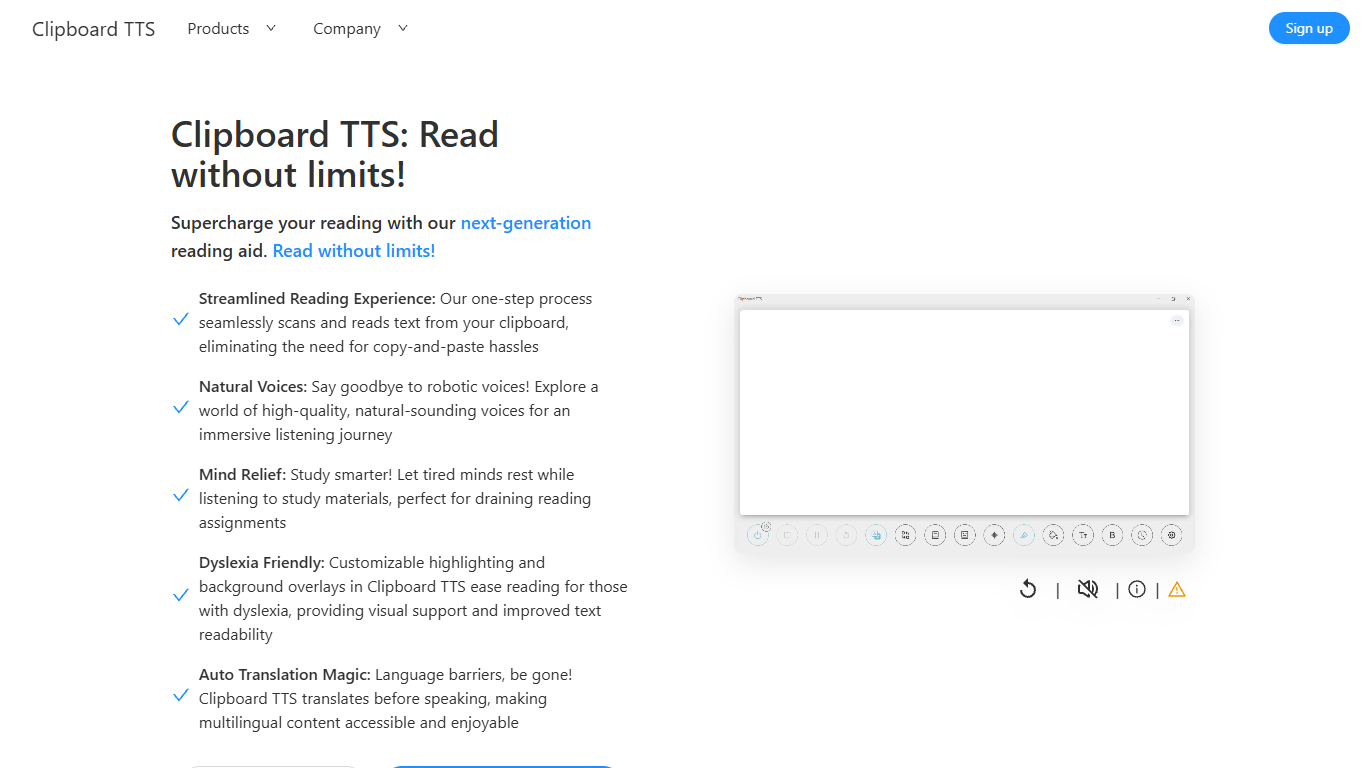
Clipboard TTS is a desktop reading aid that watches your clipboard and reads copied text aloud. Instead of pasting text into a separate app, you copy anything on your computer and hear it spoken back in a voice you choose. The tool targets readers who want hands-free access to articles, study materials, and documents.
The software is built with dyslexia and reading fatigue in mind. It offers word and sentence highlighting, colored background overlays, the OpenDyslexic font, and BoldCue bolding to help eyes track text while audio plays. Auto-translation detects the language of copied text and speaks it in the language tied to your selected voice.
Clipboard TTS runs as a Windows desktop application with a Linux version listed as coming soon. It supports 49 languages and more than 100 voices, plus image-to-text conversion when you copy a screenshot or photo containing text.
SpeechGen.io
What is SpeechGen.io?
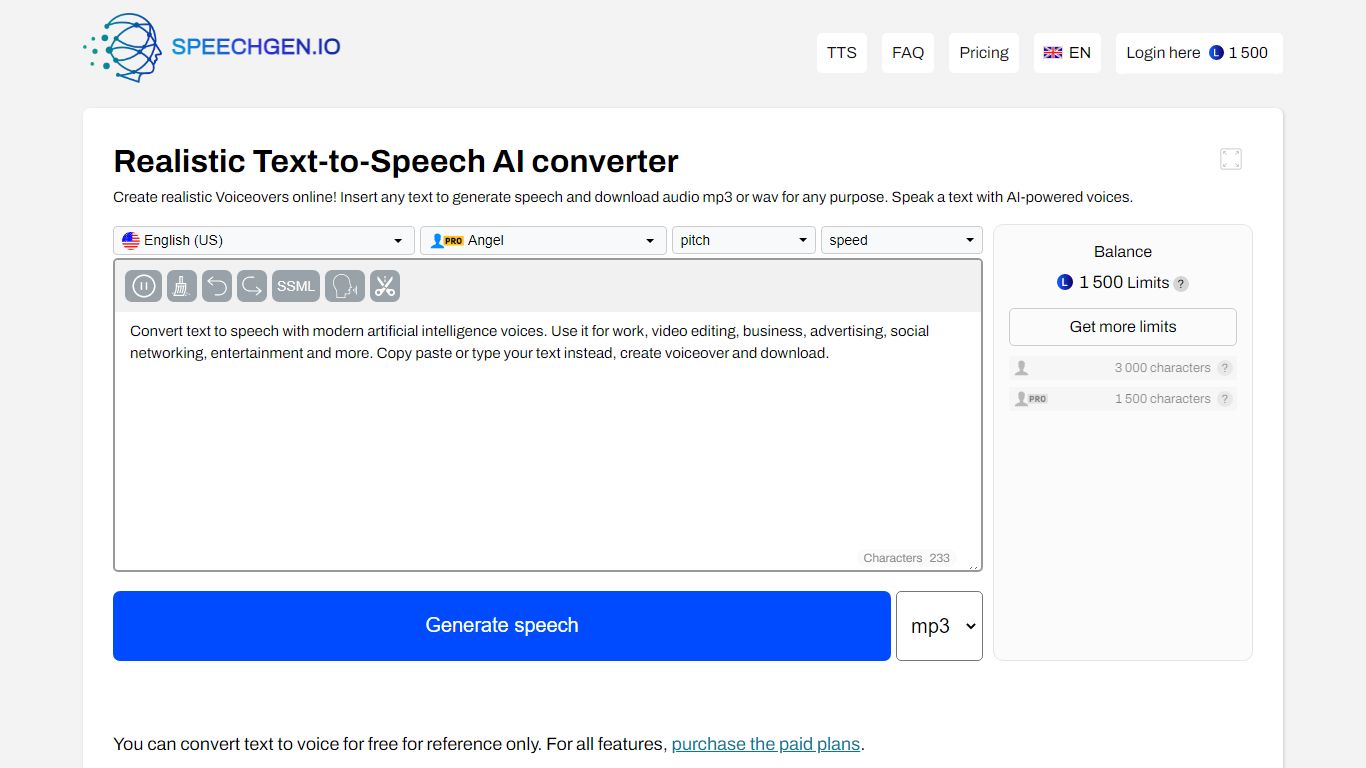
SpeechGen.io is an online text-to-speech platform that turns written text into downloadable voiceovers. The editor supports 5,000+ voices across 150 languages and regional accents, with controls for speed, pitch, volume, and SSML markup for pauses, emphasis, and intonation.
Beyond basic TTS, SpeechGen.io includes voice cloning from short audio samples, subtitle-to-speech conversion for SRT, SUB, and VTT files, and audio-to-text transcription for uploaded files, YouTube links, and video. Export options include MP3, WAV, OGG, FLAC, and other formats at multiple bitrates.
Credits are pay-as-you-go with no subscription. New accounts receive free credits to test the service, and purchased credits stay valid for up to one year. A Smart Cache feature reuses previously generated sentences at no extra cost when you edit and re-export projects.
Clipboard TTS Upvotes
SpeechGen.io Upvotes
Clipboard TTS Top Features
Monitors your clipboard and reads new text automatically without pasting into a separate window
Converts copied images to speech via built-in OCR when text appears in a screenshot
Highlights the current word and sentence in colors you choose while audio plays
Auto-translates copied text to match the language of your selected voice before speaking
AI Assist uses GPT-3 to rewrite or summarize copied text based on a custom prompt you write
SpeechGen.io Top Features
5,000+ voices across 150 languages with regional accent variants
Voice cloning from uploaded or recorded audio samples up to 55 seconds
SSML editor for fine-tuning pauses, pitch, rate, emphasis, and intonation
Subtitle-to-speech conversion for SRT, SUB, and VTT files
Audio-to-text transcription with speaker diarization and SRT or VTT export
Clipboard TTS Category
- Text to Speech (TTS)
SpeechGen.io Category
- Text to Speech (TTS)
Clipboard TTS Pricing Type
- Paid
SpeechGen.io Pricing Type
- Freemium