Clipboard TTS vs Voice Pen
Dive into the comparison of Clipboard TTS vs Voice Pen and discover which AI Text to Speech (TTS) tool stands out. We examine alternatives, upvotes, features, reviews, pricing, and beyond.
In a comparison between Clipboard TTS and Voice Pen, which one comes out on top?
When we compare Clipboard TTS and Voice Pen, two exceptional text to speech (tts) tools powered by artificial intelligence, and place them side by side, several key similarities and differences come to light. Both tools have received the same number of upvotes from aitools.fyi users. Be a part of the decision-making process. Your vote could determine the winner.
Think we got it wrong? Cast your vote and show us who's boss!
Clipboard TTS
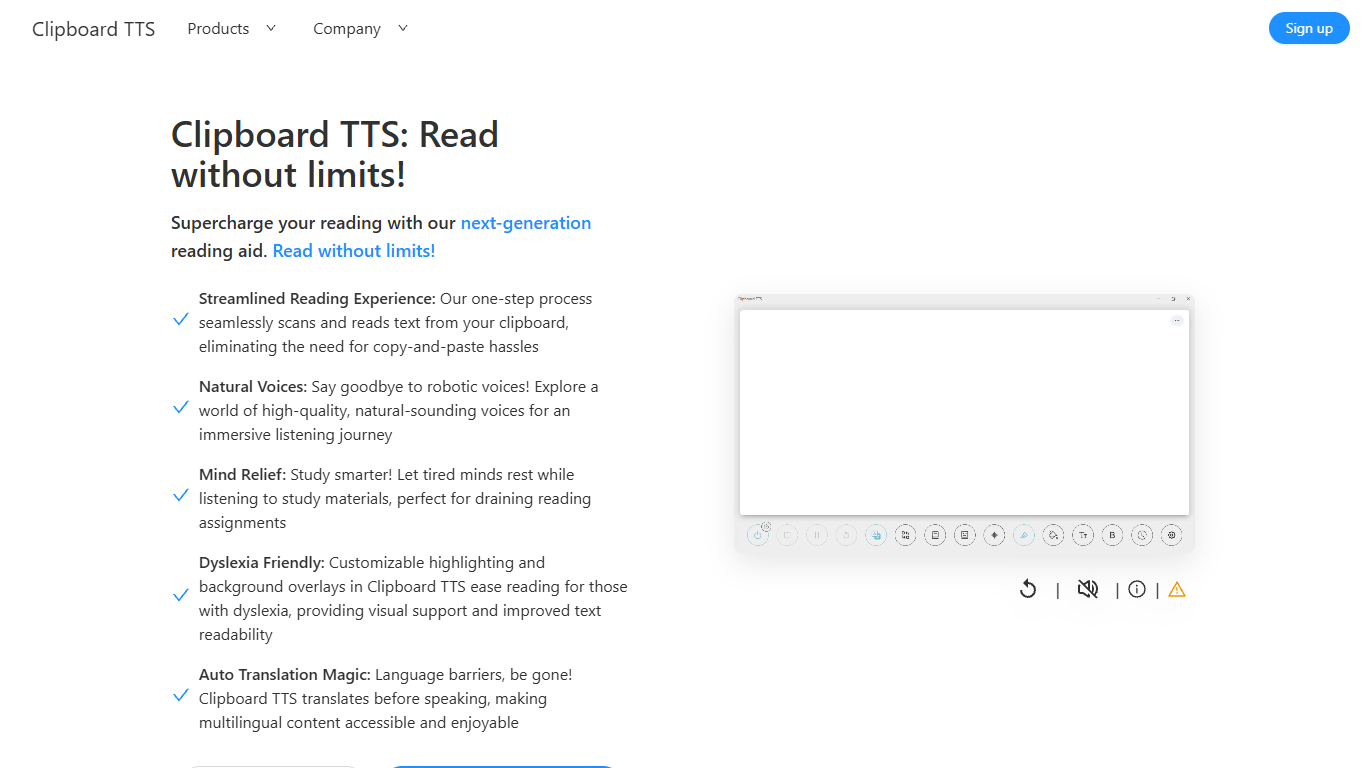

What is Clipboard TTS?
Clipboard TTS is a desktop reading aid that watches your clipboard and reads copied text aloud. Instead of pasting text into a separate app, you copy anything on your computer and hear it spoken back in a voice you choose. The tool targets readers who want hands-free access to articles, study materials, and documents.
The software is built with dyslexia and reading fatigue in mind. It offers word and sentence highlighting, colored background overlays, the OpenDyslexic font, and BoldCue bolding to help eyes track text while audio plays. Auto-translation detects the language of copied text and speaks it in the language tied to your selected voice.
Clipboard TTS runs as a Windows desktop application with a Linux version listed as coming soon. It supports 49 languages and more than 100 voices, plus image-to-text conversion when you copy a screenshot or photo containing text.
Voice Pen
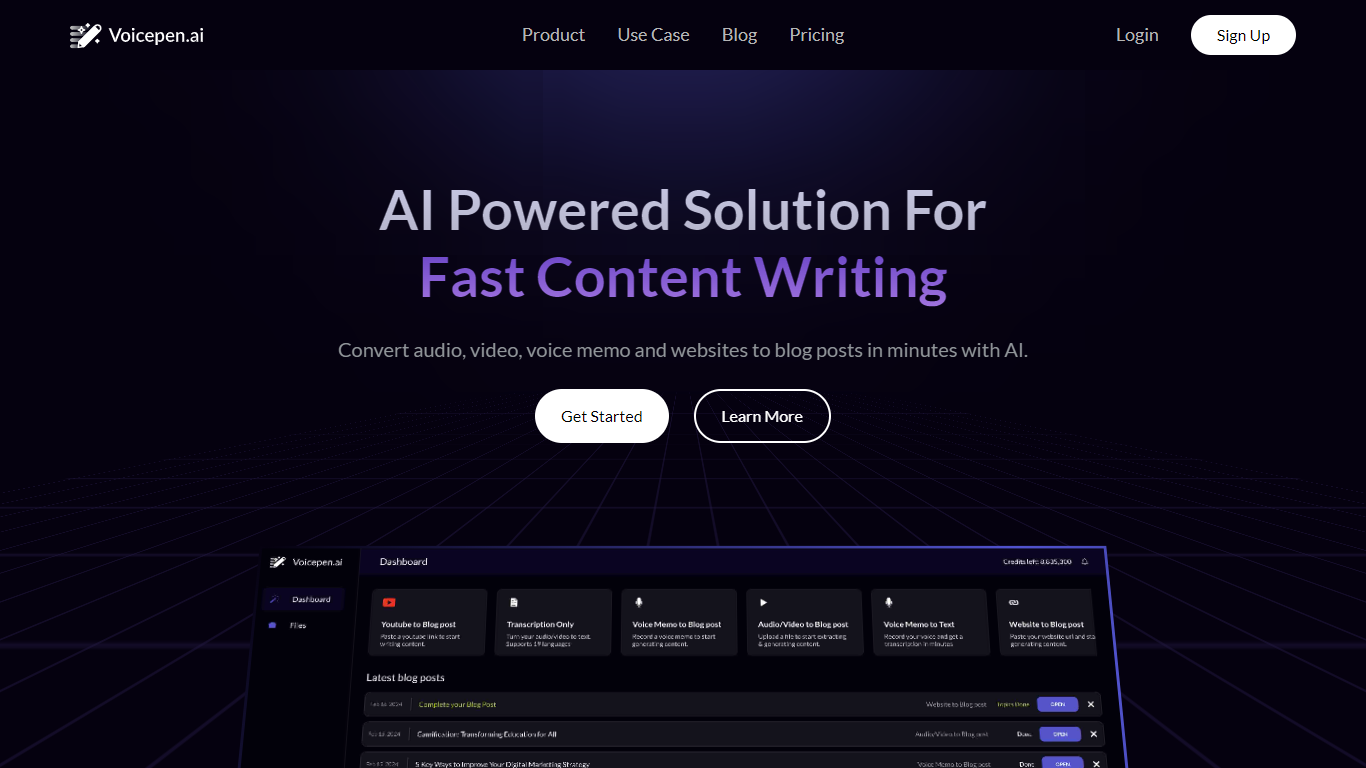
What is Voice Pen?
Voice Pen (Voicepen.ai) turns audio, video, voice memos, and websites into blog posts using AI. Upload a YouTube link, podcast episode, webinar recording, Zoom meeting, or audio file, and the app transcribes it, suggests blog topics, and drafts ready-to-edit posts.
The workflow covers four conversion types: YouTube and video, uploaded files (MP3, MP4, M4A, WAV), podcasts and webinars, and voice memos or meeting recordings. Each conversion includes a full transcription, SRT subtitle file, and a built-in post editor for refining the output.
Voice Pen targets marketers and content teams who want to repurpose existing media into written content without starting from scratch. Paste a URL or upload a file, wait for transcription, then pick topics and adjust the generated blog copy before publishing.
Clipboard TTS Upvotes
Voice Pen Upvotes
Clipboard TTS Top Features
Monitors your clipboard and reads new text automatically without pasting into a separate window
Converts copied images to speech via built-in OCR when text appears in a screenshot
Highlights the current word and sentence in colors you choose while audio plays
Auto-translates copied text to match the language of your selected voice before speaking
AI Assist uses GPT-3 to rewrite or summarize copied text based on a custom prompt you write
Voice Pen Top Features
Turn YouTube videos, podcasts, and webinars into blog posts from a pasted link or upload
Transcribe MP3, MP4, M4A, WAV, and voice memo files with SRT subtitle export
AI suggests blog topics and drafts post content you can edit in the built-in editor
Repurpose Zoom and Teams meeting recordings into written content
Credit-based plans scale from one-time packs to monthly Basic and Pro subscriptions
Clipboard TTS Category
- Text to Speech (TTS)
Voice Pen Category
- Text to Speech (TTS)
Clipboard TTS Pricing Type
- Paid
Voice Pen Pricing Type
- Freemium