Clipchamp vs Convert Video to Text - Maestra
Explore the showdown between Clipchamp vs Convert Video to Text - Maestra and find out which AI Video Editing tool wins. We analyze upvotes, features, reviews, pricing, alternatives, and more.
In a face-off between Clipchamp and Convert Video to Text - Maestra, which one takes the crown?
When we contrast Clipchamp with Convert Video to Text - Maestra, both of which are exceptional AI-operated video editing tools, and place them side by side, we can spot several crucial similarities and divergences. The upvote count is neck and neck for both Clipchamp and Convert Video to Text - Maestra. Join the aitools.fyi users in deciding the winner by casting your vote.
Want to flip the script? Upvote your favorite tool and change the game!
Clipchamp


What is Clipchamp?
Clipchamp is a versatile video editing platform that empowers users to create stunning videos with ease. Whether you're editing on a browser, using the Windows app, or on mobile, Clipchamp simplifies the process with its smart tools and royalty-free content. It's ideal for everything from YouTube and TikTok videos to promo videos and Facebook video ads. Notable for its AI video editing capabilities, such as autocaptions and text-to-speech, Clipchamp also offers features like green screen effects, video overlays, and even speaker coaching. It ensures that your video fits any platform perfectly by allowing you to resize and transform your video with stylish elements. For business, education, or fun, Clipchamp is the way to go for creating high-quality videos without watermarks in up to 4K resolution. Now a part of Microsoft, this tool assures a smooth experience for all your video creation needs.
Convert Video to Text - Maestra
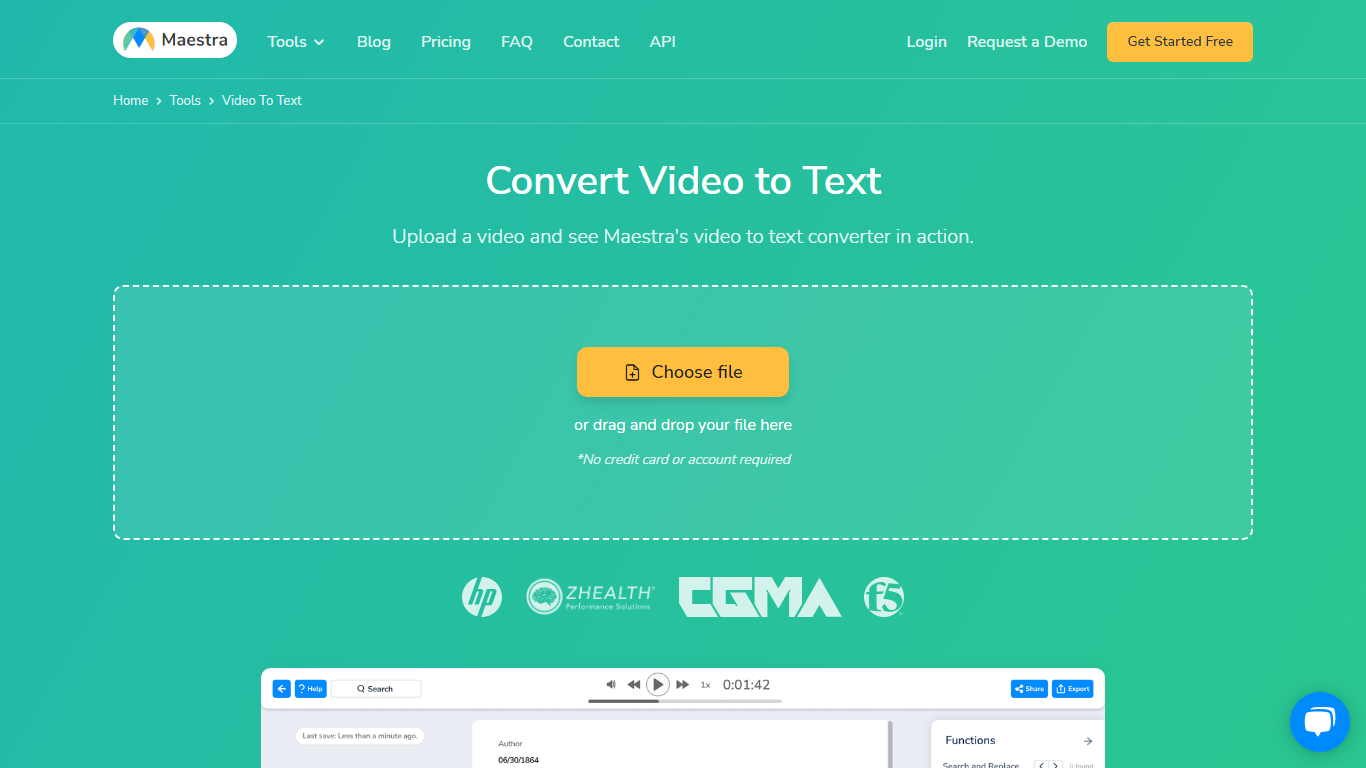
What is Convert Video to Text - Maestra?
Experience the future of transcription with our advanced AI Video Transcription service. Effortlessly convert your video to text with unmatched accuracy, supporting over 125 languages. Get your content transcribed, captioned, or voiced over in just seconds. Our intuitive tools provide seamless audio and video file transcription, automatic subtitles in both native and foreign languages, and professional voiceovers for multilingual content. Utilize MaestraCloud for comprehensive audio-to-text and video-to-text conversions. Discover our specialized YouTube Transcript Generator and Video Translator to amplify your global reach. Offering competitive pricing and a free trial, getting started is easy. Dive into our extensive list of services to empower your video content.
Clipchamp Upvotes
Convert Video to Text - Maestra Upvotes
Clipchamp Top Features
Autocaptions: Automatically generate accurate captions in over 140 languages using advanced speech-to-text technology.
Text to Speech: Easily convert text into natural-sounding speech in various languages and voices.
Resize Video: Adjust the aspect ratio of your videos to fit different platforms with customizable background colors and blur effects.
Speaker Coach: Improve communication skills with feedback on pace pitch and filler words using the webcam recorder tool.
Royalty-Free Elements: Enhance your videos with access to a wide range of stock elements including text overlays filters and templates.
Convert Video to Text - Maestra Top Features
Transcription: Automatically convert audio and video files into text.
Subtitle/Caption: Create captions for videos in native and foreign languages.
Voiceover: Edit and voiceover videos in different languages automatically.
MaestraCloud: Access to a suite of tools for audio and video conversion.
Multilingual Support: Transcribe and translate content in over 125 languages.
Clipchamp Category
- Video Editing
Convert Video to Text - Maestra Category
- Video Editing
Clipchamp Pricing Type
- Freemium
Convert Video to Text - Maestra Pricing Type
- Freemium