Clipfly Ai vs Supercreator AI
In the battle of Clipfly Ai vs Supercreator AI, which AI Video Generation tool comes out on top? We compare reviews, pricing, alternatives, upvotes, features, and more.
Between Clipfly Ai and Supercreator AI, which one is superior?
Upon comparing Clipfly Ai with Supercreator AI, which are both AI-powered video generation tools, In the race for upvotes, Supercreator AI takes the trophy. Supercreator AI has garnered 52 upvotes, and Clipfly Ai has garnered 6 upvotes.
Think we got it wrong? Cast your vote and show us who's boss!
Clipfly Ai
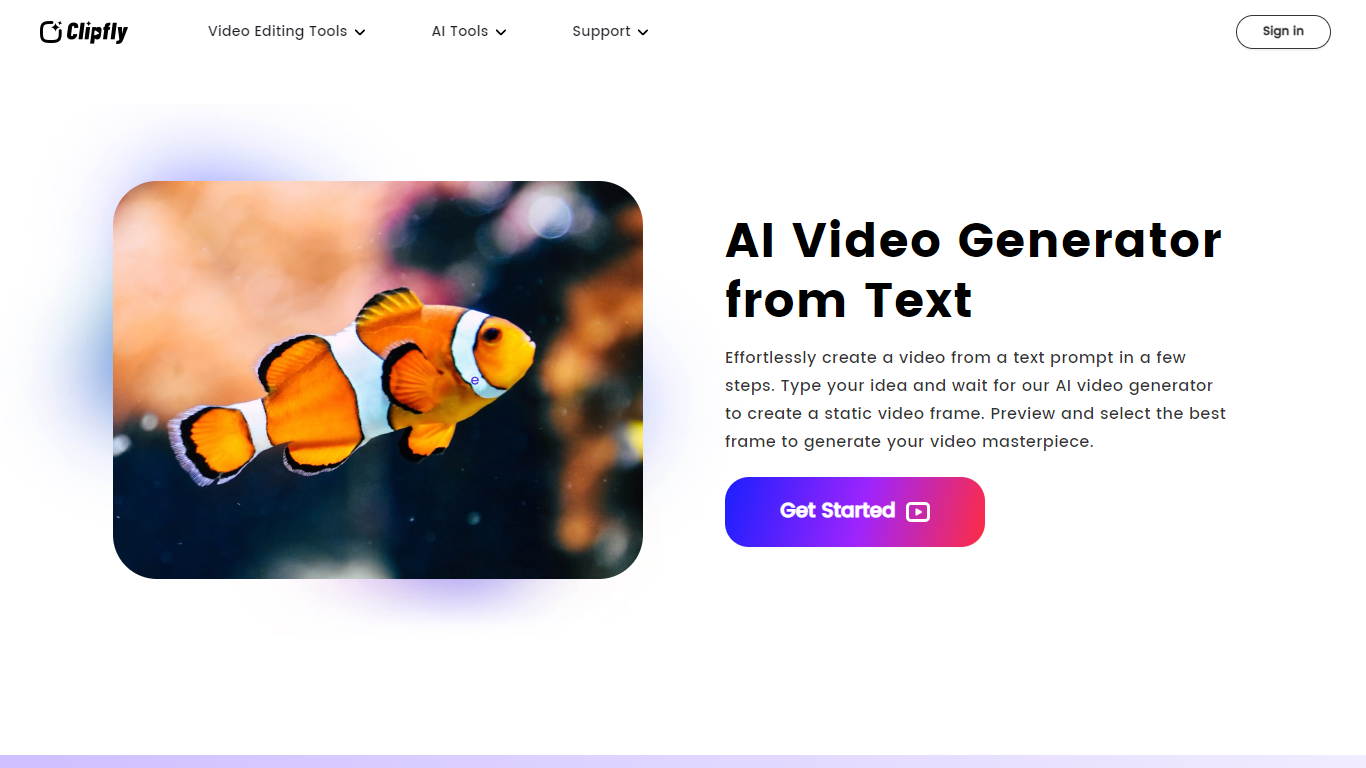

What is Clipfly Ai?
Clipfly Ai is a comprehensive online platform that transforms text, images, and ideas into professional-quality videos using advanced AI technology. It offers multiple AI video generation models such as Veo 3, Seedance 2.0, Wan 2.7, Kling 3.0, and others, each tailored for different styles and levels of detail, from cinematic clips to anime and cartoon animations. Users can create videos ranging from short social media clips to longer films with precise control over camera angles, lighting, motion, and audio.
Beyond video generation, Clipfly Ai provides a full suite of video editing tools accessible through a drag-and-drop interface. Users can trim, crop, merge, resize, and apply effects or transitions to videos, as well as add subtitles, text, images, and watermarks. The platform supports audio editing features including extracting, joining, and adding audio tracks, plus AI-powered enhancements like video upscaling, watermark removal, and background removal.
The platform caters to a wide audience including marketers, educators, content creators, and casual users. It supports multiple languages and offers preset video aspect ratios optimized for popular social media platforms such as TikTok, YouTube, and Instagram. This makes it easy to create engaging content tailored to different channels and audiences.
Clipfly Ai emphasizes ease of use with an intuitive interface that requires no prior video editing experience. It also provides commercial use rights for videos created on the platform, allowing businesses to use generated content freely in marketing and promotional materials. The AI models are designed to produce consistent characters and realistic visuals, enhancing storytelling and viewer engagement.
Technically, Clipfly Ai integrates various AI models specialized in video generation, enhancement, and editing. It leverages AI for tasks like text-to-video conversion, image animation, lip-syncing, and voiceover generation. The platform also includes tools for script-to-video creation and storyboard generation, enabling users to craft complex narratives with minimal effort.
Overall, Clipfly Ai stands out as a one-stop solution for AI-driven video creation and editing, combining powerful AI capabilities with user-friendly tools to streamline the entire video production process from concept to final output.
Supercreator AI

What is Supercreator AI?
Supercreator AI lets you plan a short video scene by scene, record it with a scrolling teleprompter, then trim and caption the footage in the same browser workspace. Storyboarding, recording, timeline editing, and mini apps for AI media, talking avatars, and multi-shot sequences all sit on one home screen. You sign in to save creations, but every tool is listed before you start.
Where many video editors assume you already have footage, Supercreator AI front-loads scripting and recording. The storyboard maps scenes before capture, the recorder scrolls your script while you film, and one-click templates plus AI captions sit beside standalone tools like a Reel transcriber and clip editor. That workflow keeps scripting, capture, and polish in one tab instead of three separate apps.
It fits creators who publish to TikTok, Reels, and Shorts and want scripting, capture, and caption polish without switching tools. Founders, educators, and on-camera marketers get teleprompter support, visual aids, and reusable identity presets across projects.
Clipfly Ai Upvotes
Supercreator AI Upvotes
Clipfly Ai Top Features
🎬 Multiple AI Models: Choose from various AI engines for cinematic, anime, or cartoon styles to fit any video need.
✂️ Easy Video Editing: Trim, crop, merge, and add effects with a drag-and-drop editor requiring no experience.
🎵 Audio Tools: Extract, join, and add audio tracks or background music to enhance your videos.
🖼️ Image to Video: Turn still images into animated videos with consistent characters and lifelike details.
🌐 Social Media Ready: Customize video aspect ratios for TikTok, YouTube, Instagram, and more with preset sizes.
Supercreator AI Top Features
Storyboard maps scripts scene by scene before you hit record
Built-in recorder pairs a teleprompter with visual aids and smart overlays
Timeline editor cuts clips and adds AI-generated stylized captions
One-click templates turn raw clips into scroll-stopping social videos
Script Trainer collects high-performing videos, transcribes them, and drafts new scripts
Avatars mini app builds talking-head videos with AI voices
Super Director stitches multi-shot AI video sequences from one workspace
Clipfly Ai Category
- Video Generation
Supercreator AI Category
- Video Generation
Clipfly Ai Pricing Type
- Freemium
Supercreator AI Pricing Type
- Freemium