Dubbah (formerly Clippah) vs Timebolt
In the clash of Dubbah (formerly Clippah) vs Timebolt, which AI Video Editing tool emerges victorious? We assess reviews, pricing, alternatives, features, upvotes, and more.
When we put Dubbah (formerly Clippah) and Timebolt head to head, which one emerges as the victor?
Let's take a closer look at Dubbah (formerly Clippah) and Timebolt, both of which are AI-driven video editing tools, and see what sets them apart. In the race for upvotes, Dubbah (formerly Clippah) takes the trophy. Dubbah (formerly Clippah) has been upvoted 53 times by aitools.fyi users, and Timebolt has been upvoted 18 times.
Does the result make you go "hmm"? Cast your vote and turn that frown upside down!
Dubbah (formerly Clippah)
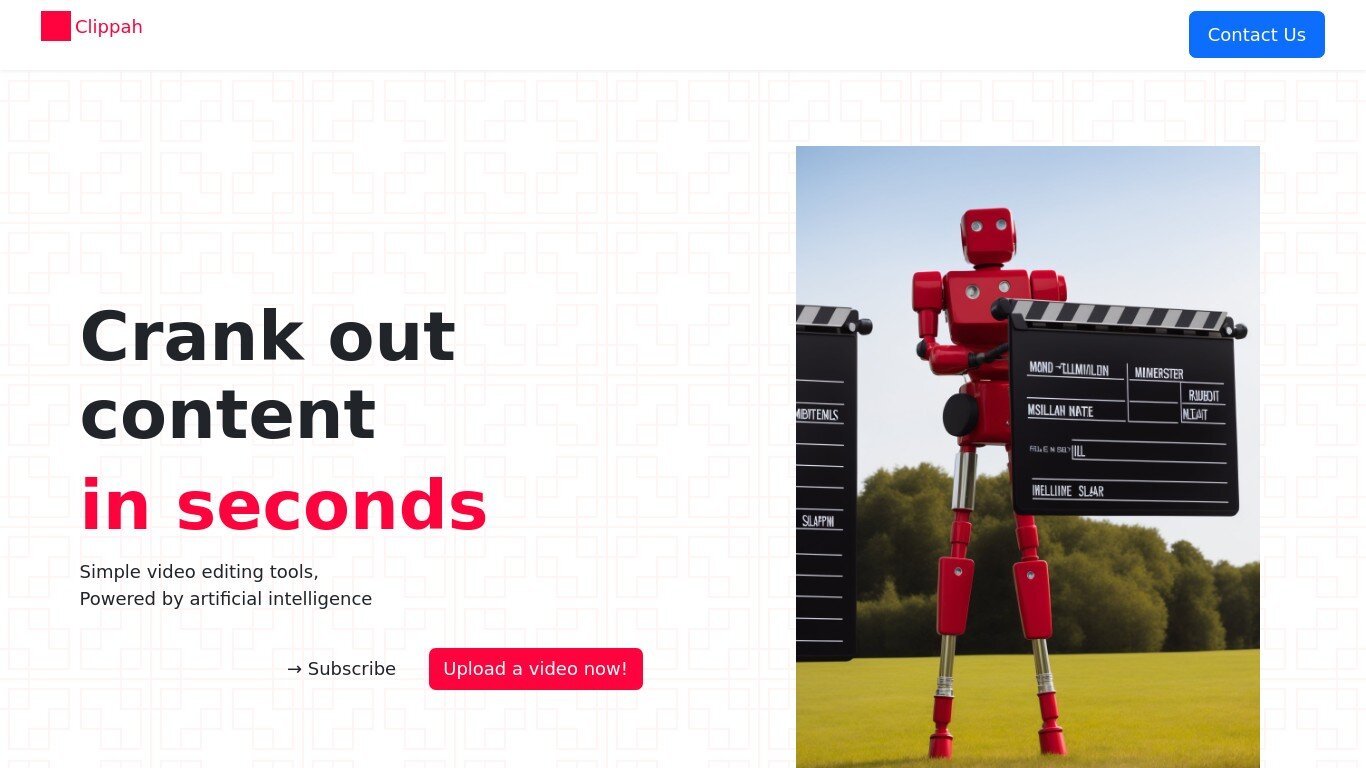

What is Dubbah (formerly Clippah)?
Drop an MP4 or MOV into Dubbah, pick from 14 languages, and get back a dubbed video with the original speaker's voice matched in each target language. The whole pipeline runs on your Mac, so footage stays on your machine and never gets uploaded for processing.
Most dubbing services upload your video to remote servers and bill by the minute. Dubbah runs locally after setup, works offline, and charges nothing for unlimited exports. That privacy-first, on-device model is the trade-off: it is Mac-only (macOS 13+, Apple Silicon and Intel), not a browser tool or Windows app.
YouTube creators, marketing teams, and educators who need localized clips without studio budgets are the clearest fit. The workflow is drag, pick languages, review each translated line, tweak wording or timing, then export finished video files.
Timebolt

What is Timebolt?
Timebolt is a desktop video editor built around waveform-first jump cuts for podcasts, interviews, and screen recordings. It strips silence, filler words, and bad takes with 0.01 second cut control, then exports timelines to Premiere Pro, Final Cut Pro, DaVinci Resolve, or Camtasia without re-cutting by hand.
Most text-based AI editors guess where pauses live and leave hundreds of missed cuts per hour. Timebolt measures the audio waveform first, which is why its benchmark claims zero mistakes left per hour while rivals like Descript and Gling still need manual cleanup. That trade-off favors editors who want frame-tight cuts over a chat-style transcript workflow.
Podcasters, YouTubers, and course creators use Timebolt to shrink raw talking-head footage before publishing. Post-production teams also route Riverside multicam sessions through Timebolt XML exports so senior editors finish polish work in their preferred NLE.
Dubbah (formerly Clippah) Upvotes
Timebolt Upvotes
Dubbah (formerly Clippah) Top Features
Dubs videos into 14 languages including Spanish, Mandarin, Hindi, Arabic, Japanese, French, German, Korean, Portuguese, Italian, Polish, Turkish, Tamil, and English
Voice cloning keeps the original speaker's tone in each target language instead of generic text-to-speech
Runs on macOS 13+ for both Apple Silicon and Intel Macs with no account or sign-up required
Processes MP4, MOV, and other common video formats entirely on your Mac with no per-minute fees
Works offline after initial setup so you can dub on a plane or on set without uploading files
Line-by-line editor lets you change translated wording, adjust timing, or re-generate individual segments before export
Timebolt Top Features
0.01 second cut control on waveform-based silence removal
Processes an hour of footage in about 13 seconds for jump cuts
Exports XML timelines to Premiere Pro, Final Cut Pro, and DaVinci Resolve
UMCHECK removes filler words automatically from recorded speech
Free 4K screen capture tool for Mac and Windows
Benchmark reports zero missed cuts per hour versus hundreds on rival AI editors
Dubbah (formerly Clippah) Category
- Video Editing
Timebolt Category
- Video Editing
Dubbah (formerly Clippah) Pricing Type
- Freemium
Timebolt Pricing Type
- Freemium