Clips AI vs Peech AI
When comparing Clips AI vs Peech AI, which AI Video Editing tool shines brighter? We look at pricing, alternatives, upvotes, features, reviews, and more.
In a comparison between Clips AI and Peech AI, which one comes out on top?
When we put Clips AI and Peech AI side by side, both being AI-powered video editing tools, In the race for upvotes, Clips AI takes the trophy. The upvote count for Clips AI is 7, and for Peech AI it's 5.
Not your cup of tea? Upvote your preferred tool and stir things up!
Clips AI

What is Clips AI?
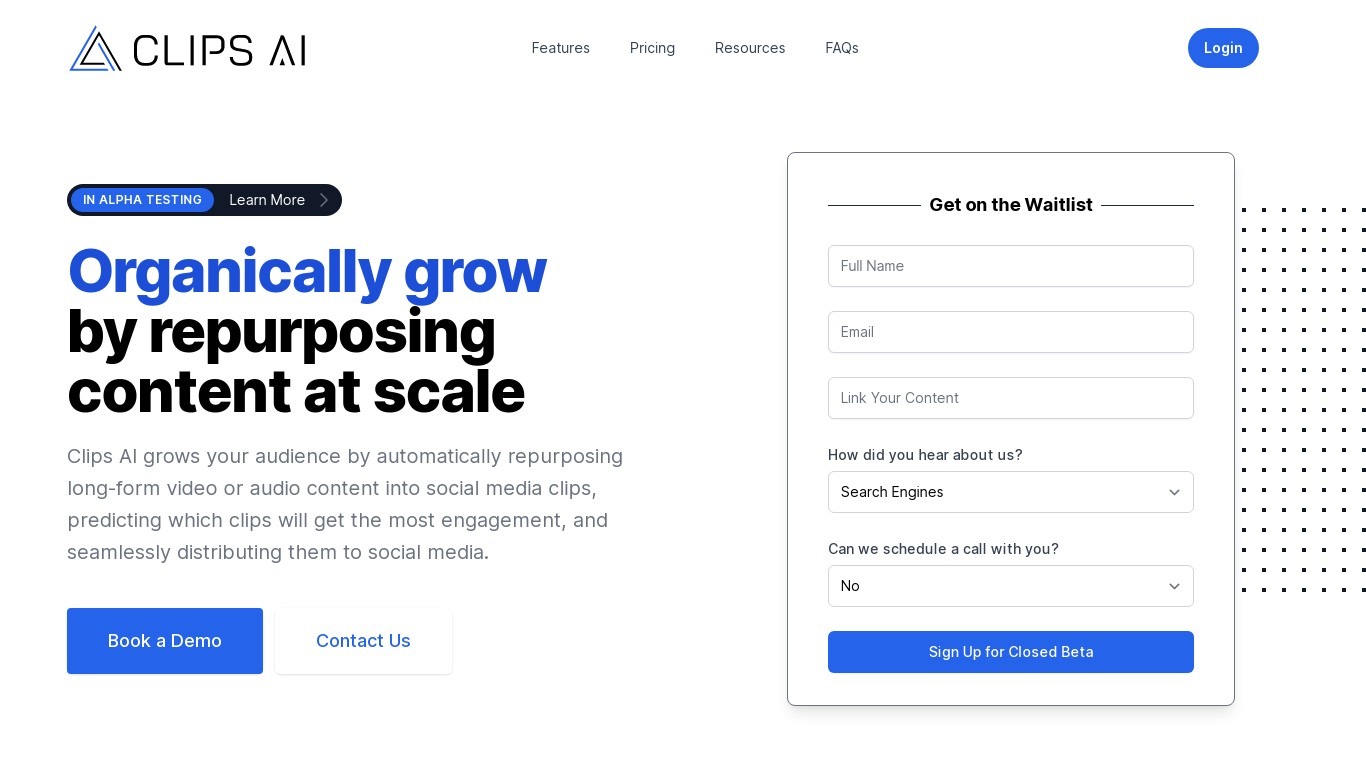
Clips AI is an open-source Python library that turns long-form videos into short clips and reframes them for vertical feeds. You install it with pip, transcribe a podcast or interview with WhisperX, then call ClipFinder to segment the transcript into clip start and end times. Developers wire those timestamps into their own pipelines instead of uploading files to a hosted clip editor.
Consumer clip tools hide the segmentation logic behind a web upload form. Clips AI exposes TextTiling with BERT embeddings on Whisper transcripts, plus a separate resize path that tracks the active speaker with Pyannote diarization, PySceneDetect, and face detection. That stack targets narrative audio like podcasts and sermons, not quick meme cuts from silent b-roll.
Engineers building podcast repurposing workflows, media startups, and research teams who need programmatic clip boundaries and 16:9 to 9:16 reframing on their own servers. It fits teams that already run Python and want Hugging Face Pyannote tokens in their resize step rather than a black-box SaaS export button.
Peech AI

What is Peech AI?
Peech turns raw video footage into branded, platform-ready clips through automated post-production. Upload your content and the platform tags scenes, transcribes speech, applies your brand elements, and outputs resized versions for social, web, and ads. A text-to-video editor lets you trim clips and remove filler words as easily as editing a document.
Agency-style post-production usually means days of editor time for every batch of marketing videos. Peech automates transcription in 20+ languages, facial-recognition framing, aspect-ratio cropping, and highlight clip generation in one workflow. Media teams report cutting post-production time by up to 95% and design costs by over 80% compared to hiring external editors.
Marketing teams at B2B companies like Peerspot and Datarails use Peech to repurpose webinars and interviews into daily social clips. Media companies organize large footage libraries with automatic tagging and topic-based highlight recommendations. You can start free without a credit card, then scale to dozens of branded videos per month through the app at app.peech-ai.com.
Clips AI Upvotes
Peech AI Upvotes
Clips AI Top Features
pip install clipsai plus WhisperX from GitHub for word-level transcription timestamps
ClipFinder segments transcripts with TextTiling and BERT embeddings to return start and end times
Resize function reframes 16:9 video to 9:16 using Pyannote speaker diarization
Face detection combines MTCNN and MediaPipe with PySceneDetect scene changes
MediaEditor trims or resizes source files to exported clip paths in Python
Designed for podcasts, interviews, speeches, and sermons with narrative audio
WhisperX batch_size defaults to 16 with ISO 639-1 language autodetection support
Peech AI Top Features
Real-time transcription and translation into 20+ languages with subtitle export
Text-to-video editor cuts clips and removes filler words like editing a doc
Automated brand elements applied across every output with one-click execution
Frame cropper centers speakers via facial recognition across aspect ratios
Clip Generator produces ready-to-publish social videos from long-form footage
Clips AI Category
- Video Editing
Peech AI Category
- Video Editing
Clips AI Pricing Type
- Free
Peech AI Pricing Type
- Freemium