Clips AI vs Timebolt
Explore the showdown between Clips AI vs Timebolt and find out which AI Video Editing tool wins. We analyze upvotes, features, reviews, pricing, alternatives, and more.
In a face-off between Clips AI and Timebolt, which one takes the crown?
When we contrast Clips AI with Timebolt, both of which are exceptional AI-operated video editing tools, and place them side by side, we can spot several crucial similarities and divergences. The upvote count shows a clear preference for Timebolt. Timebolt has been upvoted 18 times by aitools.fyi users, and Clips AI has been upvoted 7 times.
Think we got it wrong? Cast your vote and show us who's boss!
Clips AI
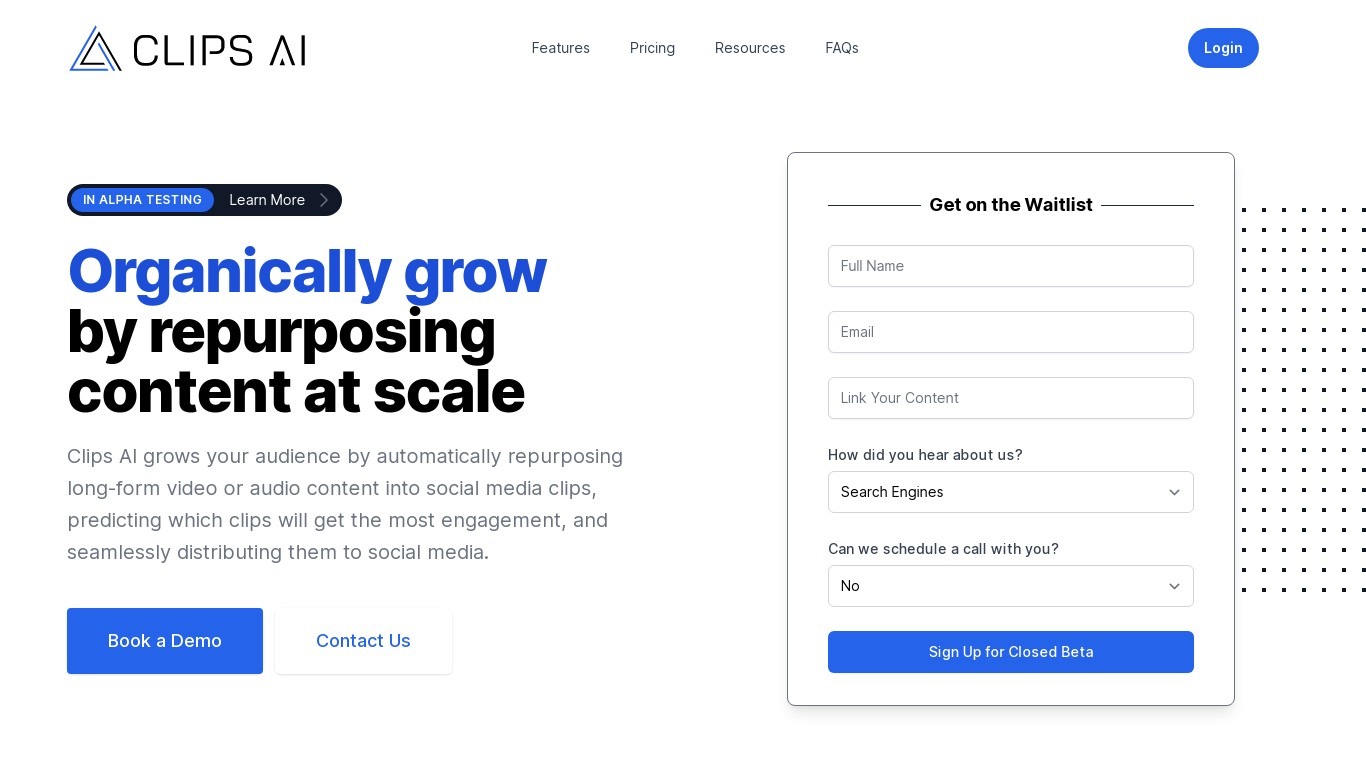

What is Clips AI?
Clips AI is an open-source Python library that turns long-form videos into short clips and reframes them for vertical feeds. You install it with pip, transcribe a podcast or interview with WhisperX, then call ClipFinder to segment the transcript into clip start and end times. Developers wire those timestamps into their own pipelines instead of uploading files to a hosted clip editor.
Consumer clip tools hide the segmentation logic behind a web upload form. Clips AI exposes TextTiling with BERT embeddings on Whisper transcripts, plus a separate resize path that tracks the active speaker with Pyannote diarization, PySceneDetect, and face detection. That stack targets narrative audio like podcasts and sermons, not quick meme cuts from silent b-roll.
Engineers building podcast repurposing workflows, media startups, and research teams who need programmatic clip boundaries and 16:9 to 9:16 reframing on their own servers. It fits teams that already run Python and want Hugging Face Pyannote tokens in their resize step rather than a black-box SaaS export button.
Timebolt

What is Timebolt?
Timebolt is a desktop video editor built around waveform-first jump cuts for podcasts, interviews, and screen recordings. It strips silence, filler words, and bad takes with 0.01 second cut control, then exports timelines to Premiere Pro, Final Cut Pro, DaVinci Resolve, or Camtasia without re-cutting by hand.
Most text-based AI editors guess where pauses live and leave hundreds of missed cuts per hour. Timebolt measures the audio waveform first, which is why its benchmark claims zero mistakes left per hour while rivals like Descript and Gling still need manual cleanup. That trade-off favors editors who want frame-tight cuts over a chat-style transcript workflow.
Podcasters, YouTubers, and course creators use Timebolt to shrink raw talking-head footage before publishing. Post-production teams also route Riverside multicam sessions through Timebolt XML exports so senior editors finish polish work in their preferred NLE.
Clips AI Upvotes
Timebolt Upvotes
Clips AI Top Features
pip install clipsai plus WhisperX from GitHub for word-level transcription timestamps
ClipFinder segments transcripts with TextTiling and BERT embeddings to return start and end times
Resize function reframes 16:9 video to 9:16 using Pyannote speaker diarization
Face detection combines MTCNN and MediaPipe with PySceneDetect scene changes
MediaEditor trims or resizes source files to exported clip paths in Python
Designed for podcasts, interviews, speeches, and sermons with narrative audio
WhisperX batch_size defaults to 16 with ISO 639-1 language autodetection support
Timebolt Top Features
0.01 second cut control on waveform-based silence removal
Processes an hour of footage in about 13 seconds for jump cuts
Exports XML timelines to Premiere Pro, Final Cut Pro, and DaVinci Resolve
UMCHECK removes filler words automatically from recorded speech
Free 4K screen capture tool for Mac and Windows
Benchmark reports zero missed cuts per hour versus hundreds on rival AI editors
Clips AI Category
- Video Editing
Timebolt Category
- Video Editing
Clips AI Pricing Type
- Free
Timebolt Pricing Type
- Freemium