OnlyDoc vs SpeechText.AI
Compare OnlyDoc vs SpeechText.AI and see which AI Search Engine tool is better when we compare features, reviews, pricing, alternatives, upvotes, etc.
Which one is better? OnlyDoc or SpeechText.AI?
When we compare OnlyDoc with SpeechText.AI, which are both AI-powered search engine tools, The upvote count is neck and neck for both OnlyDoc and SpeechText.AI. Your vote matters! Help us decide the winner among aitools.fyi users by casting your vote.
Not your cup of tea? Upvote your preferred tool and stir things up!
OnlyDoc

What is OnlyDoc?
OnlyDoc is a browser-based document platform for converting, editing, and managing PDFs and other file formats online. Upload a file, pick a tool, and download the result without installing desktop software. The site covers everyday document work from format conversion to compression, OCR, translation, and electronic signatures.
What sets OnlyDoc apart is the breadth of utilities packed into one web app. The homepage groups tools for editing PDFs, converting to and from dozens of formats, handling images, and running document-focused AI features. You can move from a scanned receipt to searchable text, or from a long report to a short summary, without leaving the site.
OnlyDoc is built for students, freelancers, and office workers who need quick document tasks handled in the browser. It also suits researchers and analysts who want to skim dense PDFs before committing to a full read. The interface is available in English, Portuguese, Spanish, and Indonesian.
SpeechText.AI
What is SpeechText.AI?
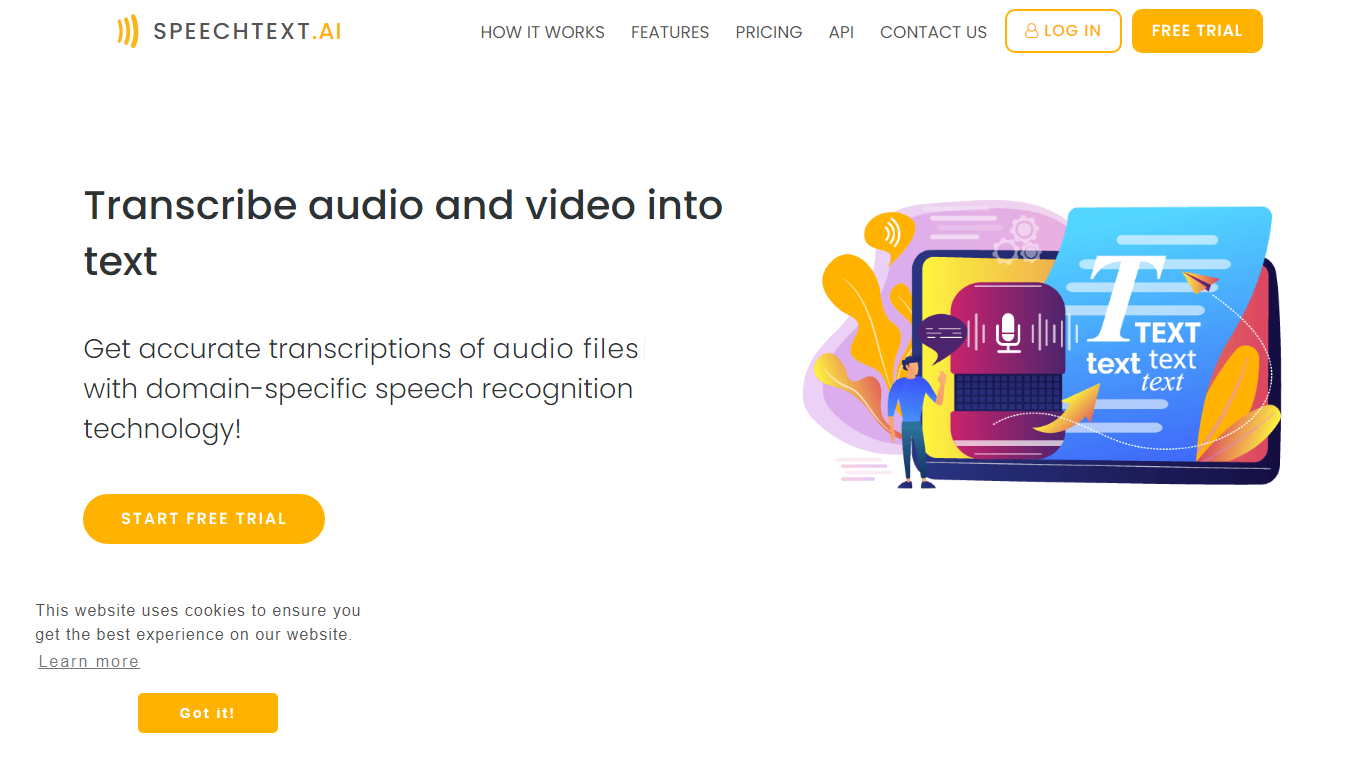
SpeechText.AI turns uploaded audio and video files into editable text through a browser dashboard. You pick an industry domain and audio type before transcribing, which helps the engine handle specialized vocabulary in finance, healthcare, legal, HR, and other fields. The workflow covers upload, domain selection, automatic transcription, in-browser editing, and export to formats like TXT, PDF, DOCX, and SRT.
Most general transcription tools treat every recording the same. SpeechText.AI asks you to classify the source first, whether it is a podcast, interview, conference call, lecture, or meeting record, then routes the file through a model trained on similar audio. That domain and audio-type routing is the main reason to pick it over a one-size-fits-all converter, especially when jargon density matters.
Researchers, journalists, podcast producers, and legal teams use it when they need searchable transcripts with speaker labels and punctuation already applied. The service supports 50+ languages with regional variants, offers a speech-to-text API for developers, and stores data on GDPR-compliant servers hosted in France.
OnlyDoc Upvotes
SpeechText.AI Upvotes
OnlyDoc Top Features
Converts between PDF and 30+ formats including Word, Excel, PowerPoint, and EPUB
PDF summarizer extracts key points from files up to 100 MB in under 30 seconds
OCR turns scanned pages into searchable, editable text
Translate PDF content into other languages directly in the browser
Merge, split, compress, rotate, and sign PDFs without desktop software
Runs on desktop and mobile browsers with no software install required
SpeechText.AI Top Features
Choose industry domains like finance, healthcare, legal, or HR to improve recognition of specialized terms
Select audio types such as interviews, podcasts, conference calls, or lectures before transcribing
Supports 50+ languages with regional variants including English, German, French, Spanish, and Japanese
Speaker identification labels who said what in multi-participant recordings
Achieves a 3.8% word error rate on the LibriSpeech benchmark dataset
Export transcripts as TXT, PDF, DOCX, or SRT subtitle files from the dashboard
Pay-as-you-go credit packs from $10 for 180 minutes with no recurring monthly fee
OnlyDoc Category
- Search Engine
SpeechText.AI Category
- Search Engine
OnlyDoc Pricing Type
- Freemium
SpeechText.AI Pricing Type
- Freemium