Codacy Quality vs GitHub Copilot
Explore the showdown between Codacy Quality vs GitHub Copilot and find out which AI Code Assistant tool wins. We analyze upvotes, features, reviews, pricing, alternatives, and more.
When comparing Codacy Quality and GitHub Copilot, which one rises above the other?
When we contrast Codacy Quality with GitHub Copilot, both of which are exceptional AI-operated code assistant tools, and place them side by side, we can spot several crucial similarities and divergences. Codacy Quality is the clear winner in terms of upvotes. Codacy Quality has received 6 upvotes from aitools.fyi users, while GitHub Copilot has received 4 upvotes.
You don't agree with the result? Cast your vote to help us decide!
Codacy Quality

What is Codacy Quality?
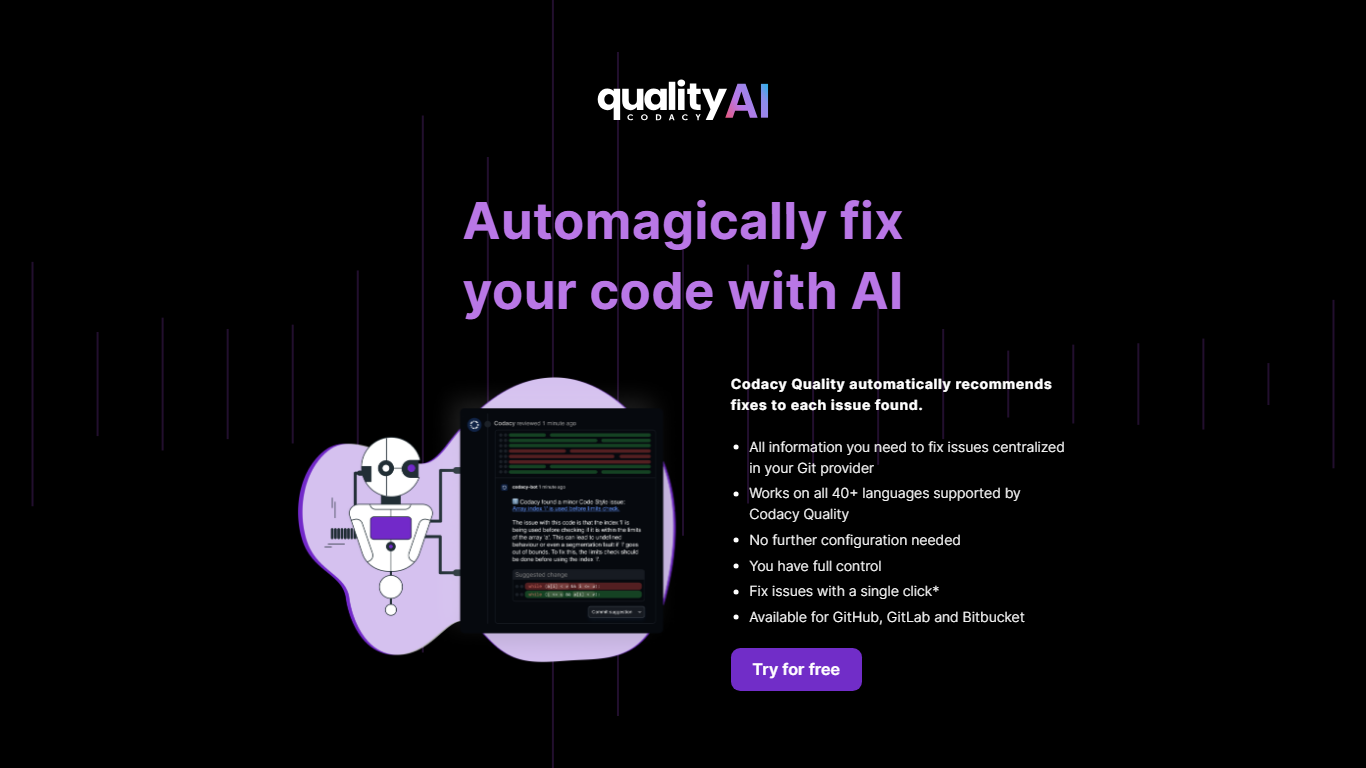
Codacy Quality scans AI-generated and human-written code for security flaws, quality regressions, and policy violations before changes merge. It plugs into GitHub, GitLab, and Bitbucket pull requests, plus VS Code, JetBrains, and Cursor, so fixes surface inside the tools developers already use instead of in a separate dashboard nobody checks.
Where generic linters stop at style rules, Codacy Quality layers SAST, secret scanning, dependency (SCA) checks, infrastructure-as-code rules, and AI-specific guardrails that flag unapproved model calls or policy violations from agent-generated code. Its AI Reviewer adds low-noise pull request comments with ready-to-commit fix suggestions, which matters when teams ship faster with copilots but still need audit-ready evidence.
Engineering leads, security teams, and platform groups at mid-market and enterprise companies use it to standardize coding standards across dozens of languages without assigning someone to babysit every repo. Open-source projects can run it free forever, while private teams start with a 14-day trial and no credit card.
GitHub Copilot
What is GitHub Copilot?
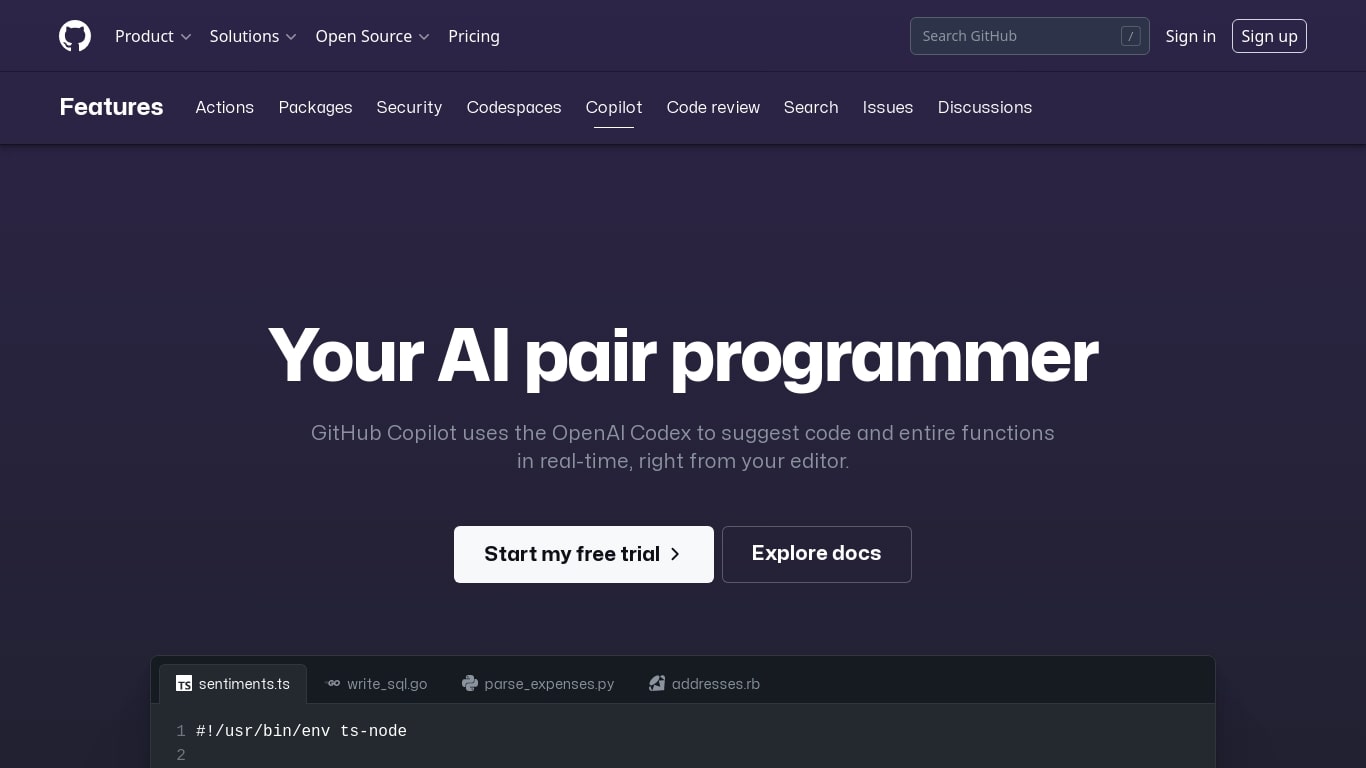
GitHub Copilot is a code assistant that lives inside your editor, terminal, and GitHub.com. It completes lines as you type, answers questions about your codebase in chat, and runs agent workflows that edit multiple files while you review each change. It is built for developers who want help inside the tools they already use rather than a separate chat window.
Most coding assistants bolt onto one IDE. Copilot spans VS Code, JetBrains, Neovim, Visual Studio, the GitHub CLI, GitHub Mobile, and native chat on GitHub.com with the Enterprise plan. That reach matters when your team splits time between local editing, pull request review, and issue triage on the web. The trade-off is complexity: plans, credit allowances, and agent policies vary by tier, so heavy agent users need to watch usage more carefully than someone who only wants inline completions.
Software engineers, open source maintainers, and enterprise dev teams use Copilot for inline completion, multi-file agent edits, automated code review on pull requests, and background cloud agents assigned through GitHub issues. Verified students and teachers can access Pro at no cost through GitHub's education program.
Codacy Quality Upvotes
GitHub Copilot Upvotes
Codacy Quality Top Features
Scans 49 programming languages with shared coding standards across repositories
AI Reviewer leaves pull request feedback with one-click fix suggestions on GitHub, GitLab, and Bitbucket
Codacy Guardrails runs SAST, SCA, and secret scans inside VS Code, JetBrains, and Cursor as you type
Supports up to 100 private repositories on the cloud-hosted starter tier with unlimited lines of code
Daily CVE and malicious package re-scans keep dependency risk current across legacy codebases
AI Risk Hub enforces org-wide AI coding policies such as unapproved model calls and prompt-injection checks
GitHub Copilot Top Features
Free tier includes 2,000 code completions and 50 chat requests per month
Pro plan is $10 per month with unlimited completions and next-edit suggestions
Runs in VS Code, JetBrains, Neovim, Visual Studio, Xcode, and Eclipse IDE
Agent mode proposes multi-file edits with Keep or Undo review in the editor
Assign cloud agents to GitHub issues, including Claude and OpenAI Codex on Pro
Copilot CLI and Spaces draw from monthly GitHub AI Credits on paid plans
Enterprise admins control MCP server allow lists from a single control plane
Codacy Quality Category
- Code Assistant
GitHub Copilot Category
- Code Assistant
Codacy Quality Pricing Type
- Freemium
GitHub Copilot Pricing Type
- Freemium