Code Fundi vs Gorilla Terminal
In the face-off between Code Fundi vs Gorilla Terminal, which AI Code Assistant tool takes the crown? We scrutinize features, alternatives, upvotes, reviews, pricing, and more.
In a face-off between Code Fundi and Gorilla Terminal, which one takes the crown?
If we were to analyze Code Fundi and Gorilla Terminal, both of which are AI-powered code assistant tools, what would we find? Neither tool takes the lead, as they both have the same upvote count. The power is in your hands! Cast your vote and have a say in deciding the winner.
Does the result make you go "hmm"? Cast your vote and turn that frown upside down!
Code Fundi
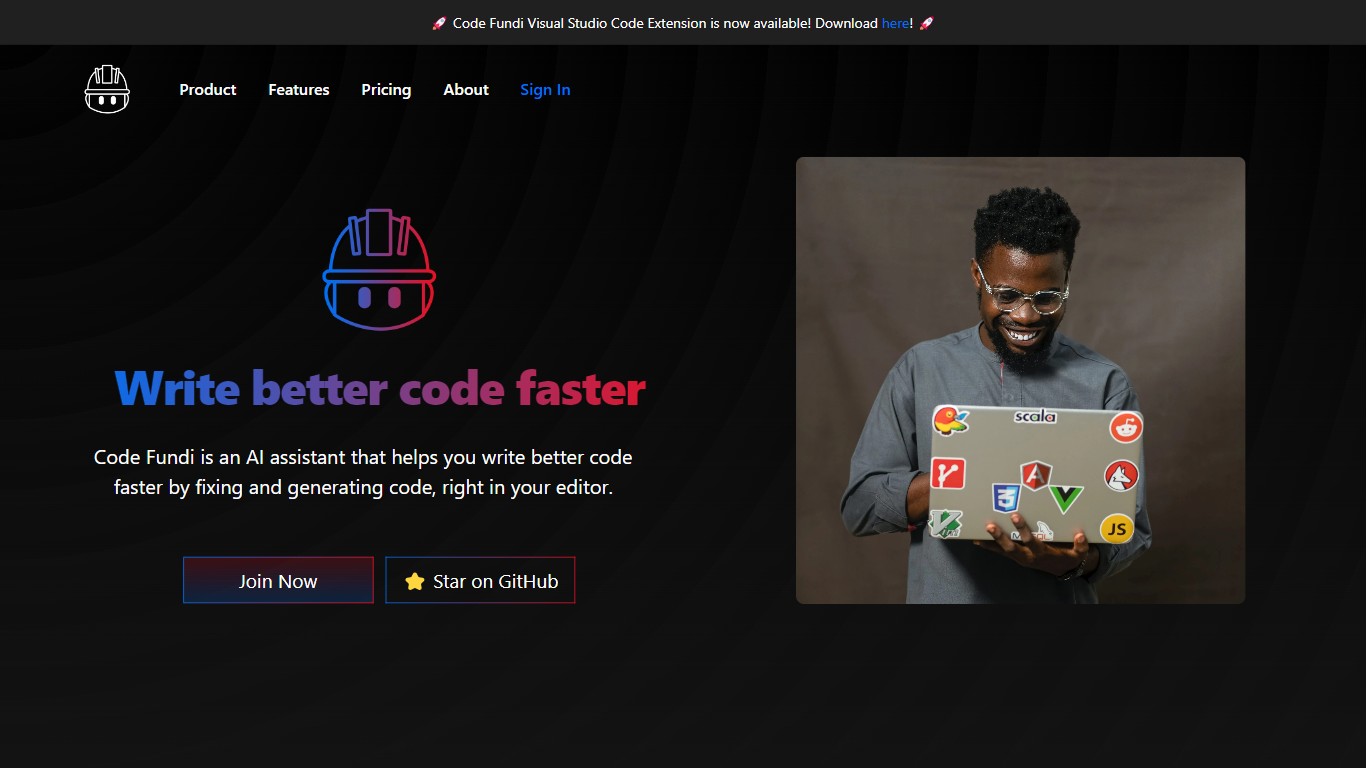

What is Code Fundi?
Code Fundi maps GitHub repos into a searchable, token-optimized codebase index so engineers and coding agents can query patterns, dependencies, and blast radius before editing. Connect a repository or paste a URL, index the dependency graph, and run sub-second semantic searches across one repo or hundreds of public codebases. Extensions ship for VS Code, Cursor, and Windsurf, with API and MCP hooks for agent workflows.
Most code search tools stop at text similarity or single-repo grep. Code Fundi's blast-radius guard maps structural dependencies and downstream files that break when an agent edits a function, which targets the silent regressions teams add manual review gates to catch. It also distills repos into markdown codebase maps billed at 6 credits per indexed file on the pricing page, trimming boilerplate for RAG and prompt context.
Engineering teams building agentic QA, legacy modernization, and technical due diligence workflows are listed across Code Fundi's industry pages. The free tier offers 500 credits, public repo indexing, and single-codebase search, while paid Dev through Pro tiers add private indexes up to 50 repos and 50,000 monthly credits.
Gorilla Terminal

What is Gorilla Terminal?
Gorilla Terminal pulls stock data, SEC filings, macro indicators, and earnings call transcripts into one terminal-style dashboard in your browser. Search by ticker and you get charts, quarterly reports, insider trades, Twitter sentiment, and live futures without hopping between Bloomberg tabs and scattered finance sites.
Most research terminals either dump raw data tables or lean on generic summaries. Gorilla Terminal focuses on earnings calls: it runs sentiment analysis on what executives actually said, flags positive and negative statements, and lets you filter by quarter. That transcript-first angle is the trade-off. You get deeper call breakdowns than a charting site, but the product is built for equity research rather than crypto or forex.
Portfolio managers, solo investors, and finance students use this investment research tool to prep for earnings season, scan sector averages, and stress-test holdings with value-at-risk and regression tools. The macro panel covers CPI, unemployment, retail sales, and consumer sentiment in one click.
Code Fundi Upvotes
Gorilla Terminal Upvotes
Code Fundi Top Features
Blast-radius guard shows downstream files affected before an agent ships an edit
Semantic search runs across 1,000 plus public repos or your indexed private libraries
VS Code and Cursor extensions plus MCP integration for Claude and other agents
Free tier includes 500 credits, public repo indexing, and single-codebase chat
Paid Dev plan adds 5,000 monthly credits and 10 private repo indexes for $21 per month
Codebase map indexing costs 6 credits per file on the published pricing breakdown
Gorilla Terminal Top Features
Earnings call transcripts with AI sentiment scoring and positive/negative statement filters per quarter
Macro dashboard covering CPI, unemployment, retail sales, and consumer sentiment in one view
Stock search returns charts, 10-Ks, 10-Qs, insider buying, and Twitter sentiment on one page
Value-at-risk and regression analysis for portfolio risk modeling
Industry average metrics across revenue growth, margins, and tax rates by sector
Pro plan at $29 per month, down from a listed $49 per month on the pricing page
7-day pass at $9.99 for short-term access without a monthly commitment
Code Fundi Category
- Code Assistant
Gorilla Terminal Category
- Code Assistant
Code Fundi Pricing Type
- Freemium
Gorilla Terminal Pricing Type
- Paid