CodeAssist vs Gorilla Terminal
In the clash of CodeAssist vs Gorilla Terminal, which AI Code Assistant tool emerges victorious? We assess reviews, pricing, alternatives, features, upvotes, and more.
When we put CodeAssist and Gorilla Terminal head to head, which one emerges as the victor?
Let's take a closer look at CodeAssist and Gorilla Terminal, both of which are AI-driven code assistant tools, and see what sets them apart. Interestingly, both tools have managed to secure the same number of upvotes. Every vote counts! Cast yours and contribute to the decision of the winner.
Feeling rebellious? Cast your vote and shake things up!
CodeAssist

What is CodeAssist?
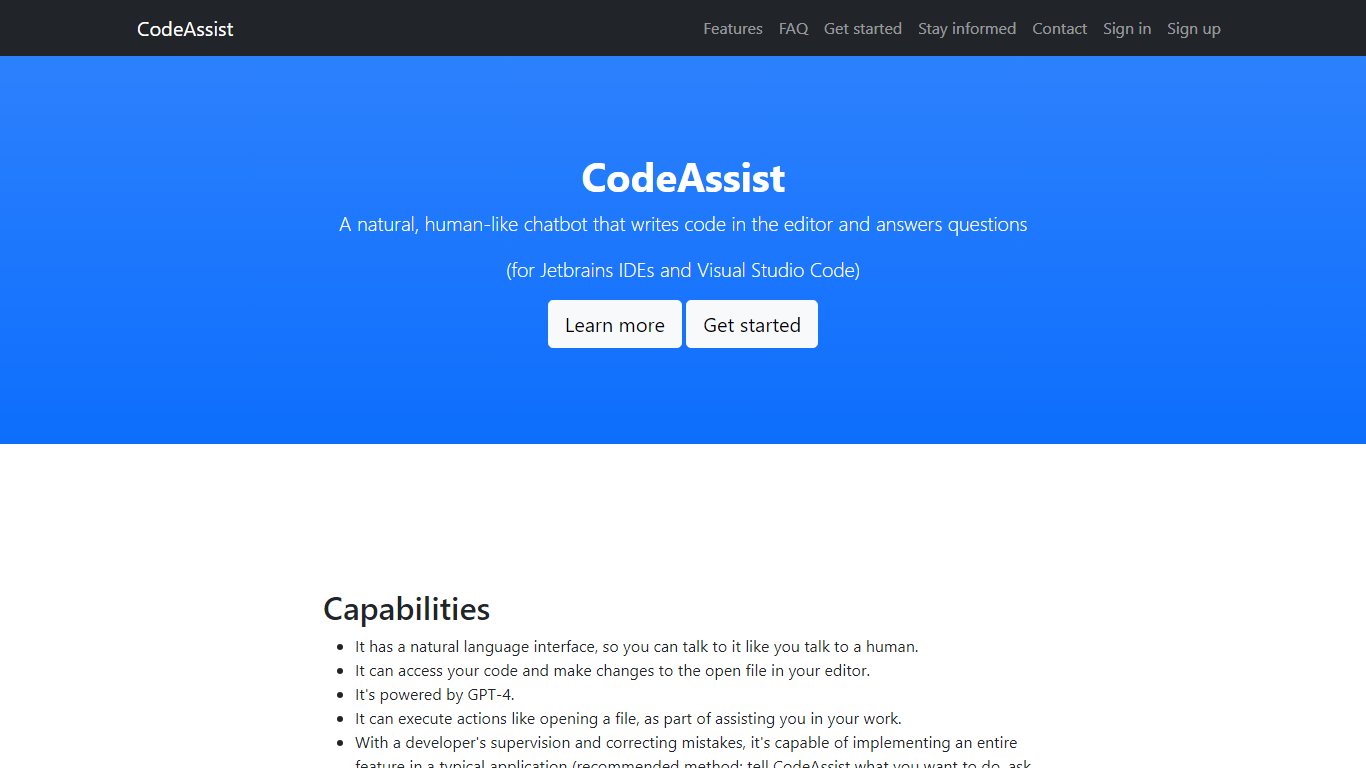
Unlock the potential of your coding with CodeAssist, the innovative AI programming assistant! Designed for developers seeking a more intuitive coding experience, CodeAssist offers a seamless natural language interface that understands your instructions and turns them into code directly within Jetbrains IDEs and Visual Studio Code. Powered by the cutting-edge GPT-4, it not only writes code but can execute a range of actions including opening files to streamline your developer workflow. Even though CodeAssist is in its early stages, with active development and feedback, it is swiftly evolving, becoming more adept at implementing entire features under the watchful eye of a developer. Experience the future of coding today with CodeAssist – your intelligent code companion!
Gorilla Terminal

What is Gorilla Terminal?
Gorilla Terminal pulls stock data, SEC filings, macro indicators, and earnings call transcripts into one terminal-style dashboard in your browser. Search by ticker and you get charts, quarterly reports, insider trades, Twitter sentiment, and live futures without hopping between Bloomberg tabs and scattered finance sites.
Most research terminals either dump raw data tables or lean on generic summaries. Gorilla Terminal focuses on earnings calls: it runs sentiment analysis on what executives actually said, flags positive and negative statements, and lets you filter by quarter. That transcript-first angle is the trade-off. You get deeper call breakdowns than a charting site, but the product is built for equity research rather than crypto or forex.
Portfolio managers, solo investors, and finance students use this investment research tool to prep for earnings season, scan sector averages, and stress-test holdings with value-at-risk and regression tools. The macro panel covers CPI, unemployment, retail sales, and consumer sentiment in one click.
CodeAssist Upvotes
Gorilla Terminal Upvotes
CodeAssist Top Features
Natural Language Interface: Communicate with CodeAssist as you would with a human colleague.
Code Access and Modifications: Directly reads and writes to the open file in your editor streamlining your workflow.
GPT-4 Powered: Harness the capabilities of the latest AI to generate code and perform actions.
Developer Supervision: Implement entire features with CodeAssist fine-tuning its output with your expertise.
Multilanguage Support: Compatible with all popular programming languages enabling flexible development across projects.
Gorilla Terminal Top Features
Earnings call transcripts with AI sentiment scoring and positive/negative statement filters per quarter
Macro dashboard covering CPI, unemployment, retail sales, and consumer sentiment in one view
Stock search returns charts, 10-Ks, 10-Qs, insider buying, and Twitter sentiment on one page
Value-at-risk and regression analysis for portfolio risk modeling
Industry average metrics across revenue growth, margins, and tax rates by sector
Pro plan at $29 per month, down from a listed $49 per month on the pricing page
7-day pass at $9.99 for short-term access without a monthly commitment
CodeAssist Category
- Code Assistant
Gorilla Terminal Category
- Code Assistant
CodeAssist Pricing Type
- Freemium
Gorilla Terminal Pricing Type
- Paid