CodeAssist vs Programming-Helper
When comparing CodeAssist vs Programming-Helper, which AI Code Assistant tool shines brighter? We look at pricing, alternatives, upvotes, features, reviews, and more.
In a comparison between CodeAssist and Programming-Helper, which one comes out on top?
When we put CodeAssist and Programming-Helper side by side, both being AI-powered code assistant tools, The upvote count favors CodeAssist, making it the clear winner. CodeAssist has garnered 6 upvotes, and Programming-Helper has garnered 3 upvotes.
Not your cup of tea? Upvote your preferred tool and stir things up!
CodeAssist
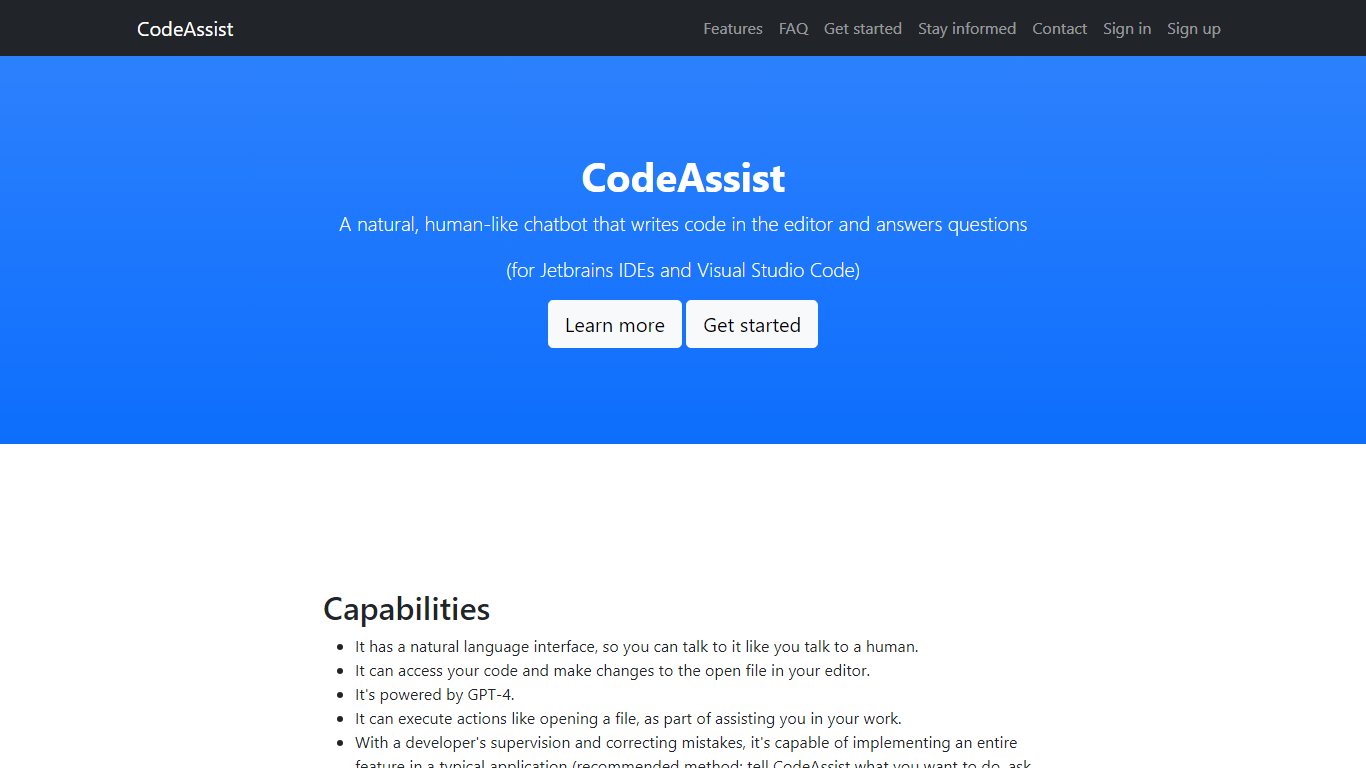

What is CodeAssist?
Unlock the potential of your coding with CodeAssist, the innovative AI programming assistant! Designed for developers seeking a more intuitive coding experience, CodeAssist offers a seamless natural language interface that understands your instructions and turns them into code directly within Jetbrains IDEs and Visual Studio Code. Powered by the cutting-edge GPT-4, it not only writes code but can execute a range of actions including opening files to streamline your developer workflow. Even though CodeAssist is in its early stages, with active development and feedback, it is swiftly evolving, becoming more adept at implementing entire features under the watchful eye of a developer. Experience the future of coding today with CodeAssist – your intelligent code companion!
Programming-Helper
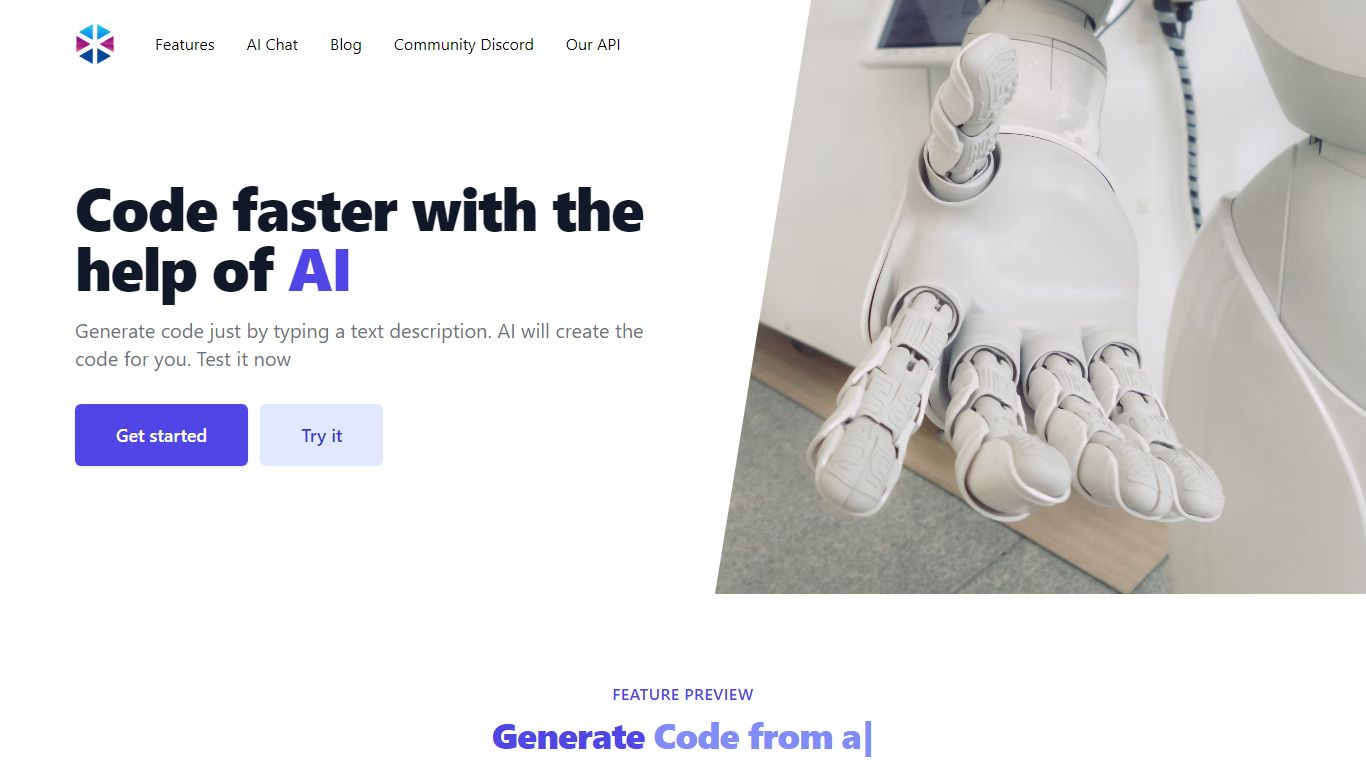
What is Programming-Helper?
Programming-Helper is a browser-based code assistant that turns plain-English prompts into functions, SQL, HTML, regex, Git commands, and more. You pick a task like generate function or text to SQL, describe what you need, and the site returns code you can copy, with community generations visible to other users.
Most code assistants chase one workflow, usually chat inside an IDE. Programming-Helper spreads dozens of narrow generators across a single site, from docstring-to-function and fix invalid code to Linux command lookup and time-complexity analysis. That breadth trades deep project context for quick one-off answers.
It fits students, indie developers, and analysts who need a specific snippet without opening a full IDE copilot. The newer AI Studio bundles the tools behind one interface with workflows, collaboration, and one-click exports for heavier use.
CodeAssist Upvotes
Programming-Helper Upvotes
CodeAssist Top Features
Natural Language Interface: Communicate with CodeAssist as you would with a human colleague.
Code Access and Modifications: Directly reads and writes to the open file in your editor streamlining your workflow.
GPT-4 Powered: Harness the capabilities of the latest AI to generate code and perform actions.
Developer Supervision: Implement entire features with CodeAssist fine-tuning its output with your expertise.
Multilanguage Support: Compatible with all popular programming languages enabling flexible development across projects.
Programming-Helper Top Features
Generate functions from text descriptions across many programming languages
Text-to-SQL converts plain English into SQL commands
Translate code between programming languages from a description
Regex from description and regex-to-English explanation tools
Fix invalid code, add typing, and generate unit tests from existing code
AI Studio bundles all generators with workflows, collaboration, and one-click exports
CodeAssist Category
- Code Assistant
Programming-Helper Category
- Code Assistant
CodeAssist Pricing Type
- Freemium
Programming-Helper Pricing Type
- Freemium