CoffeeChat AI vs Hurd AI
In the battle of CoffeeChat AI vs Hurd AI, which AI Meeting Assistant tool comes out on top? We compare reviews, pricing, alternatives, upvotes, features, and more.
Between CoffeeChat AI and Hurd AI, which one is superior?
Upon comparing CoffeeChat AI with Hurd AI, which are both AI-powered meeting assistant tools, The upvote count is neck and neck for both CoffeeChat AI and Hurd AI. The power is in your hands! Cast your vote and have a say in deciding the winner.
You don't agree with the result? Cast your vote to help us decide!
CoffeeChat AI

What is CoffeeChat AI?
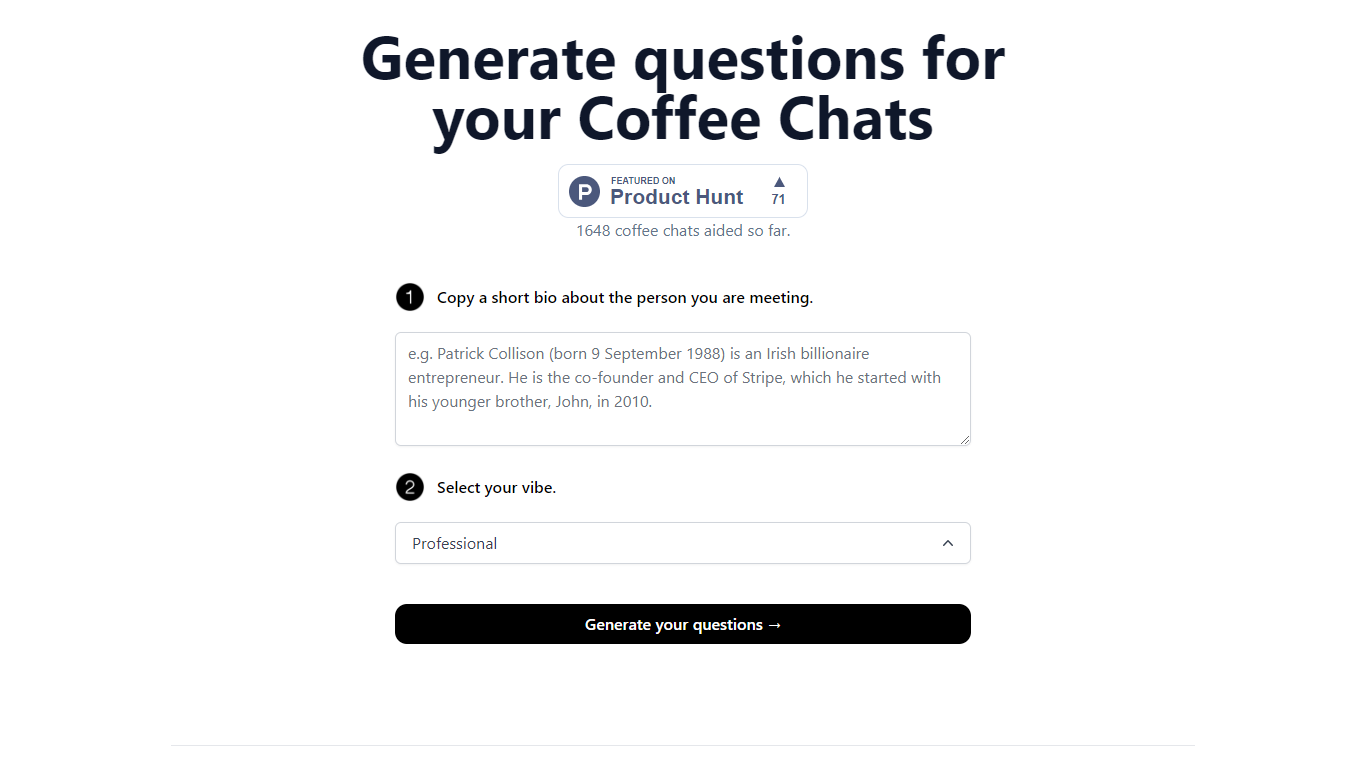
CoffeeChat AI is an innovative tool designed to enhance the experience of professional networking by providing personalized conversation starters for your coffee chats. Created by a team of developers, @susantoscott, @chrispramana, and @wilsonlimset, this tool helps to break the ice and engage in more meaningful discussions.
By simply copying a short bio of the person you're meeting and selecting the desired vibe - which, in this case, is 'Professional' - you can generate a set of tailored questions that will help facilitate your conversation. CoffeeChat AI aims to aid networking efforts and has a user-friendly interface to cater to professionals from various sectors looking to make the most out of their interactions.
Hurd AI

What is Hurd AI?
Hurd AI is a desktop note-taking app that records lectures, meetings, and conversations, then turns them into searchable transcripts on your own machine. You stay focused on the discussion while it handles transcription, tagging, titling, and summaries in the background.
The app imports audio and video files in formats like MP3, MP4, WAV, AVI, and M4A, and supports more than 90 languages including English, Spanish, French, German, Chinese, Japanese, Korean, and Arabic. You can highlight, filter, and group transcript text, replay audio at any point with a click, and edit inline before exporting to Apple Notes or CSV.
Unlike cloud transcription services, Hurd AI keeps your recordings and transcripts on your local device. The macOS beta is open now for macOS Big Sur and later, with a Windows version listed as coming soon.
CoffeeChat AI Upvotes
Hurd AI Upvotes
CoffeeChat AI Top Features
Generate questions: Automatically generate personalized questions for your coffee chats.
Select your vibe: Choose the 'Professional' vibe to align the questions with the tone of your meeting.
Copy bio: Input a short bio about the person you are meeting to customize the questions.
Professional Focus: Designed specifically for professional networking scenarios.
Creators: Built by a team of developers known on Twitter as @susantoscott, @chrispramana, and @wilsonlimset.
Hurd AI Top Features
Records and transcribes meetings, lectures, and conversations while you stay present in the moment
Auto-titles, tags, and summarizes transcripts so you can search and organize without manual cleanup
Imports MP3, MP4, WAV, AVI, and M4A files and supports 90+ languages for transcription
Keeps audio files and transcripts on your local machine instead of uploading them to the cloud
Exports transcripts to Apple Notes or CSV and syncs imports across devices via iCloud on iPhone
CoffeeChat AI Category
- Meeting Assistant
Hurd AI Category
- Meeting Assistant
CoffeeChat AI Pricing Type
- Freemium
Hurd AI Pricing Type
- Free