CoffeeChat AI vs SoWork
In the contest of CoffeeChat AI vs SoWork, which AI Meeting Assistant tool is the champion? We evaluate pricing, alternatives, upvotes, features, reviews, and more.
If you had to choose between CoffeeChat AI and SoWork, which one would you go for?
When we examine CoffeeChat AI and SoWork, both of which are AI-enabled meeting assistant tools, what unique characteristics do we discover? Neither tool takes the lead, as they both have the same upvote count. Be a part of the decision-making process. Your vote could determine the winner.
Disagree with the result? Upvote your favorite tool and help it win!
CoffeeChat AI

What is CoffeeChat AI?
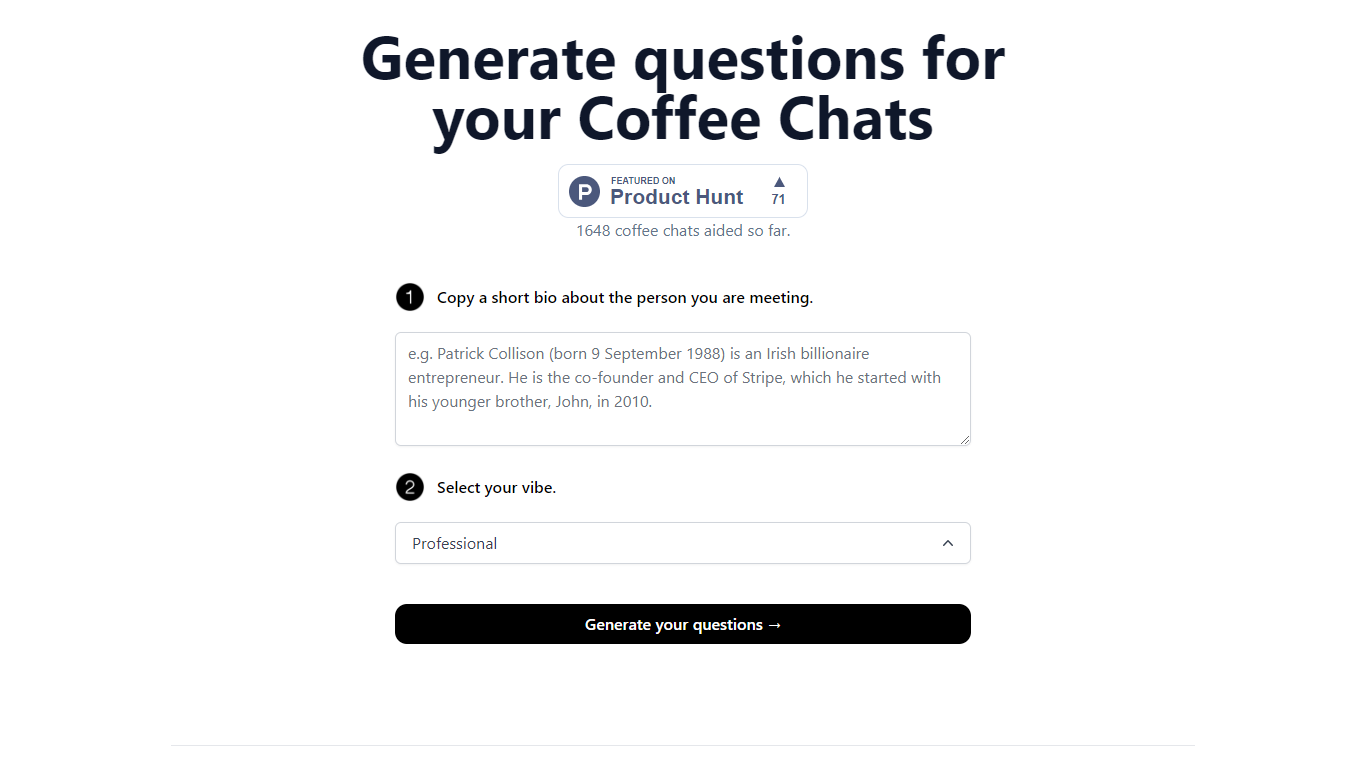
CoffeeChat AI is an innovative tool designed to enhance the experience of professional networking by providing personalized conversation starters for your coffee chats. Created by a team of developers, @susantoscott, @chrispramana, and @wilsonlimset, this tool helps to break the ice and engage in more meaningful discussions.
By simply copying a short bio of the person you're meeting and selecting the desired vibe - which, in this case, is 'Professional' - you can generate a set of tailored questions that will help facilitate your conversation. CoffeeChat AI aims to aid networking efforts and has a user-friendly interface to cater to professionals from various sectors looking to make the most out of their interactions.
SoWork
What is SoWork?
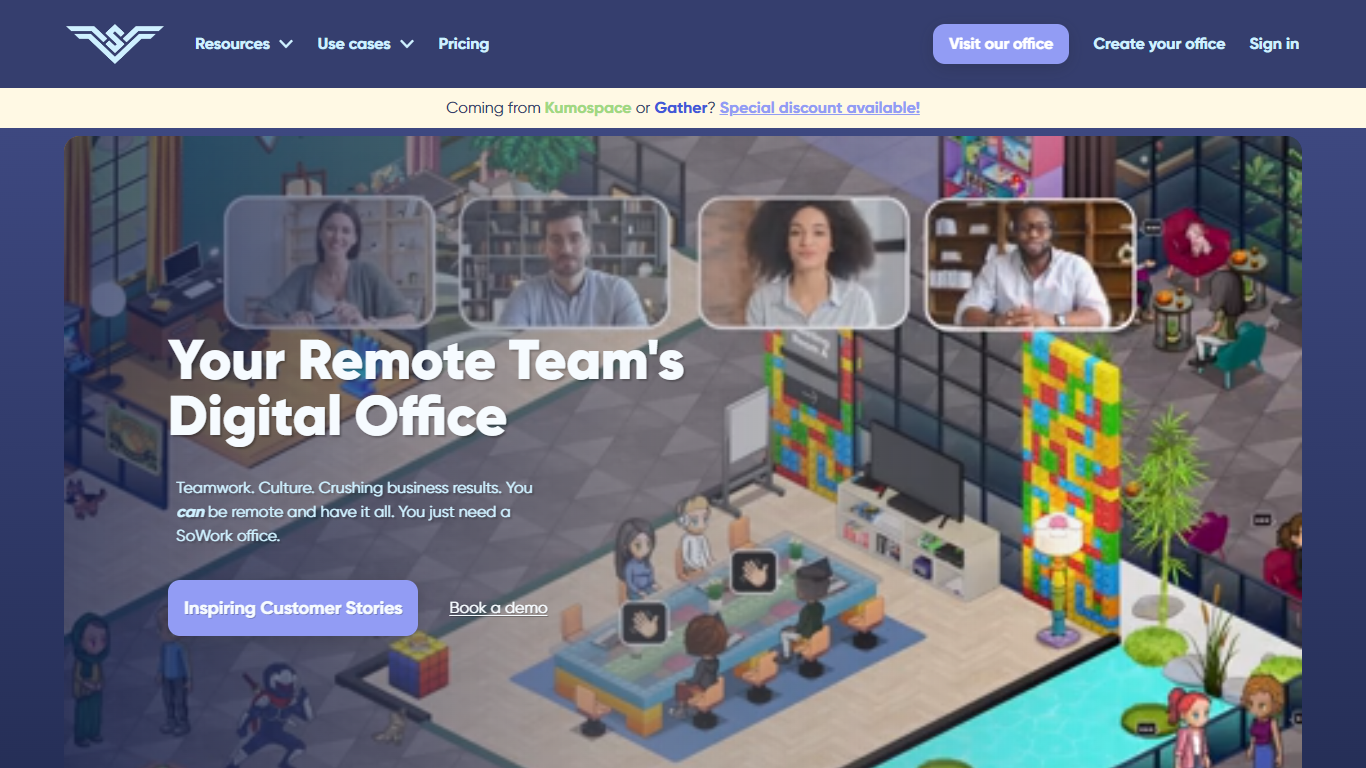
SoWork is a virtual workspace for remote and hybrid teams, built by Sophya, Inc. Team members work inside a shared digital office as avatars, walking up to colleagues to start conversations without scheduling links or calendar invites. It combines presence, video meetings, team chat, and meeting memory tools in one environment.
The platform grew out of a Harvard startup team's frustration with disconnected Zoom-and-Slack workflows during the pandemic. Founders drew on multiplayer gaming concepts to create spatial presence: when avatars get close, video and audio connect automatically. Offices can be customized with thousands of objects through a Sims-inspired editor.
Beyond the virtual floor plan, SoWork includes Slack-style channels and DMs, calendar sync with Google and Outlook, meeting recordings with transcripts and summaries, and analytics on team activity. Integrations cover Slack, GitHub, Zapier, Miro, and more.
Remote-first companies, distributed startups, and hybrid teams use SoWork to replace a patchwork of separate video, chat, and analytics tools. Customer stories cite faster informal collaboration, stronger culture, and reduced meeting overhead compared to traditional remote setups.
CoffeeChat AI Upvotes
SoWork Upvotes
CoffeeChat AI Top Features
Generate questions: Automatically generate personalized questions for your coffee chats.
Select your vibe: Choose the 'Professional' vibe to align the questions with the tone of your meeting.
Copy bio: Input a short bio about the person you are meeting to customize the questions.
Professional Focus: Designed specifically for professional networking scenarios.
Creators: Built by a team of developers known on Twitter as @susantoscott, @chrispramana, and @wilsonlimset.
SoWork Top Features
Walk up to a teammate's avatar and a video call starts automatically
Customize your virtual headquarters with 1,500+ objects and themed rooms
Full meeting memory with recordings, transcripts, summaries, and action items
Slack-style channels, threads, DMs, and voice messages built into the office
See who's available, in a meeting, or in deep focus before you interrupt
Google Calendar and Outlook sync that updates your status when events start
Team analytics dashboards for office activity, meetings, and connections
CoffeeChat AI Category
- Meeting Assistant
SoWork Category
- Meeting Assistant
CoffeeChat AI Pricing Type
- Freemium
SoWork Pricing Type
- Freemium