CoffeeChat AI vs TalkFlow
In the face-off between CoffeeChat AI vs TalkFlow , which AI Meeting Assistant tool takes the crown? We scrutinize features, alternatives, upvotes, reviews, pricing, and more.
In a face-off between CoffeeChat AI and TalkFlow , which one takes the crown?
If we were to analyze CoffeeChat AI and TalkFlow , both of which are AI-powered meeting assistant tools, what would we find? Both tools have received the same number of upvotes from aitools.fyi users. Your vote matters! Help us decide the winner among aitools.fyi users by casting your vote.
Not your cup of tea? Upvote your preferred tool and stir things up!
CoffeeChat AI

What is CoffeeChat AI?
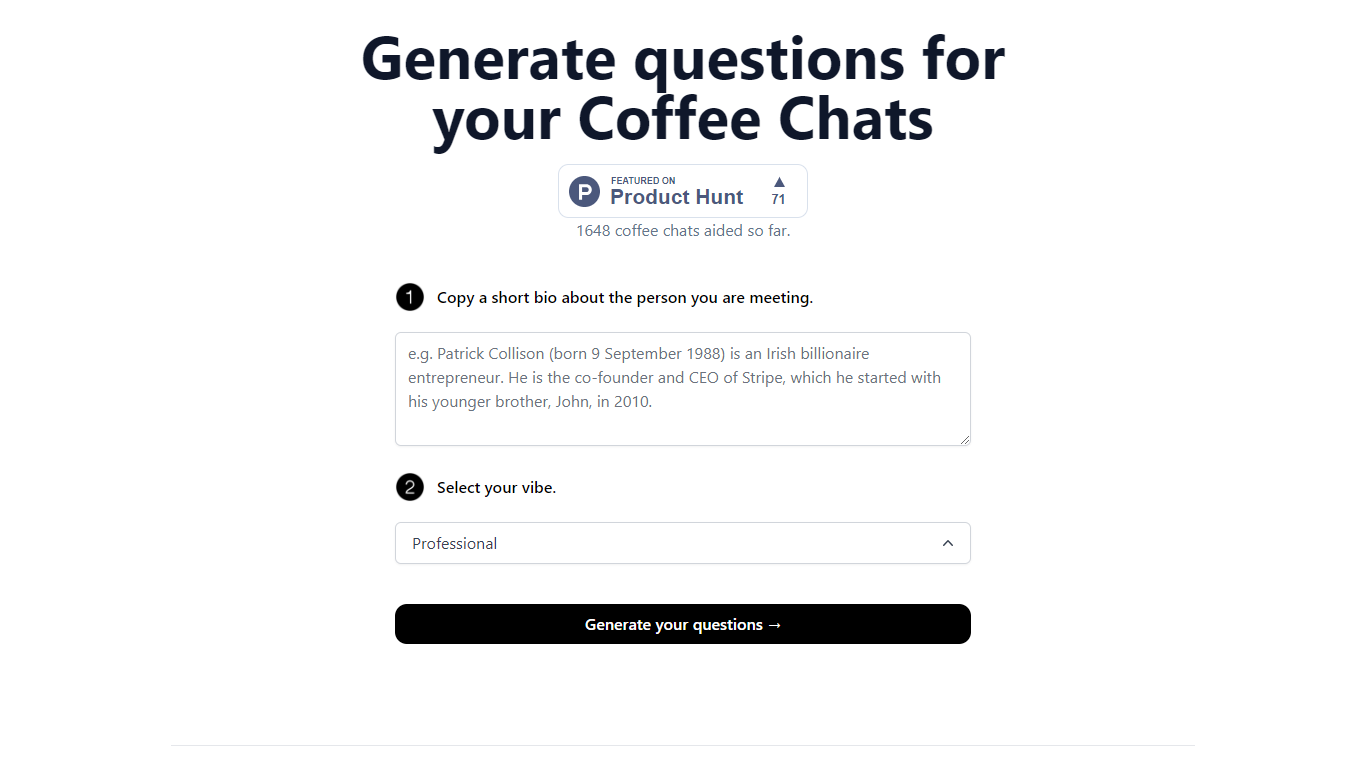
CoffeeChat AI is an innovative tool designed to enhance the experience of professional networking by providing personalized conversation starters for your coffee chats. Created by a team of developers, @susantoscott, @chrispramana, and @wilsonlimset, this tool helps to break the ice and engage in more meaningful discussions.
By simply copying a short bio of the person you're meeting and selecting the desired vibe - which, in this case, is 'Professional' - you can generate a set of tailored questions that will help facilitate your conversation. CoffeeChat AI aims to aid networking efforts and has a user-friendly interface to cater to professionals from various sectors looking to make the most out of their interactions.
TalkFlow
What is TalkFlow ?
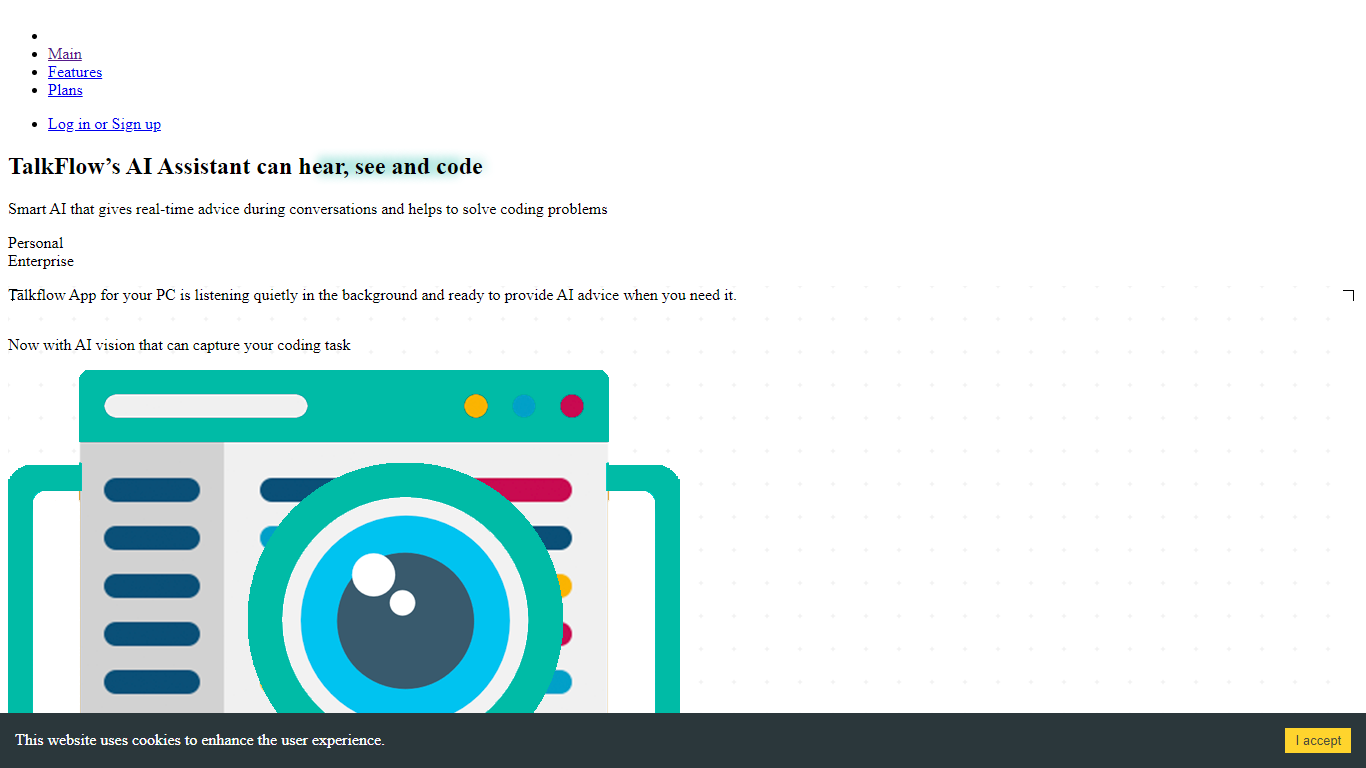
TalkFlow is a desktop meeting assistant that listens to live interview calls on Zoom, Google Meet, Teams, or Webex and transcribes both sides in real time. It surfaces STAR-style answer suggestions in a private overlay drawn from your resume, role brief, and uploaded prep notes.
Otter and Fireflies focus on post-meeting summaries. TalkFlow is built for live interview rounds: the overlay stays outside the screen-share layer on macOS and Windows, and you can attach a single coding window for HackerRank, CoderPad, or LeetCode prompts. It also records meetings, writes session notes, and debriefs talk time after each call.
Job seekers running behavioral, product, sales, or live coding interviews are the target users. Native apps ship for macOS 13+, Windows 10/11, and an iPhone companion for voice notes. Plans start at $9.99 per week with hourly caps on assisted interview time.
CoffeeChat AI Upvotes
TalkFlow Upvotes
CoffeeChat AI Top Features
Generate questions: Automatically generate personalized questions for your coffee chats.
Select your vibe: Choose the 'Professional' vibe to align the questions with the tone of your meeting.
Copy bio: Input a short bio about the person you are meeting to customize the questions.
Professional Focus: Designed specifically for professional networking scenarios.
Creators: Built by a team of developers known on Twitter as @susantoscott, @chrispramana, and @wilsonlimset.
TalkFlow Top Features
Transcribes mic and system audio with speaker labels during Zoom, Meet, Teams, and Webex calls
Private overlay suggests STAR-style answers from your resume and role brief within seconds
Overlay is excluded from ordinary screen shares, recordings, and screenshots on macOS and Windows
Attach one coding window for live help on HackerRank, CoderPad, LeetCode, and CodeSignal
Weekly plan is $9.99 with 3 hours of assisted interviews and 5 hours of meeting recordings
Post-call debrief scores talk time, filler words, and flags answers to tighten before the next round
CoffeeChat AI Category
- Meeting Assistant
TalkFlow Category
- Meeting Assistant
CoffeeChat AI Pricing Type
- Freemium
TalkFlow Pricing Type
- Paid