CoffeeChat AI vs Transcript.LOL
In the face-off between CoffeeChat AI vs Transcript.LOL, which AI Meeting Assistant tool takes the crown? We scrutinize features, alternatives, upvotes, reviews, pricing, and more.
In a face-off between CoffeeChat AI and Transcript.LOL, which one takes the crown?
If we were to analyze CoffeeChat AI and Transcript.LOL, both of which are AI-powered meeting assistant tools, what would we find? Interestingly, both tools have managed to secure the same number of upvotes. You can help us determine the winner by casting your vote and tipping the scales in favor of one of the tools.
You don't agree with the result? Cast your vote to help us decide!
CoffeeChat AI

What is CoffeeChat AI?
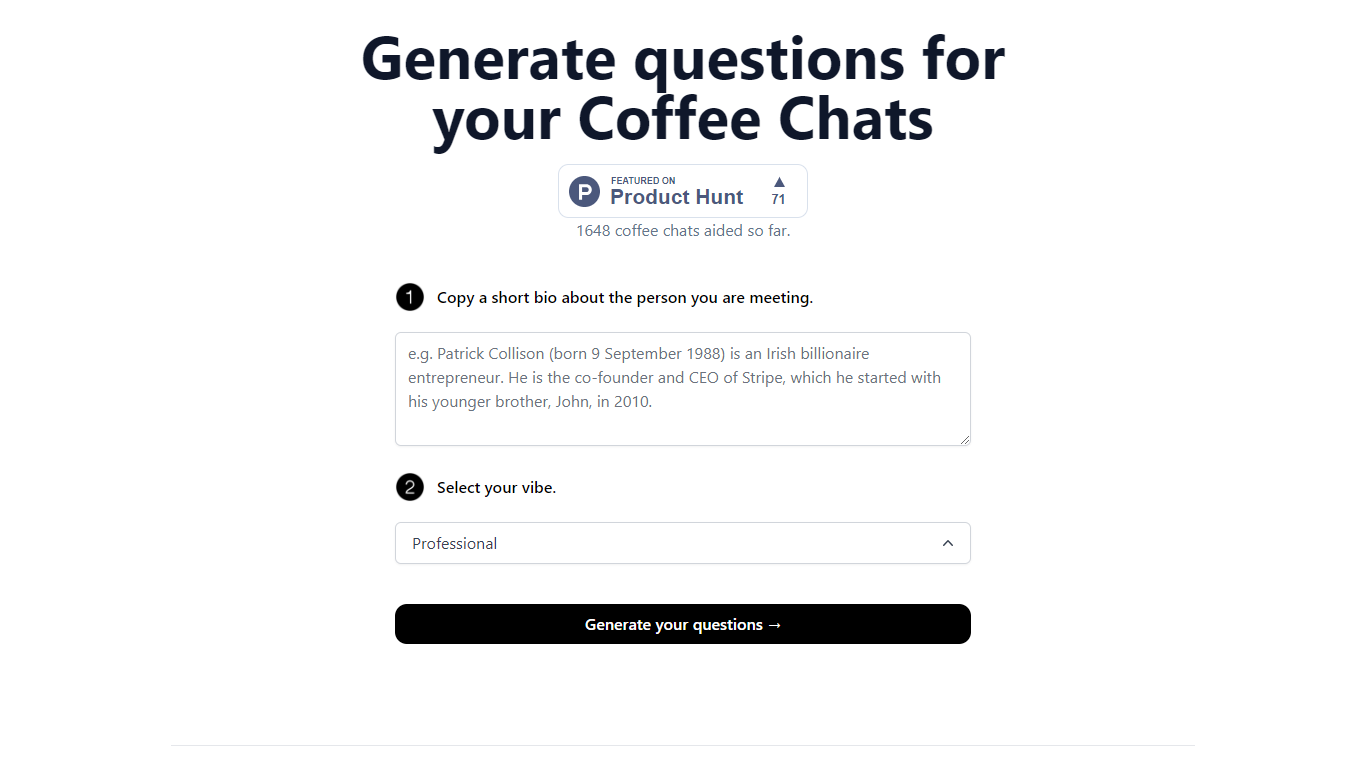
CoffeeChat AI is an innovative tool designed to enhance the experience of professional networking by providing personalized conversation starters for your coffee chats. Created by a team of developers, @susantoscott, @chrispramana, and @wilsonlimset, this tool helps to break the ice and engage in more meaningful discussions.
By simply copying a short bio of the person you're meeting and selecting the desired vibe - which, in this case, is 'Professional' - you can generate a set of tailored questions that will help facilitate your conversation. CoffeeChat AI aims to aid networking efforts and has a user-friendly interface to cater to professionals from various sectors looking to make the most out of their interactions.
Transcript.LOL
What is Transcript.LOL?
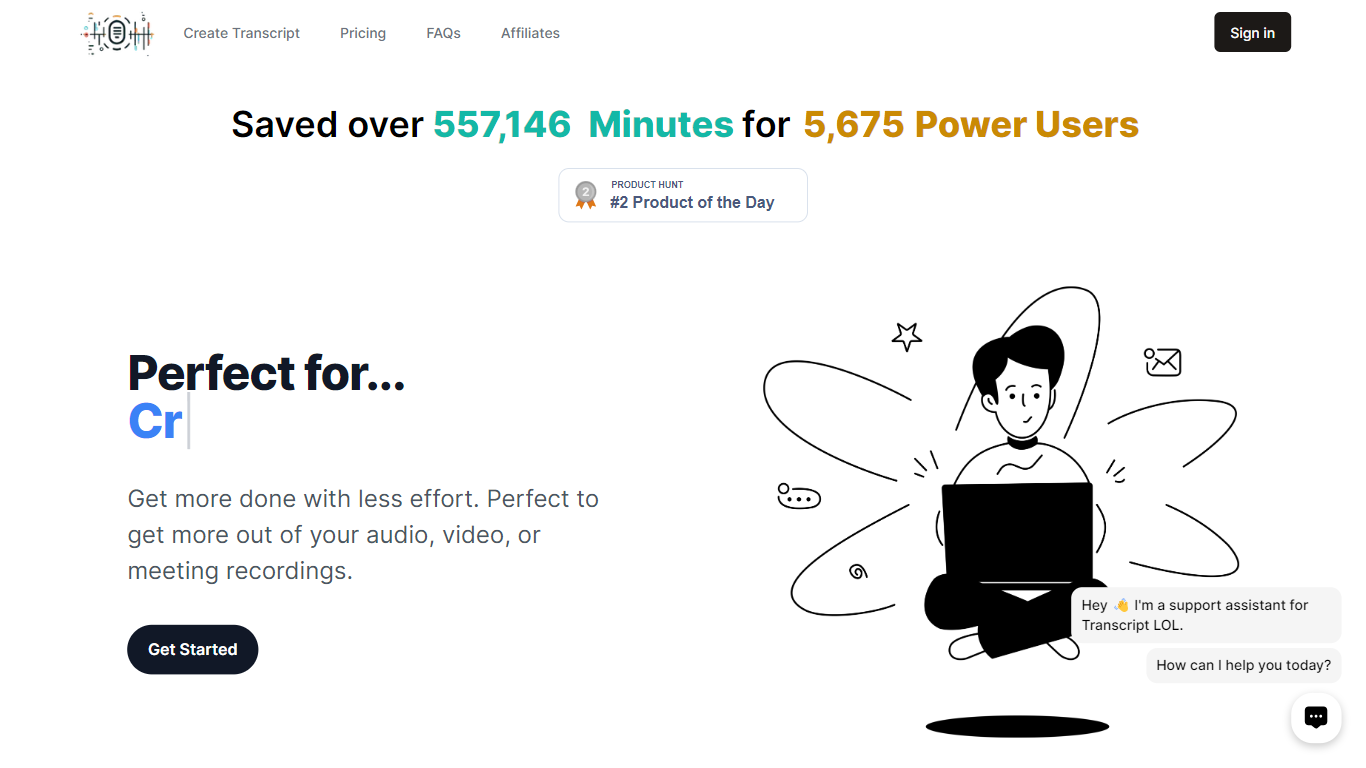
Transcript.LOL turns uploaded audio and video into searchable transcripts with speaker labels, timestamps, and export options. You can pull files from direct upload, Google Drive, Dropbox, Zoom, or a URL, then edit the text, generate summaries, and chat with the content inside the dashboard. It fits podcasters, journalists, students, and teams who need meeting notes without sitting through a recording twice.
Most meeting assistants join live calls and charge per seat or per minute. Transcript.LOL is upload-first: you bring the recording after the fact, and the Unlimited plan has no caps on how many files or hours you transcribe on one account. That flat pricing plus a large set of free browser tools for YouTube, TikTok, voice memos, and Zoom recordings makes it a better fit when volume matters more than real-time capture.
Beyond raw transcription, the platform runs on OpenAI Whisper and layers speaker detection, custom vocabulary, and AI summaries across GPT, Gemini, Claude, Llama, and Grok models. You can export to TXT, DOCX, PDF, SRT, or VTT, connect Zapier, Make, or n8n, and hit the REST API when you need transcripts inside another workflow.
CoffeeChat AI Upvotes
Transcript.LOL Upvotes
CoffeeChat AI Top Features
Generate questions: Automatically generate personalized questions for your coffee chats.
Select your vibe: Choose the 'Professional' vibe to align the questions with the tone of your meeting.
Copy bio: Input a short bio about the person you are meeting to customize the questions.
Professional Focus: Designed specifically for professional networking scenarios.
Creators: Built by a team of developers known on Twitter as @susantoscott, @chrispramana, and @wilsonlimset.
Transcript.LOL Top Features
Unlimited plan has no per-minute caps; customers regularly transcribe hundreds of hours monthly on one account
Accepts files up to 10 hours long and 5 GB, with 10 simultaneous uploads on the Unlimited tier
Powered by OpenAI Whisper with claimed 99.8% accuracy and automatic speaker detection
Exports transcripts as TXT, DOCX, PDF, SRT, or VTT with customizable formatting options
Imports from Google Drive, Dropbox, Zoom, URLs, plus WhatsApp and Telegram bots
Free tier includes 2 transcripts per day with 20-minute file limits and no credit card required
CoffeeChat AI Category
- Meeting Assistant
Transcript.LOL Category
- Meeting Assistant
CoffeeChat AI Pricing Type
- Freemium
Transcript.LOL Pricing Type
- Freemium