Colorize.cc vs Profile Picture Maker By Picsart
In the battle of Colorize.cc vs Profile Picture Maker By Picsart, which AI Photo Editing tool comes out on top? We compare reviews, pricing, alternatives, upvotes, features, and more.
Between Colorize.cc and Profile Picture Maker By Picsart, which one is superior?
Upon comparing Colorize.cc with Profile Picture Maker By Picsart, which are both AI-powered photo editing tools, The upvote count favors Profile Picture Maker By Picsart, making it the clear winner. The number of upvotes for Profile Picture Maker By Picsart stands at 9, and for Colorize.cc it's 6.
Feeling rebellious? Cast your vote and shake things up!
Colorize.cc

What is Colorize.cc?
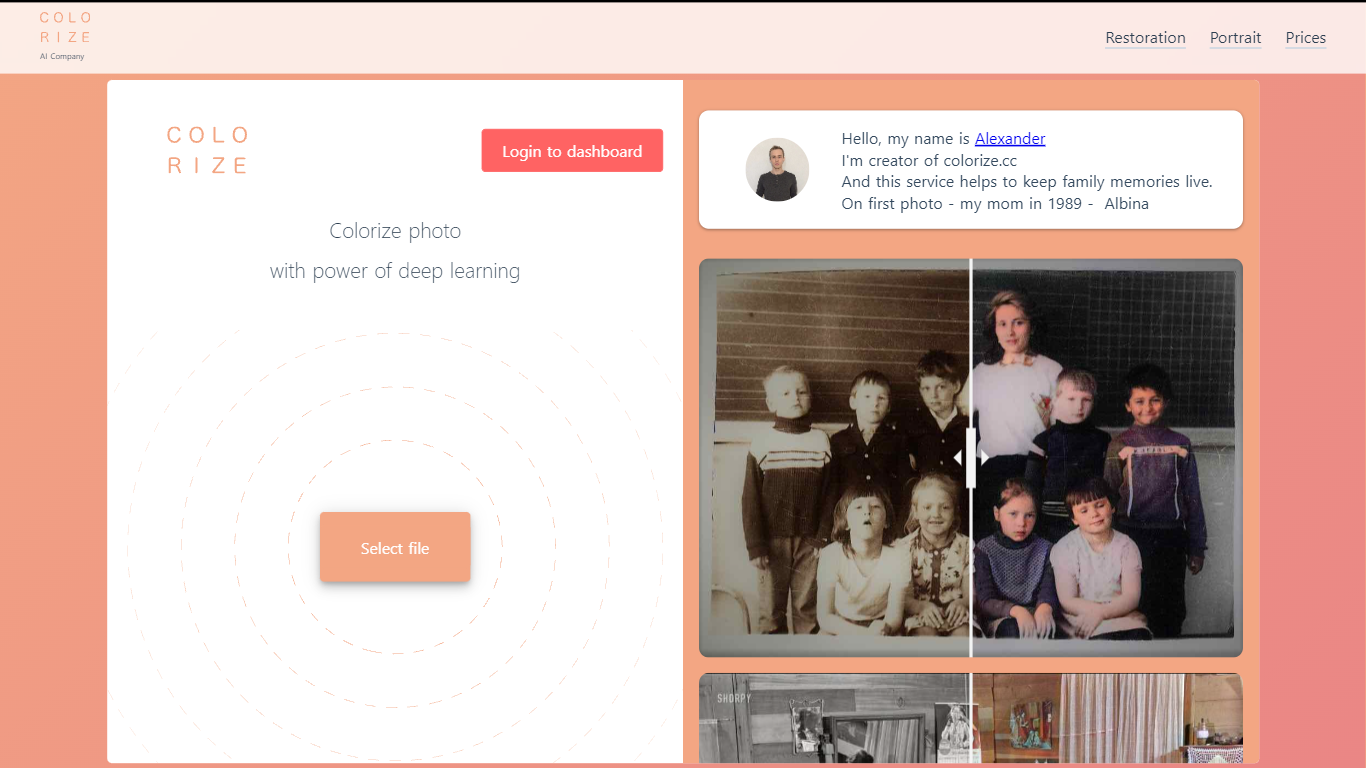
Colorize.cc turns black-and-white family photos into full-color images using neural network models trained on millions of color photographs. Upload a JPG or PNG up to 5 MB and get results in seconds without manual painting. The same platform handles photo restoration, resolution upscaling, portrait generation, and animated photo effects from a shared dashboard. A free preview runs on the homepage in simplified quality before you spend credits on full-resolution output.
Most one-click colorizers run a single generic model on every image. Colorize.cc offers a lineup of V2 through V8 neural networks, each tuned for different speed and fidelity tradeoffs, plus V8 Studio for iterative edits with text prompts. The service pairs colorization with scratch removal and face restoration in one pass, and sells credits in one-time packs rather than locking users into subscriptions. Credit packs stay valid for 365 days, which suits occasional family archive projects better than monthly billing.
The site targets people digitizing family albums, genealogy researchers coloring ancestor portraits, and studios processing memorial or historical photos. Documented use cases include torn prints, faded group shots, film negatives, and museum archive materials. Batch upload through the dashboard handles hundreds of files at once for larger collections.
Profile Picture Maker By Picsart

What is Profile Picture Maker By Picsart?
Profile Picture Maker By Picsart crops, reframes, and styles square avatars for social platforms inside the free Quicktools browser editor. You upload a photo, optionally swap the background, add borders or colors, then export preset sizes for Instagram, LinkedIn, Discord, and other networks.
Most avatar editors auto-remove backgrounds whether you want that or not. Picsart's version lets you keep or replace the backdrop, then rotate, scale, and position the subject before picking platform-specific dimensions like 400x400 for LinkedIn or 128x128 for Discord.
Creators refreshing Instagram, Zoom, or Slack avatars use it because it needs no account, stores no images, and advertises 1 to 2 minute results. The page rates 4.8 out of 5 from 51 reviews and sits inside Picsart's broader Quicktools suite launched in 2021.
Colorize.cc Upvotes
Profile Picture Maker By Picsart Upvotes
Colorize.cc Top Features
Upload JPG or PNG files up to 5 MB on the homepage for a free colorization preview before buying credits.
Choose from 10+ neural models (V2 through V8 High) with credit costs from 1 credit on V2 up to 6 credits on V7 per photo.
V8 Studio lets you refine colorized photos with text prompts, region masking, and LOW or HIGH 2K output at 2 to 4 credits per edit.
Built-in restoration removes scratches, tears, noise, and blur while colorizing, with resolution upscaling up to 10x on the dashboard.
Batch upload accepts hundreds of photos at once through the dashboard for archive-scale processing.
Output reaches 4K resolution on premium V8 High colorization for print-ready family albums.
Profile Picture Maker By Picsart Top Features
100% free profile picture editor with no sign-up required
Optional background removal or custom colored and patterned backdrops
Border and fine-tune controls for rotate, scale, and positioning
Preset export sizes for Instagram (320x320), LinkedIn (400x400), Discord (128x128), and more
Drag-and-drop upload with advertised 1 to 2 minute processing
No image storage policy stated on the tool page
4.8 star Quicktools rating from 51 reviews
Colorize.cc Category
- Photo Editing
Profile Picture Maker By Picsart Category
- Photo Editing
Colorize.cc Pricing Type
- Freemium
Profile Picture Maker By Picsart Pricing Type
- Free