ColorMe.ai vs Colorin
In the clash of ColorMe.ai vs Colorin, which AI Kids tool emerges victorious? We assess reviews, pricing, alternatives, features, upvotes, and more.
When we put ColorMe.ai and Colorin head to head, which one emerges as the victor?
Let's take a closer look at ColorMe.ai and Colorin, both of which are AI-driven kids tools, and see what sets them apart. Interestingly, both tools have managed to secure the same number of upvotes. Every vote counts! Cast yours and contribute to the decision of the winner.
Don't agree with the result? Cast your vote and be a part of the decision-making process!
ColorMe.ai
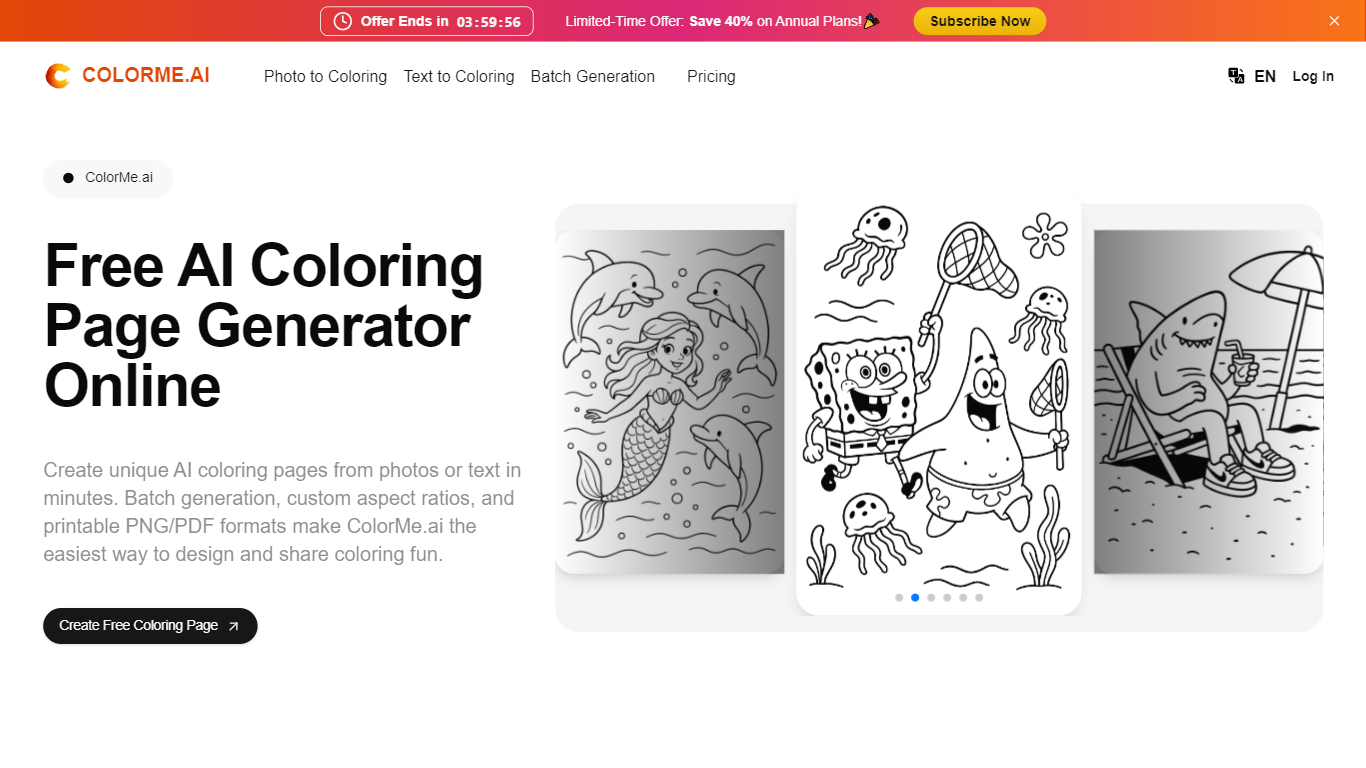

What is ColorMe.ai?
ColorMe.ai converts photos and text prompts into printable coloring pages for kids and classrooms. Upload a JPG or PNG photo, or type a short description, and the tool outputs clean black-and-white line art in PNG or PDF within a few minutes. Parents, teachers, and coloring book creators use it when they need custom pages without hand-tracing photos.
Unlike basic photo filters that leave gray shading, ColorMe.ai focuses on edge detection and background removal so outlines stay crisp for crayons and markers. Batch upload lets you process multiple photos in one run, and the Remix brush redraws specific areas when a hairstyle or prop needs tweaking.
Teachers build classroom worksheets from lesson themes. Parents turn family photos and pet pictures into kids activities. Self-publishers on the Studio plan export watermark-free pages with commercial rights for coloring books sold online.
Colorin
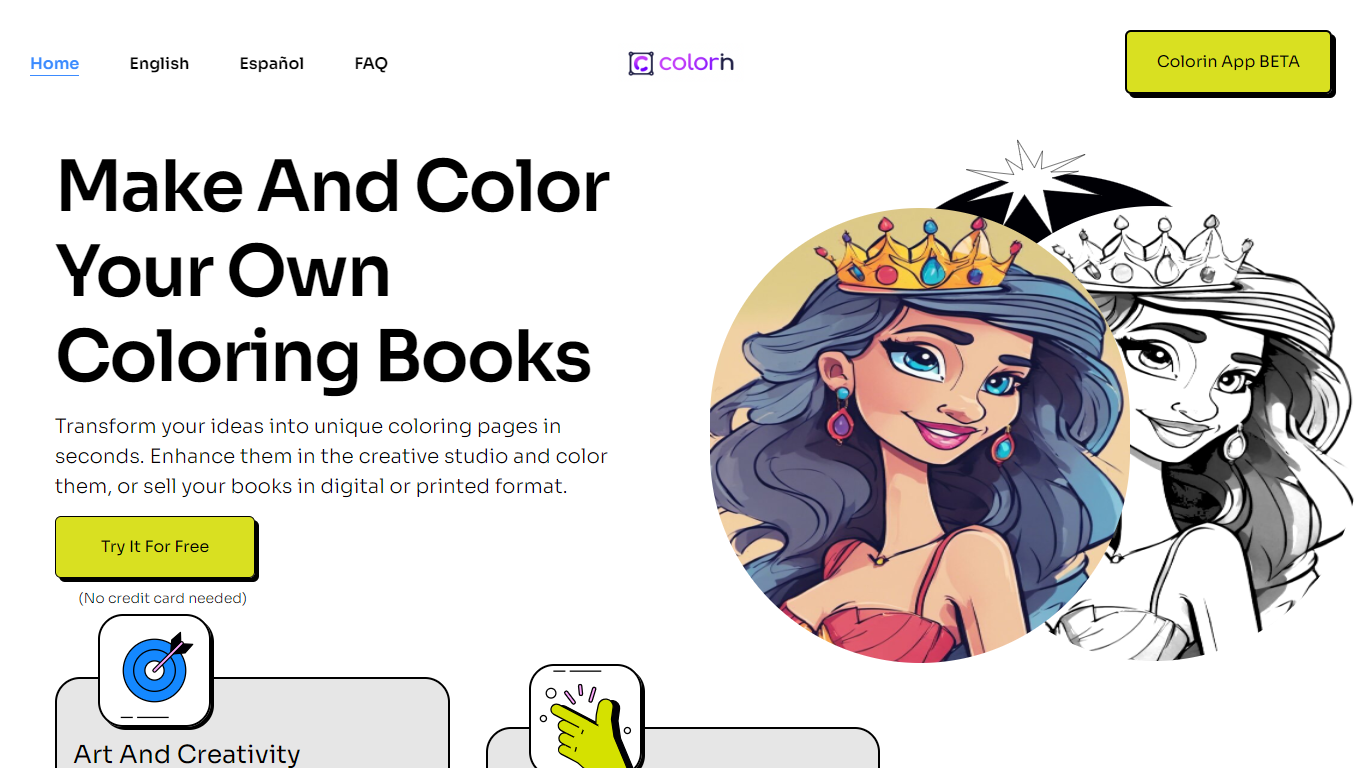
What is Colorin?
Colorin is a web platform for creating custom coloring books from text prompts, photos, or locked characters. You brainstorm page ideas in batch, generate many pages at once in a consistent style, and export print-ready PDFs sized for home printing or Amazon KDP and Etsy listings.
Most coloring tools stop at single pages. Colorin is built around full book workflows: its ideas generator turns a theme into dozens of page concepts you can select and send to batch generation, and character lock keeps the same character across every page while scenes change.
The platform offers six art styles (Cartoon, Kawaii, Storybook, Minimalist, Intricate, and Zentangle), built-in page editing, cover design, and KDP-ready trim sizes with margin presets. Parents, teachers, and independent publishers use it to make personalized activity books or sell commercial titles without juggling separate design tools.
ColorMe.ai Upvotes
Colorin Upvotes
ColorMe.ai Top Features
Photo to coloring page converter accepts JPG and PNG uploads with background removal
Text to coloring page generator creates outlines from short written prompts
Batch generation processes multiple photos in a single run
Exports high-quality PNG and PDF files ready to print
Remix brush lets you redraw selected areas with a short text description
4x upscale option on photo-to-coloring conversions on paid plans
Plus plan includes 500 generations per month for 1,000 coloring page variations
Colorin Top Features
Brainstorm up to 1,500 coloring ideas per month from any theme
Generate up to 50 pages in a single batch run on higher plans
Lock a character so it stays consistent across every page in a book
Turn JPG, PNG, or WebP photos into clean line art in four styles
Export KDP-ready PDFs in trim sizes like 8.5??11", 8.5??8.5", 6??9", and A4
Edit pages with brush, pencil, eraser, and text tools plus prompt-based area replace
Start free with 8 watermark-free coloring pages and no credit card required
ColorMe.ai Category
- Kids
Colorin Category
- Kids
ColorMe.ai Pricing Type
- Freemium
Colorin Pricing Type
- Freemium