Content Flash AI vs Video To Blog
Dive into the comparison of Content Flash AI vs Video To Blog and discover which AI Content Creation tool stands out. We examine alternatives, upvotes, features, reviews, pricing, and beyond.
In a comparison between Content Flash AI and Video To Blog, which one comes out on top?
When we compare Content Flash AI and Video To Blog, two exceptional content creation tools powered by artificial intelligence, and place them side by side, several key similarities and differences come to light. Interestingly, both tools have managed to secure the same number of upvotes. You can help us determine the winner by casting your vote and tipping the scales in favor of one of the tools.
Feeling rebellious? Cast your vote and shake things up!
Content Flash AI
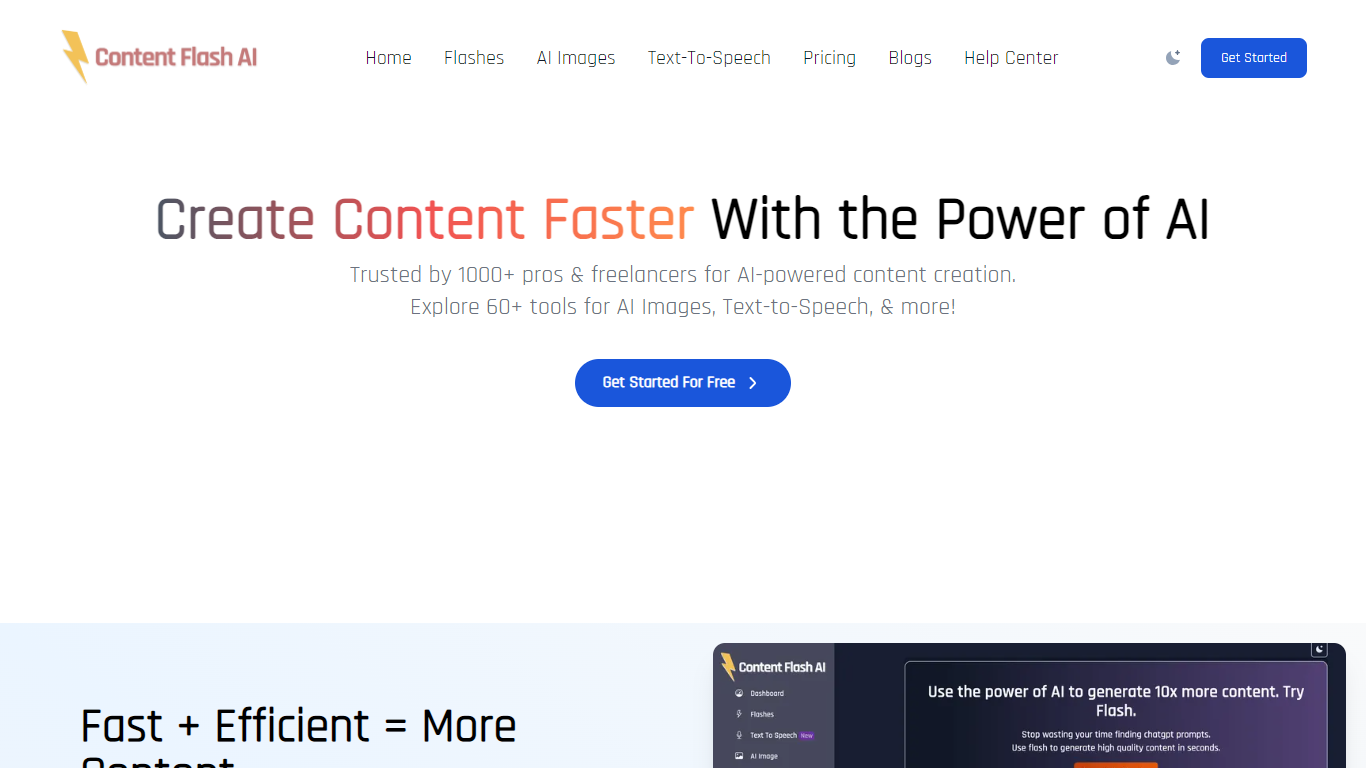

What is Content Flash AI?
Content Flash AI is an AI form builder that generates complete forms from a text description in about 10 seconds. Describe the form you need and the platform creates fields, validation rules, conditional logic, and design without drag-and-drop. Forms can be embedded on WordPress, Webflow, Shopify, or shared via a direct link.
The platform also offers Agent Forms, which trigger automated actions after each submission. Workflows can enrich responses, score leads, route them to the right team member, draft follow-up emails, and send Slack notifications. A recipe library includes 12+ ready-made agent actions for common tasks like lead qualification and support ticket triage.
Response Intelligence analyzes every submission with lead scores, sentiment tags, and AI summaries. Conversational forms show one question at a time with skip logic built in. Agencies get white-label workspaces with custom domains, multiple client dashboards, and a reseller billing view.
Built for freelancers, startups, agencies, and teams handling lead generation, surveys, hiring, customer feedback, and onboarding flows.
Video To Blog

What is Video To Blog?
Video To Blog turns spoken video and audio into publish-ready blog articles. Paste a YouTube link, upload a file, drop in a transcript, record audio, or connect a channel, and the service outputs structured posts with headings, screenshots, smart links, metadata, and calls to action you can send to a website, newsletter, or download as HTML, Markdown, PDF, or Word.
Transcript-to-ChatGPT workflows still leave you stitching screenshots, links, and publishing steps by hand. Video To Blog bundles those production tasks: auto screenshots from the source video, reusable CTA blocks, SEO and GEO formatting, YouTube upload automations, and a built-in Publications feature for hosting a blog plus email newsletter on a custom domain. The homepage cites 500,000+ articles created and a 4.8 average across 500+ reviews on Trustpilot, G2, and Capterra.
YouTube creators, podcasters, agencies, and teams publishing sermons or webinars are the target users. Pricing starts free with one monthly upload, scales to Business at $69 per month (yearly billing) for 50 videos, and every paid tier adds publications, website integrations, and longer runtime limits.
Content Flash AI Upvotes
Video To Blog Upvotes
Content Flash AI Top Features
Type your form idea in plain language and get fields, logic, and design in about 10 seconds
Agent Forms trigger enrichment, scoring, routing, and draft emails after every submission
Each response gets a lead score, sentiment tag, and AI summary without opening a spreadsheet
Conversational one-question-at-a-time flow with conditional logic and keyboard shortcuts
Embed forms on WordPress, Webflow, Shopify, Squarespace, or any site with a single iframe code
Agency plan includes 10 white-label client workspaces with custom domains and branding
Recipe library has 12+ pre-built agent actions for lead qualification, hiring, and NPS triage
Video To Blog Top Features
Imports YouTube links, uploaded video/audio, transcripts, Google Drive files, and channel automations
Auto screenshots pull key visual moments from source videos into each article
Smart links and reusable CTA blocks insert internal and external links automatically
Publications host a blog, email newsletter, and custom domain without extra services
Free plan includes 1 monthly upload for videos up to 30 minutes with no credit card
Pro plan ($39/mo yearly) allows 15 monthly uploads up to 1.5 hours with 3 team members
Exports finished posts as HTML, Markdown, PDF, or Word and publishes to connected websites
Content Flash AI Category
- Content Creation
Video To Blog Category
- Content Creation
Content Flash AI Pricing Type
- Freemium
Video To Blog Pricing Type
- Freemium