Copilot Chat vs Programming-Helper
In the face-off between Copilot Chat vs Programming-Helper, which AI Code Assistant tool takes the crown? We scrutinize features, alternatives, upvotes, reviews, pricing, and more.
When we put Copilot Chat and Programming-Helper head to head, which one emerges as the victor?
If we were to analyze Copilot Chat and Programming-Helper, both of which are AI-powered code assistant tools, what would we find? The users have made their preference clear, Copilot Chat leads in upvotes. Copilot Chat has received 6 upvotes from aitools.fyi users, while Programming-Helper has received 3 upvotes.
Not your cup of tea? Upvote your preferred tool and stir things up!
Copilot Chat

What is Copilot Chat?
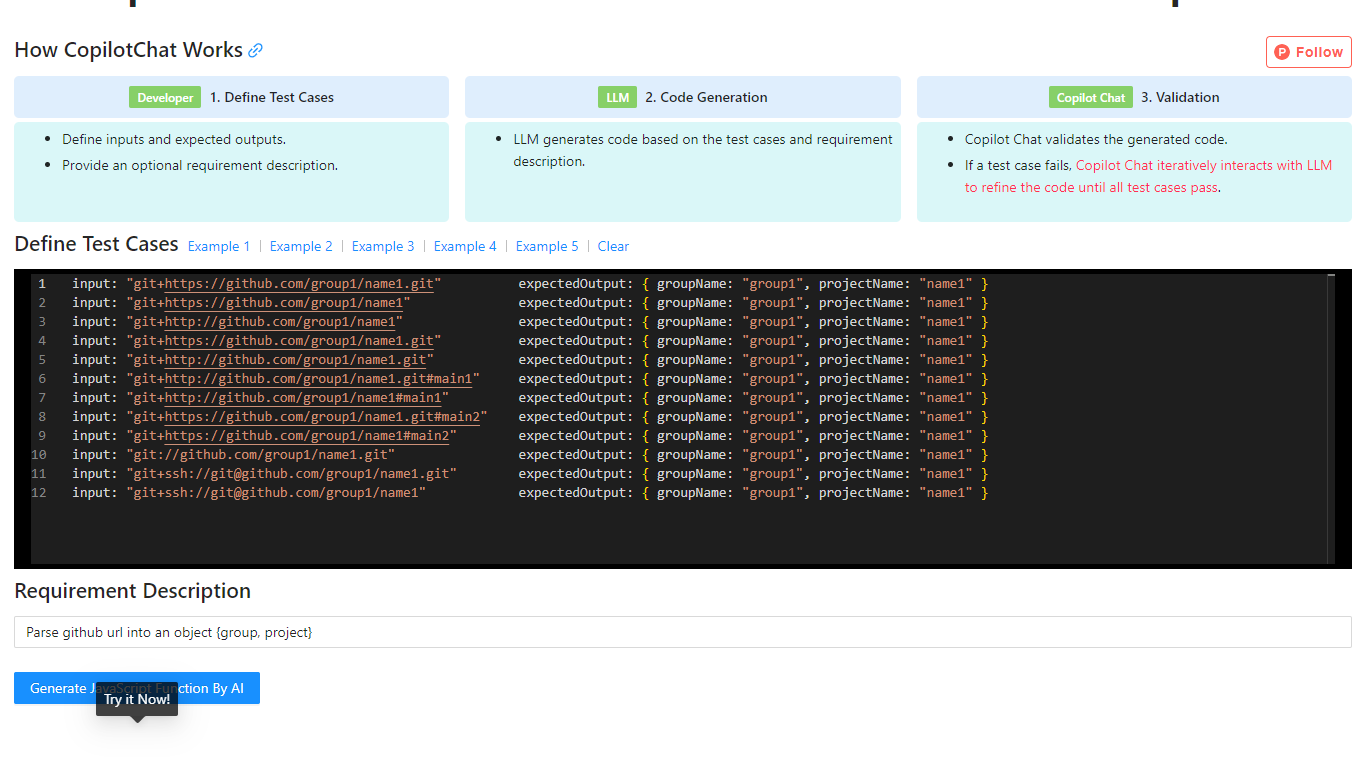
Copilot Chat is a test-driven code generation tool that helps developers produce JavaScript functions from input-output test cases. You define inputs, expected outputs, and an optional requirement description, then the tool uses an LLM to generate code and validate it against your tests.
If a test fails, Copilot Chat iteratively refines the generated code with the model until every case passes. The site includes worked examples for tasks like parsing GitHub URLs, parsing CSS color strings, and capitalizing words in a string.
The workflow is inspired by test-driven development and flow-engineering ideas similar to TypeChat and AlphaCodium, focusing on repeatable validation instead of one-shot prompt output.
Programming-Helper
What is Programming-Helper?
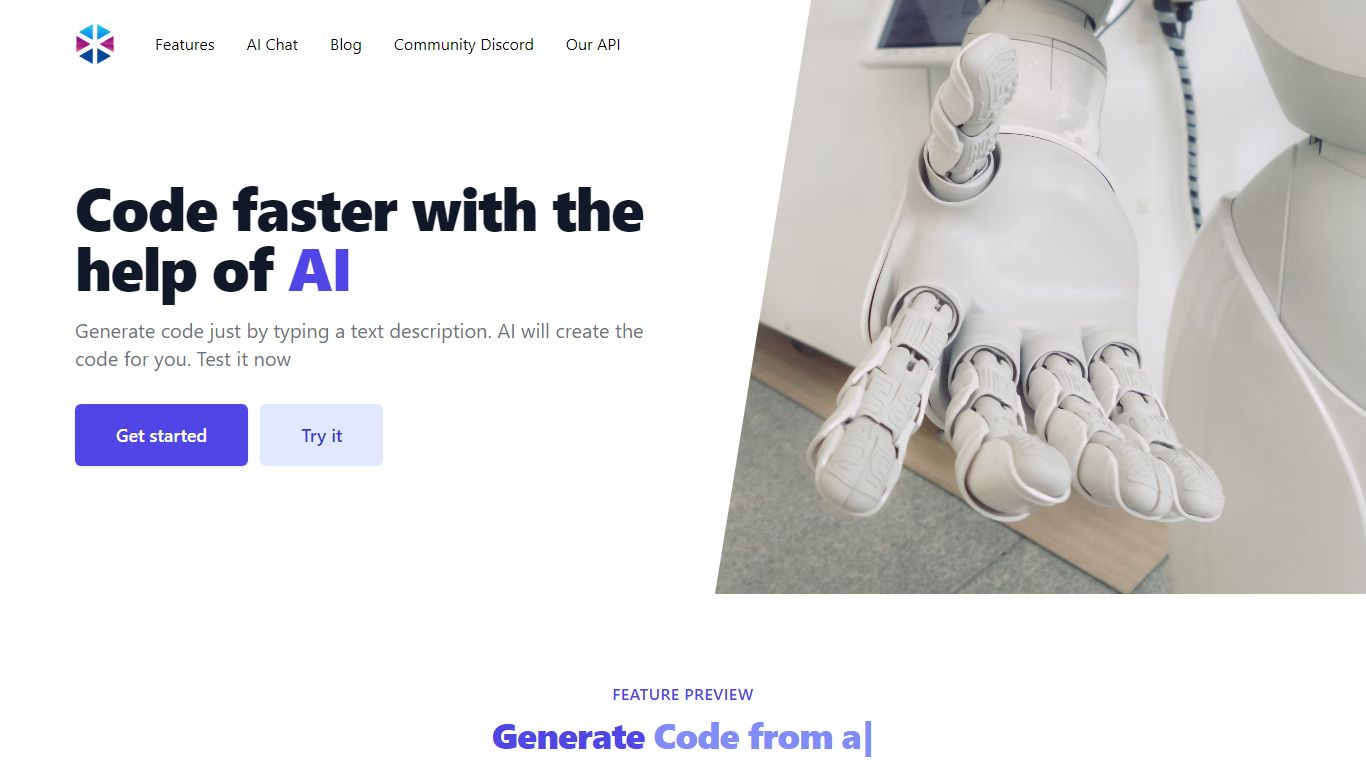
Programming-Helper is a browser-based code assistant that turns plain-English prompts into functions, SQL, HTML, regex, Git commands, and more. You pick a task like generate function or text to SQL, describe what you need, and the site returns code you can copy, with community generations visible to other users.
Most code assistants chase one workflow, usually chat inside an IDE. Programming-Helper spreads dozens of narrow generators across a single site, from docstring-to-function and fix invalid code to Linux command lookup and time-complexity analysis. That breadth trades deep project context for quick one-off answers.
It fits students, indie developers, and analysts who need a specific snippet without opening a full IDE copilot. The newer AI Studio bundles the tools behind one interface with workflows, collaboration, and one-click exports for heavier use.
Copilot Chat Upvotes
Programming-Helper Upvotes
Copilot Chat Top Features
Define input and expected output test cases before code is generated
Uses an LLM to generate JavaScript based on your tests and requirement notes
Automatically validates generated code against every test case
Iteratively refines failed outputs until all tests pass
Includes built-in examples for Git URL parsing, CSS color parsing, and string manipulation
Programming-Helper Top Features
Generate functions from text descriptions across many programming languages
Text-to-SQL converts plain English into SQL commands
Translate code between programming languages from a description
Regex from description and regex-to-English explanation tools
Fix invalid code, add typing, and generate unit tests from existing code
AI Studio bundles all generators with workflows, collaboration, and one-click exports
Copilot Chat Category
- Code Assistant
Programming-Helper Category
- Code Assistant
Copilot Chat Pricing Type
- Free
Programming-Helper Pricing Type
- Freemium