Cosine vs Regex Generator By ClickUp
Compare Cosine vs Regex Generator By ClickUp and see which AI Developer tool is better when we compare features, reviews, pricing, alternatives, upvotes, etc.
Which one is better? Cosine or Regex Generator By ClickUp?
When we compare Cosine with Regex Generator By ClickUp, which are both AI-powered developer tools, Neither tool takes the lead, as they both have the same upvote count. Join the aitools.fyi users in deciding the winner by casting your vote.
Disagree with the result? Upvote your favorite tool and help it win!
Cosine

What is Cosine?
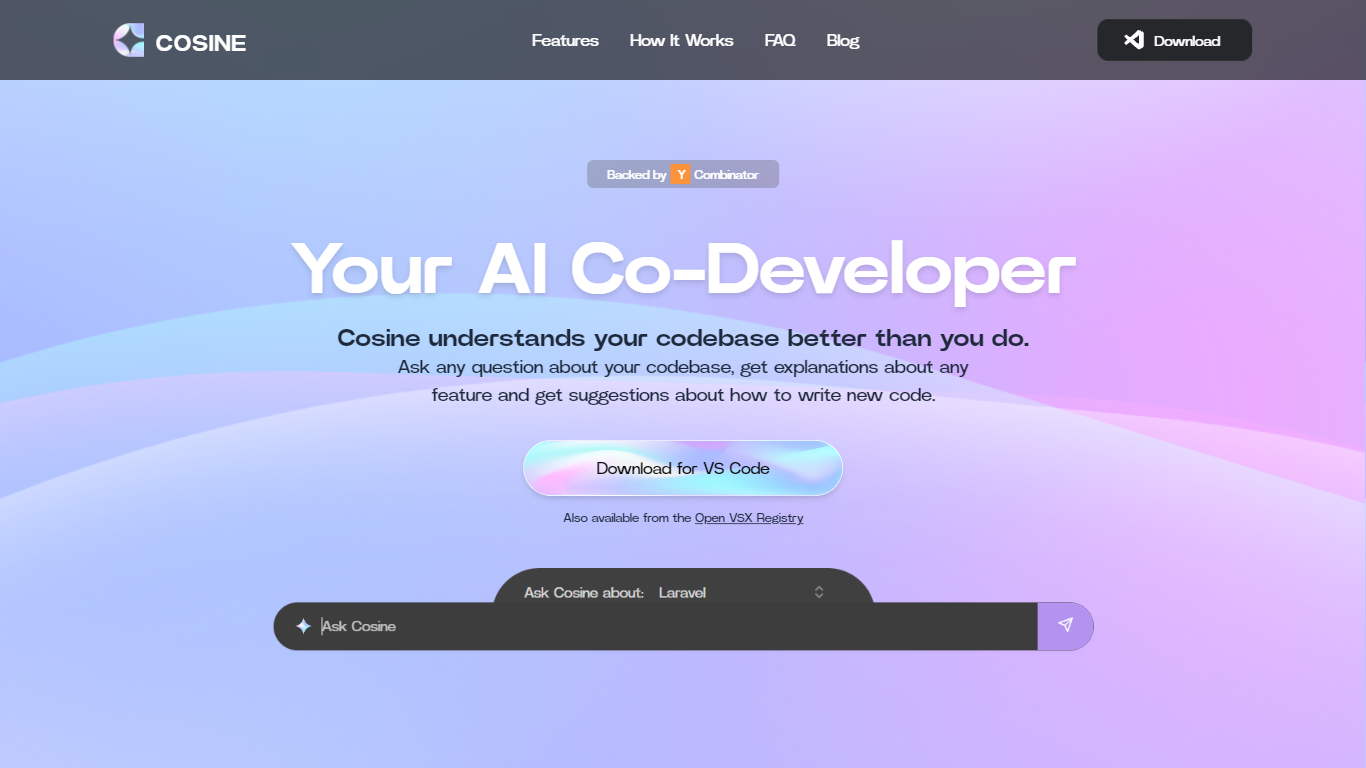
Cosine ships the Lumen family of coding models and a developer workspace for teams that want AI close to their repos. You can start in a terminal-native flow with MCP tool access and multi-agent orchestration, or run parallel cloud tasks when PMs and engineers need a shared project view.
General chat models spread training across poetry and trivia; Cosine bets the opposite with Lumen models post-trained on production code from real engineering teams. Lumen Outpost scored 59.3% on Niche-Bench in Cosine's published comparisons, ahead of GPT-5.4 at 42.4%, and the lineup adds Scout for cheap codebase mapping plus a forthcoming Sovereign tier for controlled environments.
Developer teams, platform engineers, and regulated orgs use Cosine when they need deployment choice from public cloud to managed single-tenant or fully air-gapped installs. Pricing starts at $19 per month for 4M credits on the Starter plan, with Team and Enterprise tiers scaling credits and lowering per-million add-on rates.
Regex Generator By ClickUp

What is Regex Generator By ClickUp?
Regex Generator By ClickUp turns plain-language matching instructions into regular expressions through ClickUp Brain, the assistant built into ClickUp workspaces. You describe what text should match, such as emails, phone numbers, or URL fragments, in a Brain prompt and get a pattern you can paste into docs, code blocks, or validation scripts. It is a developer utility bundled with ClickUp rather than a standalone regex testing site.
Standalone regex debuggers let you iterate on patterns in isolation. Regex Generator By ClickUp works inside the same workspace where your tasks, specs, and docs already live, so Brain can read project context when you @mention it from a task or Doc. The trade-off is workspace-aware drafting in exchange for needing a ClickUp account and Brain access instead of a free browser-only tester.
Software developers, QA engineers, and workspace admins use it when they need validation patterns without memorizing regex syntax. Teams already running sprints in ClickUp can draft patterns during ticket work rather than switching to an external tool.
Cosine Upvotes
Regex Generator By ClickUp Upvotes
Cosine Top Features
Lumen Outpost scored 59.3% on Niche-Bench in Cosine's published benchmark table
Starter plan includes 4M credits per month starting at $19 with $6.50 per 1M add-on credits
Lumen Scout post-trained from Devstral 123B for low-cost codebase mapping tasks
Terminal-native workflow supports MCP tool access and multi-agent orchestration
Deployment options span public cloud, managed single-tenant, and fully air-gapped installs
Post-training targets enterprise languages including COBOL, Fortran, Verilog, Rust, and complex SQL
Regex Generator By ClickUp Top Features
ClickUp Brain returns real code you can copy, not just outline suggestions
Brain AI is $9 per user per month for unlimited Brain Assistant and @Brain Agent access
One Brain AI subscription covers Claude, ChatGPT, and Gemini chat inside ClickUp
Free Forever workspaces include trial AI access across chat, tasks, and docs
Brain AI includes 1,500 AI Super Credits per user each month
@Brain works from tasks, Docs, and Chat so you can request patterns in context
Cosine Category
- Developer
Regex Generator By ClickUp Category
- Developer
Cosine Pricing Type
- Freemium
Regex Generator By ClickUp Pricing Type
- Freemium