Create Ai Voiceovers vs FineShare FineVoice
In the clash of Create Ai Voiceovers vs FineShare FineVoice, which AI Audio Generation tool emerges victorious? We assess reviews, pricing, alternatives, features, upvotes, and more.
When we put Create Ai Voiceovers and FineShare FineVoice head to head, which one emerges as the victor?
Let's take a closer look at Create Ai Voiceovers and FineShare FineVoice, both of which are AI-driven audio generation tools, and see what sets them apart. Both tools are equally favored, as indicated by the identical upvote count. You can help us determine the winner by casting your vote and tipping the scales in favor of one of the tools.
You don't agree with the result? Cast your vote to help us decide!
Create Ai Voiceovers
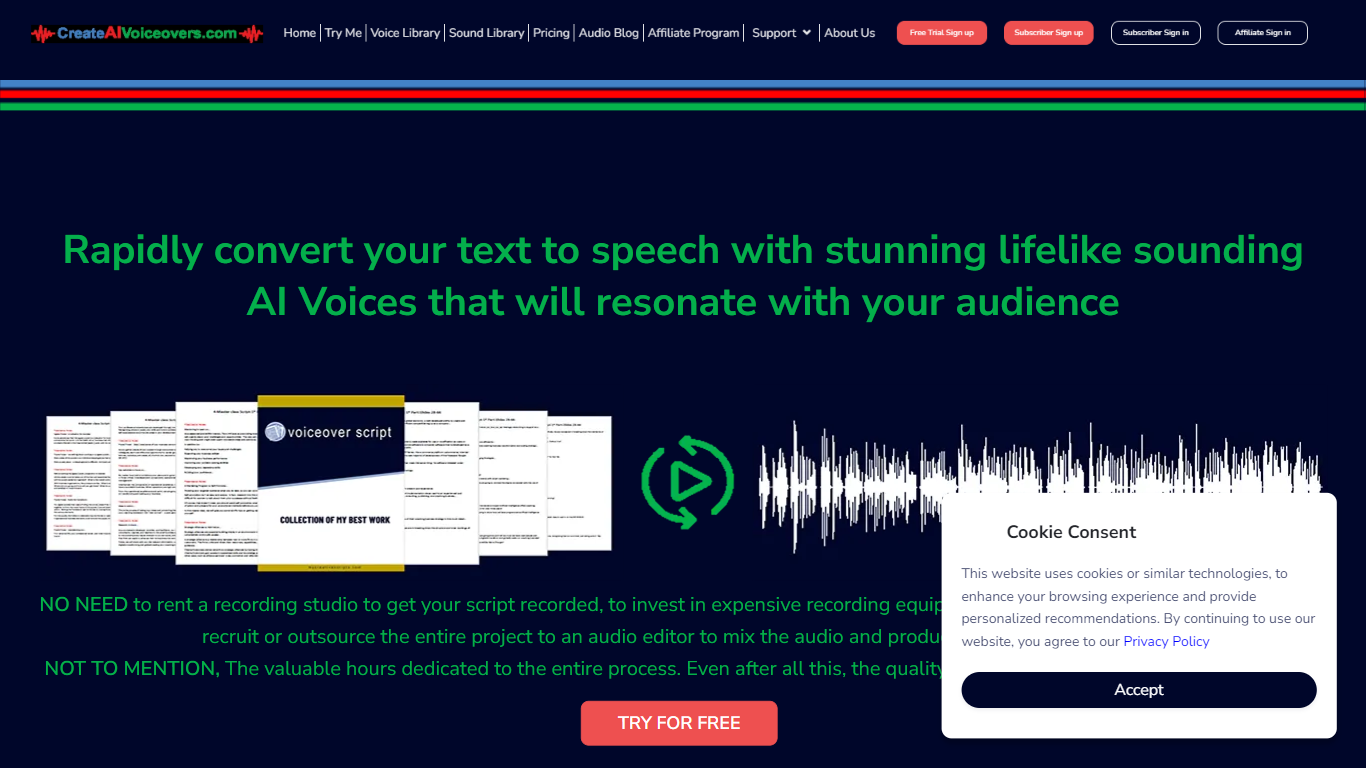

What is Create Ai Voiceovers?
Create realistic and lifelike AI voiceovers in an instant with the cutting-edge online voice generation tool. Leveraging sophisticated synthetic speech technology, the tool crafts AI voices that emulate human-like pitch, tone, and cadence, transforming plain text into spoken words that echo natural voicing. Whether for personal projects, e-learning, presentations, or any form of digital content, this AI-powered service offers a seamless and quick solution for professional-grade voiceovers without the need for costly studios or equipment. With an extensive library of diverse voices and sounds, users can select and customize their voiceovers to align perfectly with their intended message and audience.
FineShare FineVoice
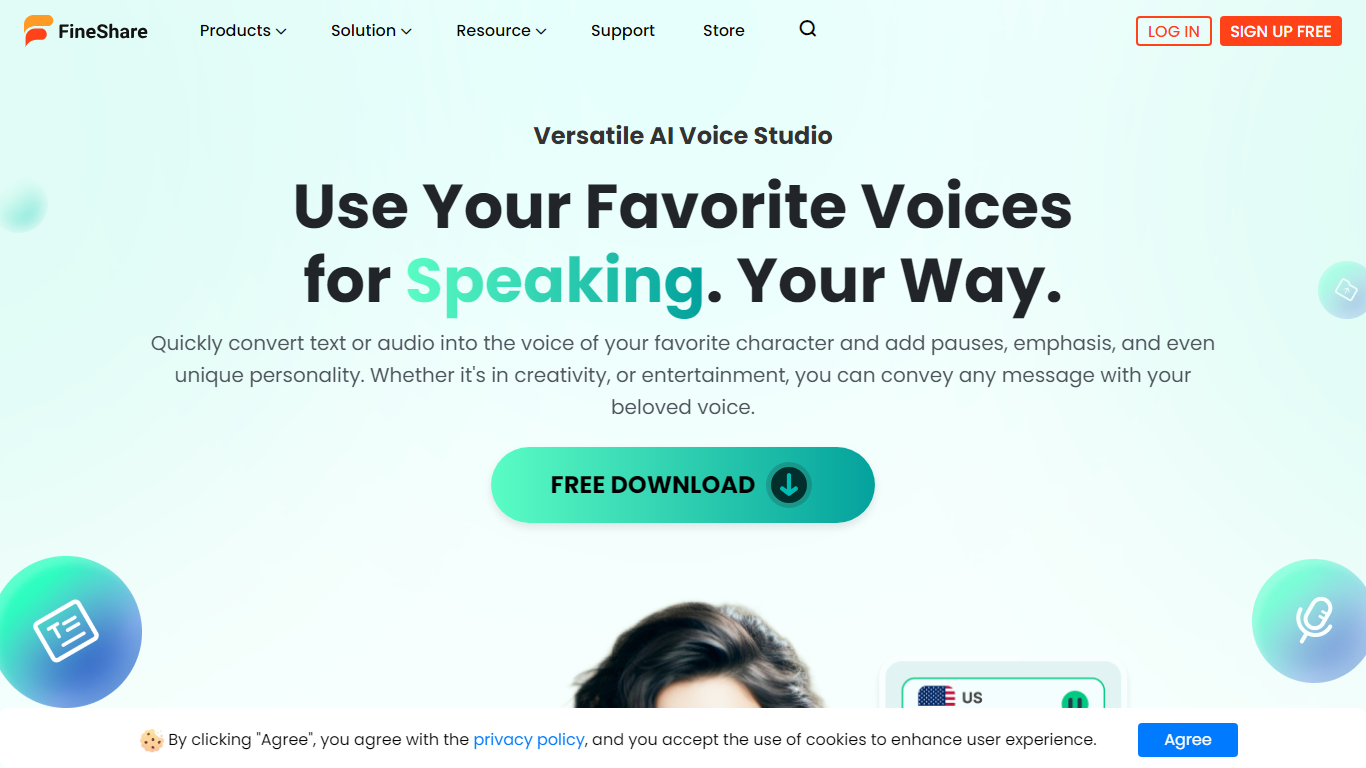
What is FineShare FineVoice?
FineShare FineVoice is a browser-based AI audio studio for text-to-speech, voice changing, cloning, and sound design. You can generate narration from scripts, swap voices in recordings, design custom voices from text prompts, and create royalty-free sound effects or background music without opening separate apps.
Most voice generators focus on narration alone. FineVoice bundles speech-to-text, voice enhancement, lip sync, talking photos, and podcast generation in one workspace, plus a linked VoiceTrans desktop app with 1,000+ real-time voice models for games and chat. Video voiceover export and full video localization are still marked Coming Soon, so it fits audio-first creators more than teams that need finished video exports today.
YouTube creators, podcasters, educators, marketers, and developers use FineVoice for multilingual voiceovers, character acting, and API-driven apps. The marketing site advertises no sign-up for core online trials, with paid tiers that raise monthly character quotas, clone slots, and speech-to-text minutes.
Create Ai Voiceovers Upvotes
FineShare FineVoice Upvotes
Create Ai Voiceovers Top Features
Extensive Voice Library: Access a broad range of AI voices to find the perfect match for your content.
Real-Time Voice Generation: Convert text to speech instantly with high-quality output.
Customizable Speech: Fine-tune pitch tone and pace to meet the specific needs of your project.
Background Music and Sound Effects: Enhance your voiceover with additional audio elements for a complete production.
Easy Integration: Import text from TXT or MS Word files seamlessly into the voiceover generator.
FineShare FineVoice Top Features
1,500+ text-to-speech voices across 154 languages and accents
Voice cloning in 30 seconds with uploadable RVC models for custom workflows
AI voice changer with emotion tags like angry, happy, and sad for expressive speech
Speech-to-text exports in TXT, JSON, SRT, and VTT with automatic punctuation
Royalty-free AI sound effects and background music generated from text prompts
Developer API advertised with 99.9% uptime and JSON, SRT, and VTT output formats
Create Ai Voiceovers Category
- Audio Generation
FineShare FineVoice Category
- Audio Generation
Create Ai Voiceovers Pricing Type
- Freemium
FineShare FineVoice Pricing Type
- Freemium