Create Ai Voiceovers vs Karaoke Tracks
In the battle of Create Ai Voiceovers vs Karaoke Tracks, which AI Audio Generation tool comes out on top? We compare reviews, pricing, alternatives, upvotes, features, and more.
Between Create Ai Voiceovers and Karaoke Tracks, which one is superior?
Upon comparing Create Ai Voiceovers with Karaoke Tracks, which are both AI-powered audio generation tools, The upvote count is neck and neck for both Create Ai Voiceovers and Karaoke Tracks. Since other aitools.fyi users could decide the winner, the ball is in your court now to cast your vote and help us determine the winner.
Does the result make you go "hmm"? Cast your vote and turn that frown upside down!
Create Ai Voiceovers
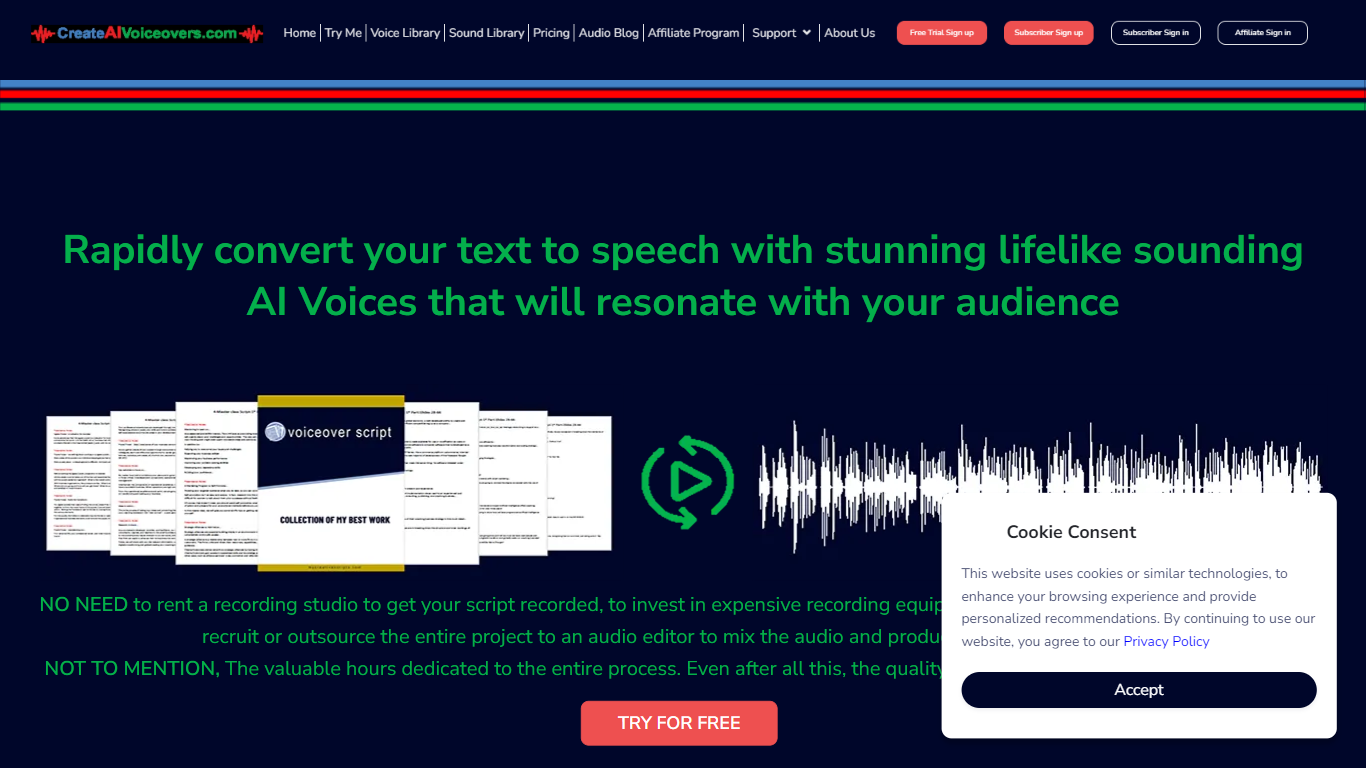

What is Create Ai Voiceovers?
Create realistic and lifelike AI voiceovers in an instant with the cutting-edge online voice generation tool. Leveraging sophisticated synthetic speech technology, the tool crafts AI voices that emulate human-like pitch, tone, and cadence, transforming plain text into spoken words that echo natural voicing. Whether for personal projects, e-learning, presentations, or any form of digital content, this AI-powered service offers a seamless and quick solution for professional-grade voiceovers without the need for costly studios or equipment. With an extensive library of diverse voices and sounds, users can select and customize their voiceovers to align perfectly with their intended message and audience.
Karaoke Tracks
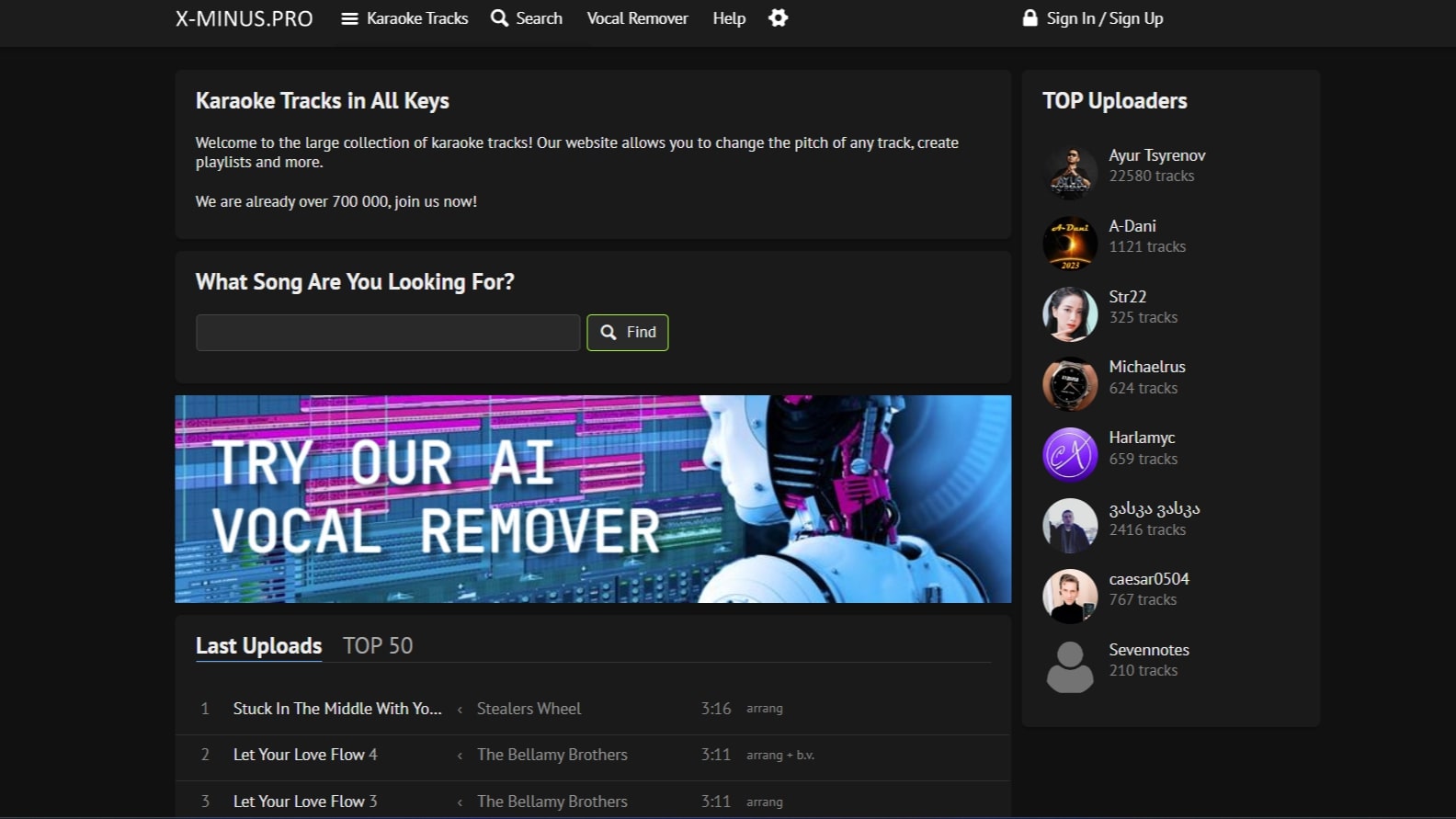
What is Karaoke Tracks?
Karaoke Tracks at x-minus.pro is a community karaoke library where you search, stream, and download backing tracks across genres and languages. The catalog lists more than 700,000 tracks, with collections for love songs, movie soundtracks, holiday themes, and dozens of other categories. Each track opens in a web player with on-page pitch and tempo controls.
Where commercial karaoke apps license a fixed catalog, Karaoke Tracks relies on community uploads, so you get regional songs, fan-made arrangements, and obscure titles that rarely appear on Smule or Singa. Track quality and metadata vary by uploader, which is the trade-off for breadth across languages and themes.
Registered users can upload their own backing tracks, build playlists, and browse recent uploads or the TOP 50 chart. The site also hosts separate browser tools for AI vocal removal with stem splitting options and a transpose page for changing pitch or tempo on any uploaded audio file.
Create Ai Voiceovers Upvotes
Karaoke Tracks Upvotes
Create Ai Voiceovers Top Features
Extensive Voice Library: Access a broad range of AI voices to find the perfect match for your content.
Real-Time Voice Generation: Convert text to speech instantly with high-quality output.
Customizable Speech: Fine-tune pitch tone and pace to meet the specific needs of your project.
Background Music and Sound Effects: Enhance your voiceover with additional audio elements for a complete production.
Easy Integration: Import text from TXT or MS Word files seamlessly into the voiceover generator.
Karaoke Tracks Top Features
Browse a library of 700,000+ karaoke tracks sorted by genre, language, and themed collections
Change pitch and tempo in the web player with semitone and percentage sliders on every track
Upload your own backing tracks after signing in to share with the community
Remove vocals with an AI stem separator that splits drums, bass, guitar, vocals, and backing vocals
Transpose any uploaded audio file with a separate pitch and tempo tool in the browser
Organize favorites into playlists for practice sessions or live events
Track pages show file details such as 320 kbps MP3 quality and backing track type labels
Create Ai Voiceovers Category
- Audio Generation
Karaoke Tracks Category
- Audio Generation
Create Ai Voiceovers Pricing Type
- Freemium
Karaoke Tracks Pricing Type
- Freemium