Creatoor AI vs Pictory AI
Dive into the comparison of Creatoor AI vs Pictory AI and discover which AI Video Generation tool stands out. We examine alternatives, upvotes, features, reviews, pricing, and beyond.
In a comparison between Creatoor AI and Pictory AI, which one comes out on top?
When we compare Creatoor AI and Pictory AI, two exceptional video generation tools powered by artificial intelligence, and place them side by side, several key similarities and differences come to light. Pictory AI stands out as the clear frontrunner in terms of upvotes. Pictory AI has attracted 41 upvotes from aitools.fyi users, and Creatoor AI has attracted 6 upvotes.
Does the result make you go "hmm"? Cast your vote and turn that frown upside down!
Creatoor AI
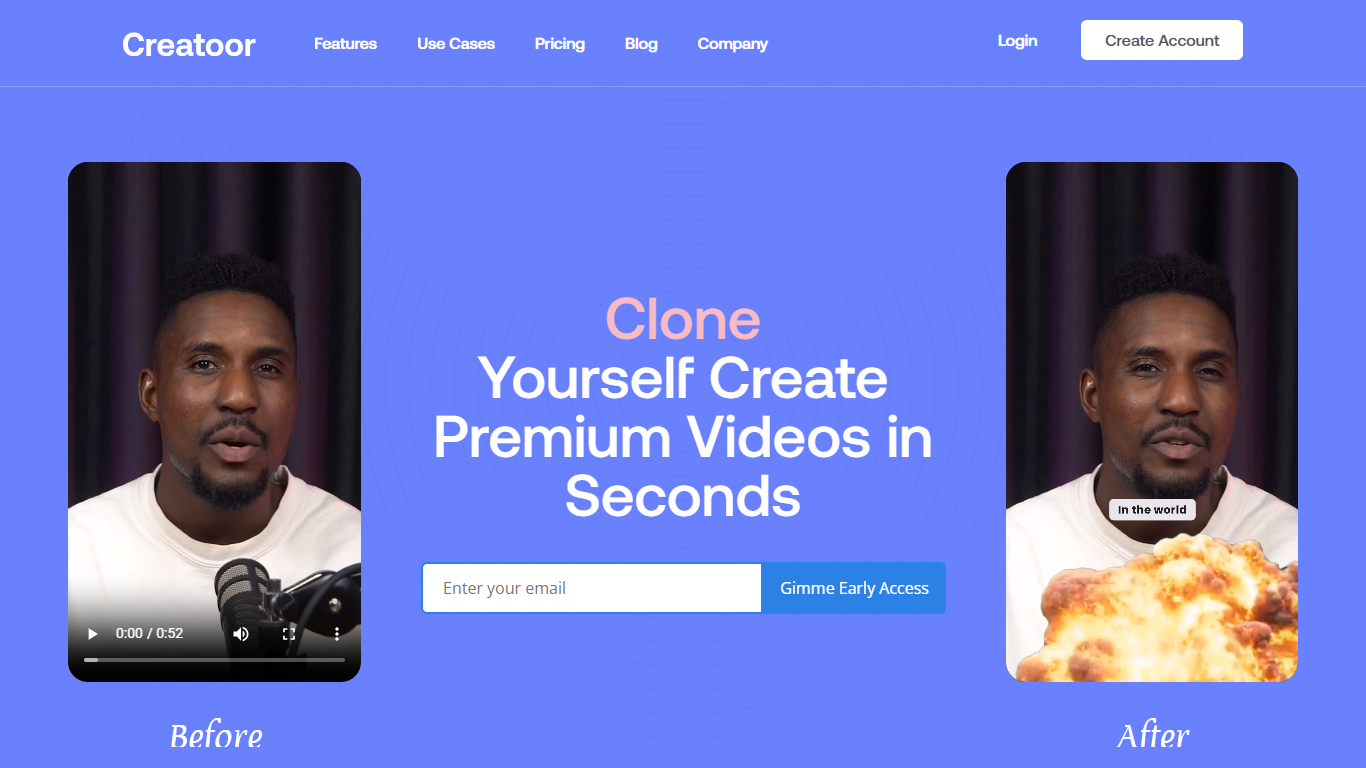

What is Creatoor AI ?
Creatoor AI turns a single photo and voice recording into a talking AI Twin, then builds short social videos from text prompts you send. You describe an idea in plain text, and the service returns ready-to-post clips with captions and b-roll stitched in. Finished videos land in your iMessage thread, so you can review and share without opening a separate editor.
Most avatar video tools keep you inside a web app to script, render, and export. Creatoor AI routes the whole workflow through SMS: your phone number is the account, prompts go in by text, and clips come back the same way. That trades the flexibility of a timeline editor for speed when you want talking-head content on a phone-first schedule.
Creatoor AI targets creators, founders, and marketers who want personal on-camera presence without filming every take. Early access is open to users 18 and older who submit their own photo and voice recording and consent to likeness use. Support questions go to [email protected].
Pictory AI
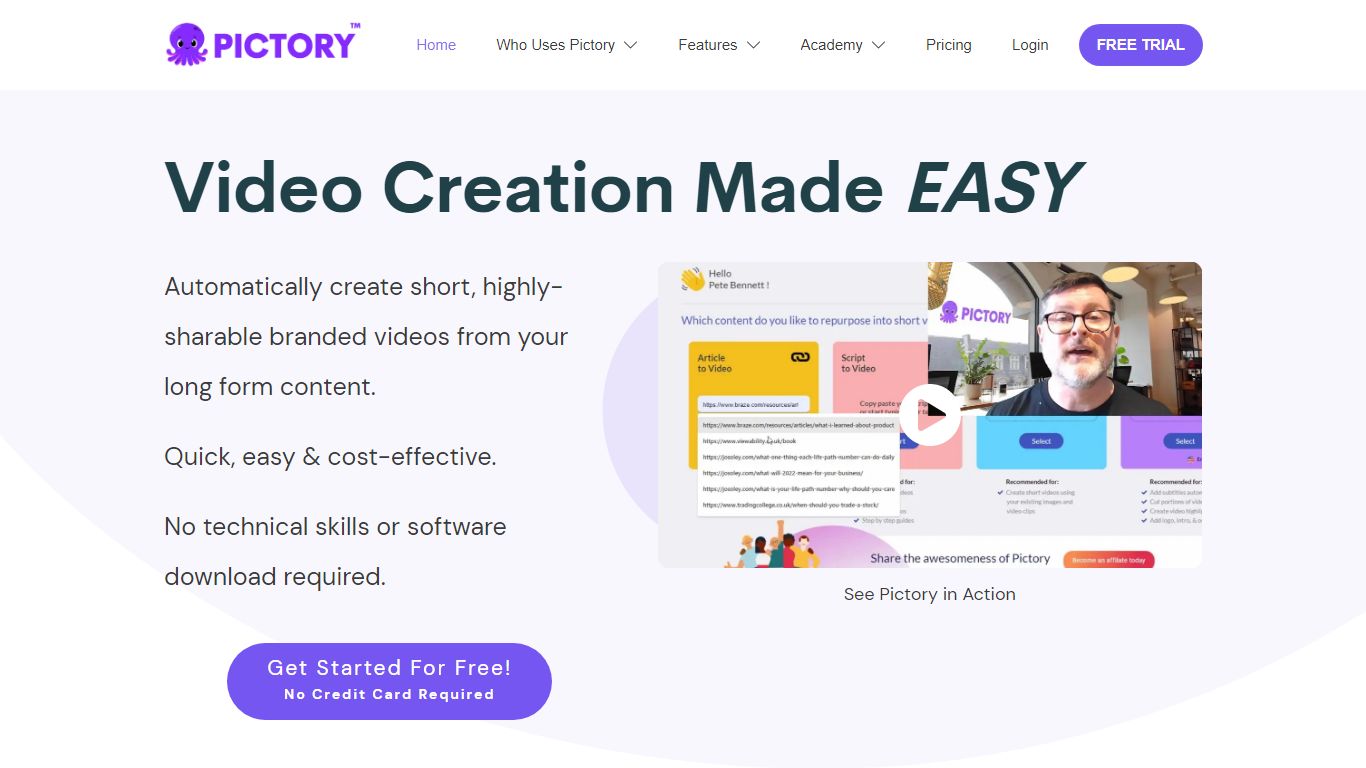
What is Pictory AI?
Pictory AI turns scripts, blog posts, PowerPoint decks, URLs, audio files, and screen recordings into finished marketing videos without a traditional timeline editor. You feed text or existing media into Pictory, and it builds scenes with stock footage, Gen AI visuals, automatic captions, realistic voices, and optional AI avatars ready for social or training channels.
Desktop editors expect you to hunt B-roll and manually chop long webinars into clips. Pictory automates structure, highlights key moments from long recordings, and resizes exports for multiple platforms, which is why teams use it to repurpose Zoom calls and articles instead of rebuilding each cut by hand.
Marketers, course creators, and enterprise video teams adopt Pictory to ship more video from content they already own. The homepage advertises a 14-day free trial with no credit card required and plans that start at $25 per month on annual billing.
Creatoor AI Upvotes
Pictory AI Upvotes
Creatoor AI Top Features
Build an AI Twin from one photo plus a voice recording before generating any videos
Text a video idea and receive finished clips with captions and b-roll over iMessage
Phone number doubles as your account ID with no separate web dashboard for delivery
Terms allow commercial use of generated videos when you comply with usage rules
Includes a limited number of free videos plus a paid subscription option at sign-up
Requires users to be 18 or older and confirm they own the submitted voice and likeness
Pictory AI Top Features
14-day free trial includes 3 video project exports on pictory.ai
Starter plan is $25 per month billed annually with 2,400 video minutes per year
Professional plan adds custom avatars and voice cloning at $35 per month annually
Library includes 5 million Getty Images and Storyblocks clips on Starter
Rated 4.7 out of 5 on G2 according to the Pictory homepage
Creatoor AI Category
- Video Generation
Pictory AI Category
- Video Generation
Creatoor AI Pricing Type
- Freemium
Pictory AI Pricing Type
- Freemium