Customuse vs Blend AI Studio
In the face-off between Customuse vs Blend AI Studio, which AI Design tool takes the crown? We scrutinize features, alternatives, upvotes, reviews, pricing, and more.
In a face-off between Customuse and Blend AI Studio, which one takes the crown?
If we were to analyze Customuse and Blend AI Studio, both of which are AI-powered design tools, what would we find? Both tools have received the same number of upvotes from aitools.fyi users. Be a part of the decision-making process. Your vote could determine the winner.
Not your cup of tea? Upvote your preferred tool and stir things up!
Customuse

What is Customuse ?
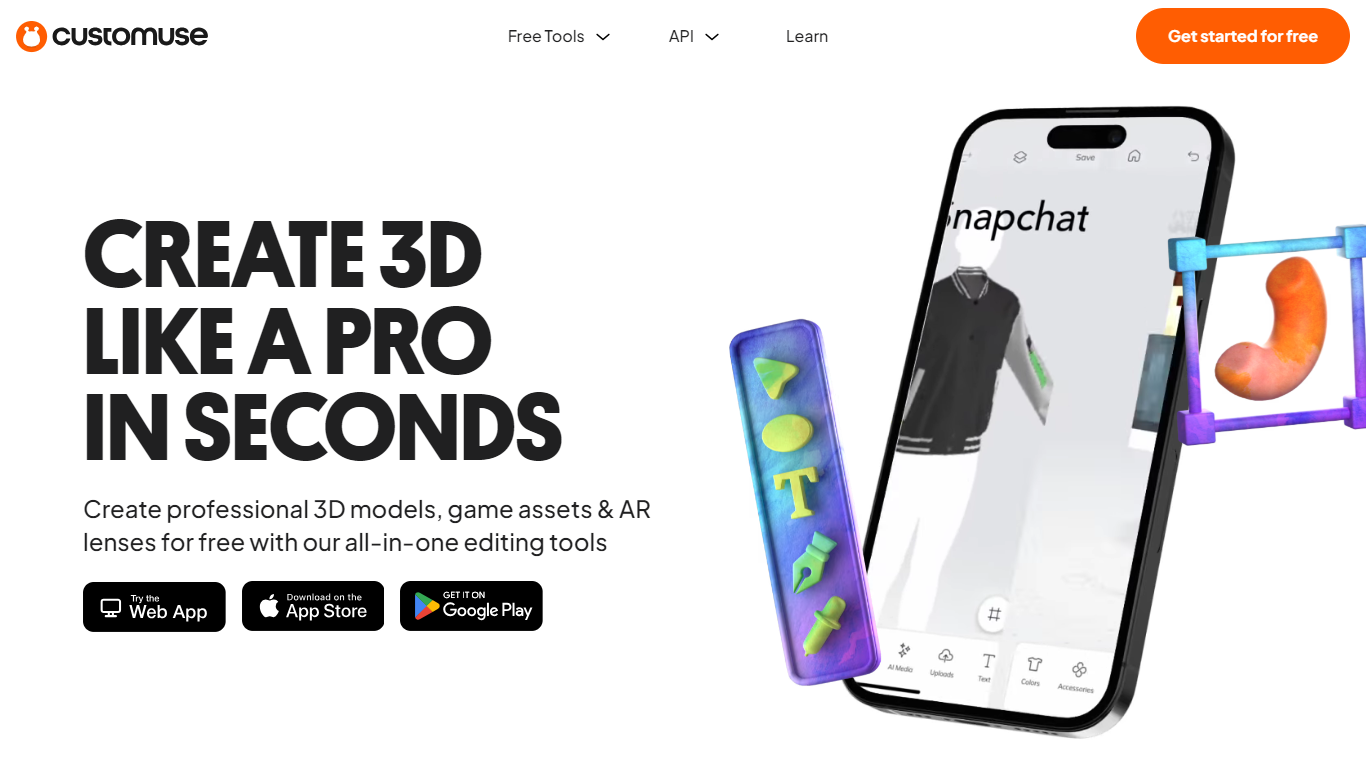
Customuse is a comprehensive platform designed to streamline the creation of 3D game assets, clothing, and digital content using AI-powered tools. It caters primarily to game developers, artists, and digital creators by offering an integrated node-based pipeline that covers every stage of asset production—from concept generation to rigging and exporting game-ready models. This approach reduces the typical handoff delays between different stages of 3D asset creation, enabling faster iteration and higher output without compromising quality.
The platform supports a wide range of users including game development studios, Roblox developers, animation and VFX teams, interior designers, ecommerce professionals, product designers, and architects. Customuse adapts to proprietary workflows, allowing studios to integrate their own rigs, topology standards, and engine requirements, making it a flexible solution for diverse production pipelines.
Customuse features a multi-model AI ecosystem, incorporating best-in-class AI models for image, video, and 3D generation. Users can generate high-poly and low-poly meshes, perform automatic retopology, create PBR textures, and rig assets to custom character rigs. The platform also supports direct publishing workflows, such as uploading Roblox-ready assets directly to the Roblox marketplace, and offers tools for generating thumbnails and layered clothing.
Collaboration is built into the platform with shared workspaces, granular role management, and usage visibility, making it suitable for teams of various sizes. Enterprise customers benefit from custom workflows, API access, single sign-on, and dedicated support to scale production securely and efficiently.
Customuse emphasizes IP protection by ensuring that user content is not used to train AI models without explicit consent. The platform also provides a suite of free tools, including Roblox clothes preview, 3D file converters, and viewers, to support creators at all levels.
Overall, Customuse offers a powerful, scalable, and user-friendly environment for accelerating 3D asset creation, reducing manual cleanup, and enabling creators to focus on the artistic aspects of their work while AI handles repetitive and technical tasks.
Blend AI Studio
What is Blend AI Studio?
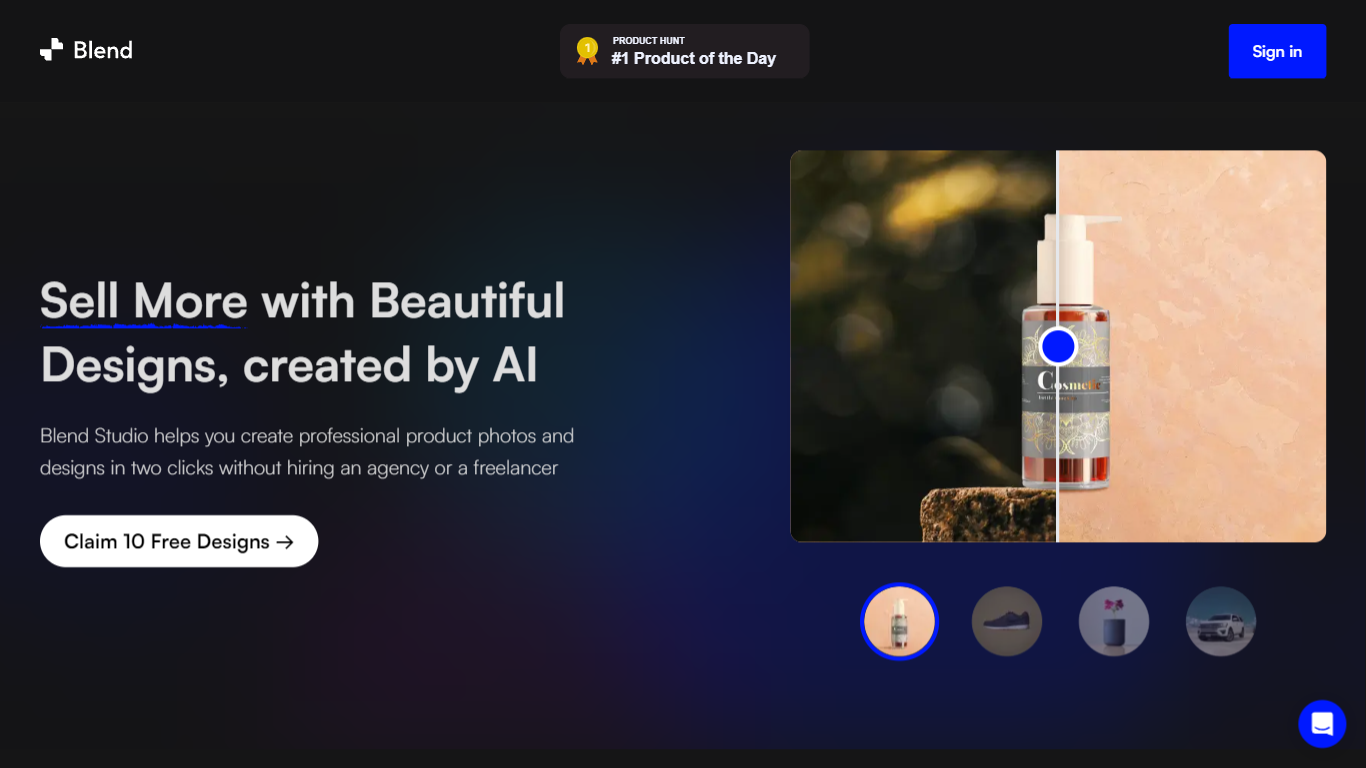
Blend AI Studio is an ecommerce design studio for product photos, model shots, lifestyle scenes, and short product videos without booking a studio or photographer. Upload a product image, pick a workflow like studio shots, ghost mannequin, or virtual try-on, and export listing-ready visuals in minutes.
The platform bundles background removal, AI backgrounds, on-model try-on, logo design, poster creation, and AI video into one web and mobile workflow. Sellers on Amazon, Etsy, Shopify, and DTC storefronts use it to replace scattered editing tools and expensive shoots with batch-friendly production.
Blend is built by BlendIt Studios and positions itself for fashion, beauty, home goods, and high-volume catalog teams that need consistent visuals across thousands of SKUs. The company reports 10M+ images created and 3.5M sellers using the product.
Customuse Upvotes
Blend AI Studio Upvotes
Customuse Top Features
🎮 Complete 3D Asset Pipeline: Generate, retopologize, texture, rig, and export game-ready models all within one node-based workflow.
⚡ Parallel AI Generation: Run multiple high-poly variations simultaneously to quickly select the best asset without waiting in queues.
🤝 Team Collaboration Tools: Shared workspaces with role-based access and usage visibility keep teams aligned and productive.
🛠️ Custom Workflow Integration: Tailor asset creation to your studio’s proprietary rigs, topology standards, and engine requirements.
🚀 Direct Publishing: Upload Roblox-ready assets directly from Customuse, including layered clothing and thumbnails, speeding up marketplace releases.
Blend AI Studio Top Features
Turn flat product photos into white-background studio shots in one upload
Show apparel and jewelry on diverse AI models or your own model photo
Place products in lifestyle scenes without location shoots or props
Generate short AI product videos for ads, reels, and marketplace listings
Batch process large catalogs with ghost mannequin, recolor, and background tools
Design logos, posters, and brand kits alongside product photography workflows
Customuse Category
- Design
Blend AI Studio Category
- Design
Customuse Pricing Type
- Freemium
Blend AI Studio Pricing Type
- Freemium