Customuse vs Magic Brush AI
In the contest of Customuse vs Magic Brush AI, which AI Design tool is the champion? We evaluate pricing, alternatives, upvotes, features, reviews, and more.
If you had to choose between Customuse and Magic Brush AI, which one would you go for?
When we examine Customuse and Magic Brush AI, both of which are AI-enabled design tools, what unique characteristics do we discover? The upvote count reveals a draw, with both tools earning the same number of upvotes. Your vote matters! Help us decide the winner among aitools.fyi users by casting your vote.
Disagree with the result? Upvote your favorite tool and help it win!
Customuse

What is Customuse ?
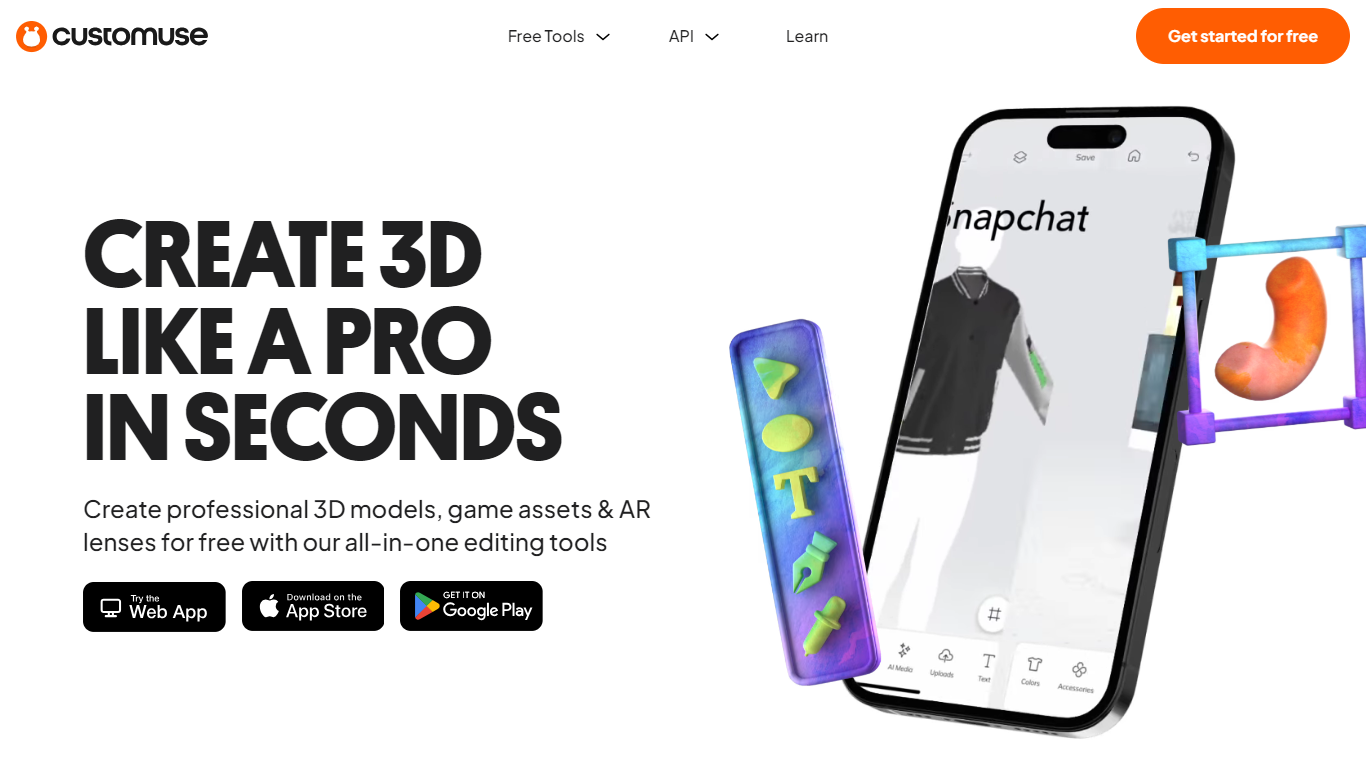
Customuse is a comprehensive platform designed to streamline the creation of 3D game assets, clothing, and digital content using AI-powered tools. It caters primarily to game developers, artists, and digital creators by offering an integrated node-based pipeline that covers every stage of asset production—from concept generation to rigging and exporting game-ready models. This approach reduces the typical handoff delays between different stages of 3D asset creation, enabling faster iteration and higher output without compromising quality.
The platform supports a wide range of users including game development studios, Roblox developers, animation and VFX teams, interior designers, ecommerce professionals, product designers, and architects. Customuse adapts to proprietary workflows, allowing studios to integrate their own rigs, topology standards, and engine requirements, making it a flexible solution for diverse production pipelines.
Customuse features a multi-model AI ecosystem, incorporating best-in-class AI models for image, video, and 3D generation. Users can generate high-poly and low-poly meshes, perform automatic retopology, create PBR textures, and rig assets to custom character rigs. The platform also supports direct publishing workflows, such as uploading Roblox-ready assets directly to the Roblox marketplace, and offers tools for generating thumbnails and layered clothing.
Collaboration is built into the platform with shared workspaces, granular role management, and usage visibility, making it suitable for teams of various sizes. Enterprise customers benefit from custom workflows, API access, single sign-on, and dedicated support to scale production securely and efficiently.
Customuse emphasizes IP protection by ensuring that user content is not used to train AI models without explicit consent. The platform also provides a suite of free tools, including Roblox clothes preview, 3D file converters, and viewers, to support creators at all levels.
Overall, Customuse offers a powerful, scalable, and user-friendly environment for accelerating 3D asset creation, reducing manual cleanup, and enabling creators to focus on the artistic aspects of their work while AI handles repetitive and technical tasks.
Magic Brush AI

What is Magic Brush AI?
Magic Brush AI introduces an innovative AI-powered plugin specifically designed for Figma users who wish to enhance their design process. The Magic Brush AI plugin seamlessly integrates with Figma, allowing designers to generate and edit images directly within the application. If you're looking to speed up your design workflow and leverage artificial intelligence in your projects, Magic Brush AI offers a simple yet powerful solution. With easy installation and a user-friendly interface, Magic Brush expands creative possibilities without ever leaving your favorite design platform. Additionally, the community aspect is emphasized with an invitation to join their Discord, suggesting a focus on user engagement and support. Designed by Elie Toubiana from sunshine-filled Los Angeles, CA, Magic Brush AI is poised to transform how creatives interact with Figma and image editing.
Customuse Upvotes
Magic Brush AI Upvotes
Customuse Top Features
🎮 Complete 3D Asset Pipeline: Generate, retopologize, texture, rig, and export game-ready models all within one node-based workflow.
⚡ Parallel AI Generation: Run multiple high-poly variations simultaneously to quickly select the best asset without waiting in queues.
🤝 Team Collaboration Tools: Shared workspaces with role-based access and usage visibility keep teams aligned and productive.
🛠️ Custom Workflow Integration: Tailor asset creation to your studio’s proprietary rigs, topology standards, and engine requirements.
🚀 Direct Publishing: Upload Roblox-ready assets directly from Customuse, including layered clothing and thumbnails, speeding up marketplace releases.
Magic Brush AI Top Features
AI Powered Plugin: A convenient Figma plugin that utilizes AI for image generation and editing.
Seamless Integration: Integrates with Figma for a streamlined design workflow.
Easy Installation: Simple process to install the plugin directly on Figma.
Community Support: Access to a Discord community for networking and support.
Frequent Updates: Continual improvements and feature additions to enhance user experience.
Customuse Category
- Design
Magic Brush AI Category
- Design
Customuse Pricing Type
- Freemium
Magic Brush AI Pricing Type
- Freemium