DashAI vs Tability
In the face-off between DashAI vs Tability, which AI Productivity tool takes the crown? We scrutinize features, alternatives, upvotes, reviews, pricing, and more.
In a face-off between DashAI and Tability, which one takes the crown?
If we were to analyze DashAI and Tability, both of which are AI-powered productivity tools, what would we find? In the race for upvotes, Tability takes the trophy. Tability has garnered 8 upvotes, and DashAI has garnered 6 upvotes.
Does the result make you go "hmm"? Cast your vote and turn that frown upside down!
DashAI

What is DashAI?
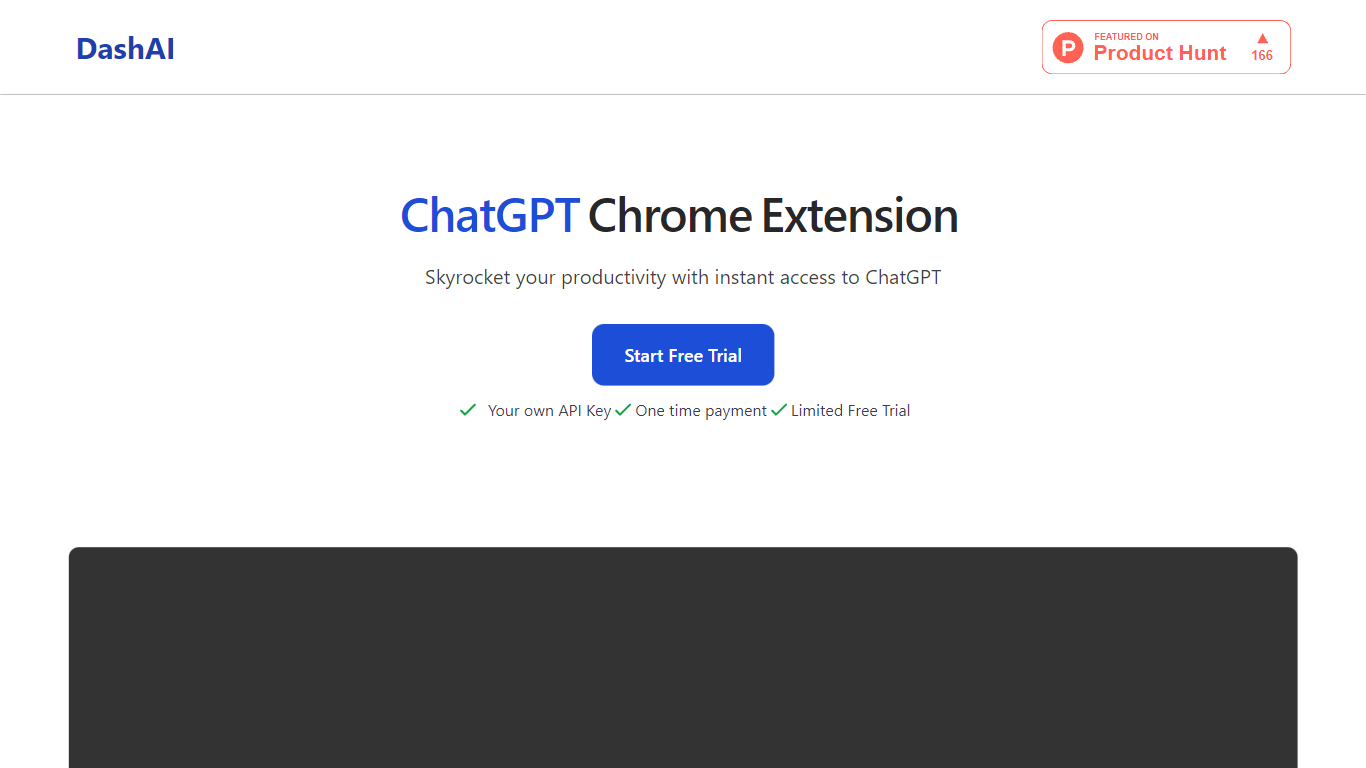
DashAI offers the convenience of instant ChatGPT access on every webpage with their Chrome extension, revolutionizing the way users interact with AI on the web. With the use of a simple ⌘ + K shortcut, you can summon a side chat on any page, tapping into a vast library of prompts for a variety of tasks. This tool saves time by summarizing content, executing text-based commands, and generating AI-crafted text in fields with a simple command. Suited for both personal and professional use, it's particularly beneficial for those looking to boost productivity through quick summaries, translations, audio transcriptions, and custom AI actions. DashAI is easy to install, data is stored locally, and support can be reached via email. Start with a free trial or opt for a one-time payment to enjoy unlimited usage.
Tability
What is Tability?
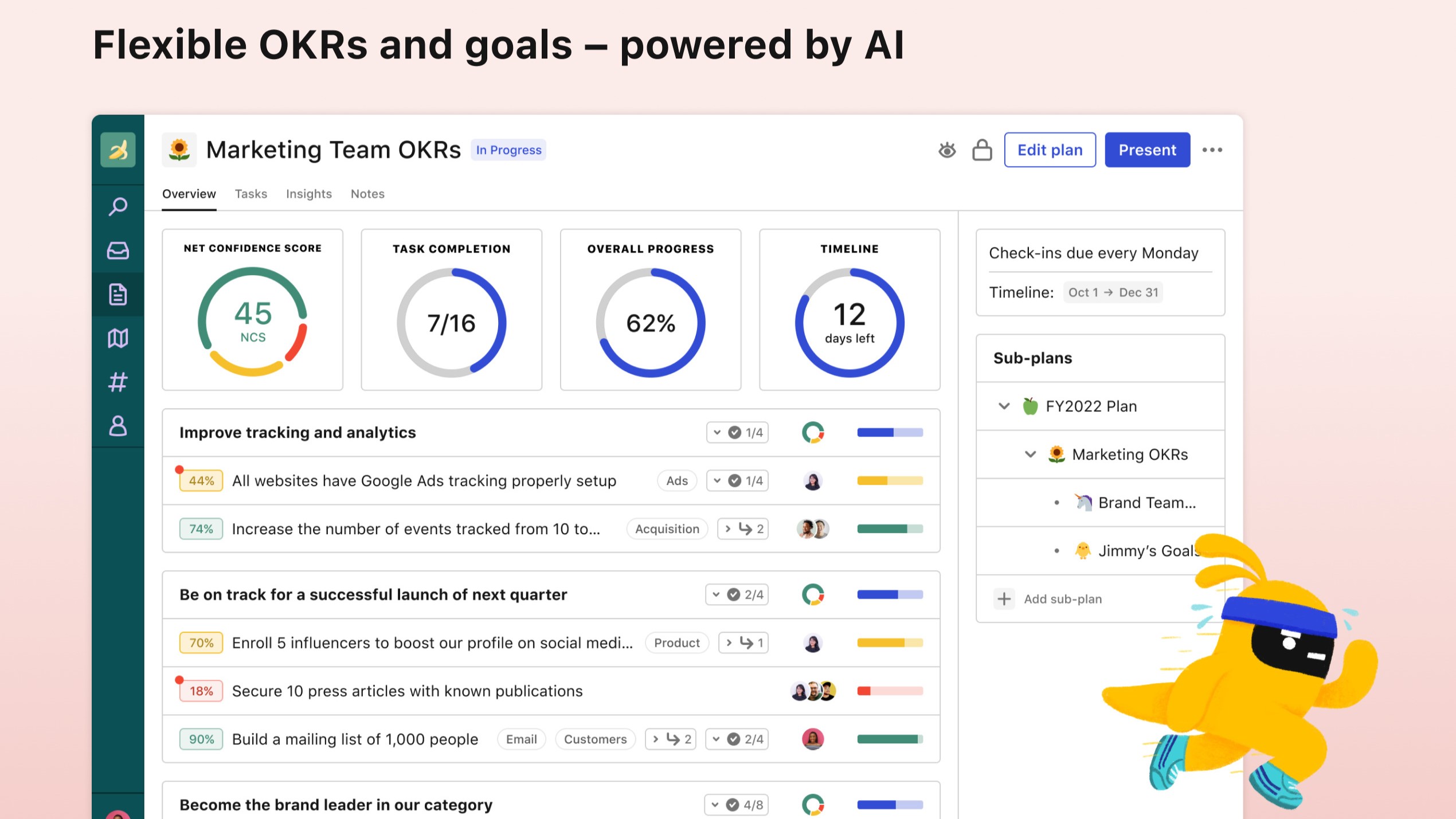
Tability helps teams set, track, and review OKRs, KPIs, and quarterly plans in one productivity workspace instead of scattered spreadsheets. AI drafts goals and tactics during signup, then live check-ins surface progress updates and early roadblocks before a quarter slips away.
Plenty of goal trackers feel like status spreadsheets with nicer colors. Tability leans into outcome-driven rituals: strategy maps, initiative dependencies, and integrations with Slack, Microsoft Teams, Jira, and Linear so updates happen where teams already work. Premium adds SAML SSO, data connectors, and an AI assistant mode for larger rollouts.
It fits startups and mid-size companies adopting OKRs for the first time as well as teams at Red Hat, Autodesk, and Freelancer that the site lists among customers. Pricing starts at $6 per user per month on yearly Basic billing with a 14-day free trial on signup.
DashAI Upvotes
Tability Upvotes
DashAI Top Features
Side Chat: Activate ChatGPT on any webpage with a shortcut to assist in various tasks.
Summaries: Quickly summarize webpage content to grasp essential points without reading the entire text.
AI Quick Actions: Highlight text and execute AI-powered commands to streamline online interactions.
Transcriptions: Effortlessly record audio and convert it to text on any webpage ideal for email replies or social posts.
AI Text Expander (Experimental): Generate AI content in text fields on websites to improve efficiency.
Tability Top Features
AI-assisted OKR and tactic drafting on signup
14-day free trial with Google or email signup
Basic plan at $6 per user per month on yearly billing
Premium adds SAML SSO, SCIM, and data connectors
Integrations with Slack, Microsoft Teams, Jira, and Linear
Strategy maps plus initiative dependency tracking
DashAI Category
- Productivity
Tability Category
- Productivity
DashAI Pricing Type
- Freemium
Tability Pricing Type
- Freemium