DecorAI vs HomeDesigns AI
When comparing DecorAI vs HomeDesigns AI, which AI Real Estate tool shines brighter? We look at pricing, alternatives, upvotes, features, reviews, and more.
Between DecorAI and HomeDesigns AI, which one is superior?
When we put DecorAI and HomeDesigns AI side by side, both being AI-powered real estate tools, DecorAI is the clear winner in terms of upvotes. DecorAI has 7 upvotes, and HomeDesigns AI has 6 upvotes.
Want to flip the script? Upvote your favorite tool and change the game!
DecorAI


What is DecorAI?
DecorAI turns a photo of a real room, exterior, or garden into a photorealistic redesign in about 30 seconds. Upload one picture, pick a style or describe the look in plain words, and see the same space with new cabinets, flooring, furniture, and lighting while walls and proportions stay fixed.
Most interior design apps need floor plans or CAD skills. DecorAI works from a single photo with 175 style presets across 135 space types, plus Pro mode and a Magic Edit Brush to paint over one area and describe replacements. The trade-off is that it changes finishes and furniture, not structural layout, plumbing, or construction measurements.
Homeowners preview renovations before hiring contractors. Real estate agents stage listings virtually. Interior designers show clients multiple options side by side at 4K resolution without building physical mockups.
HomeDesigns AI
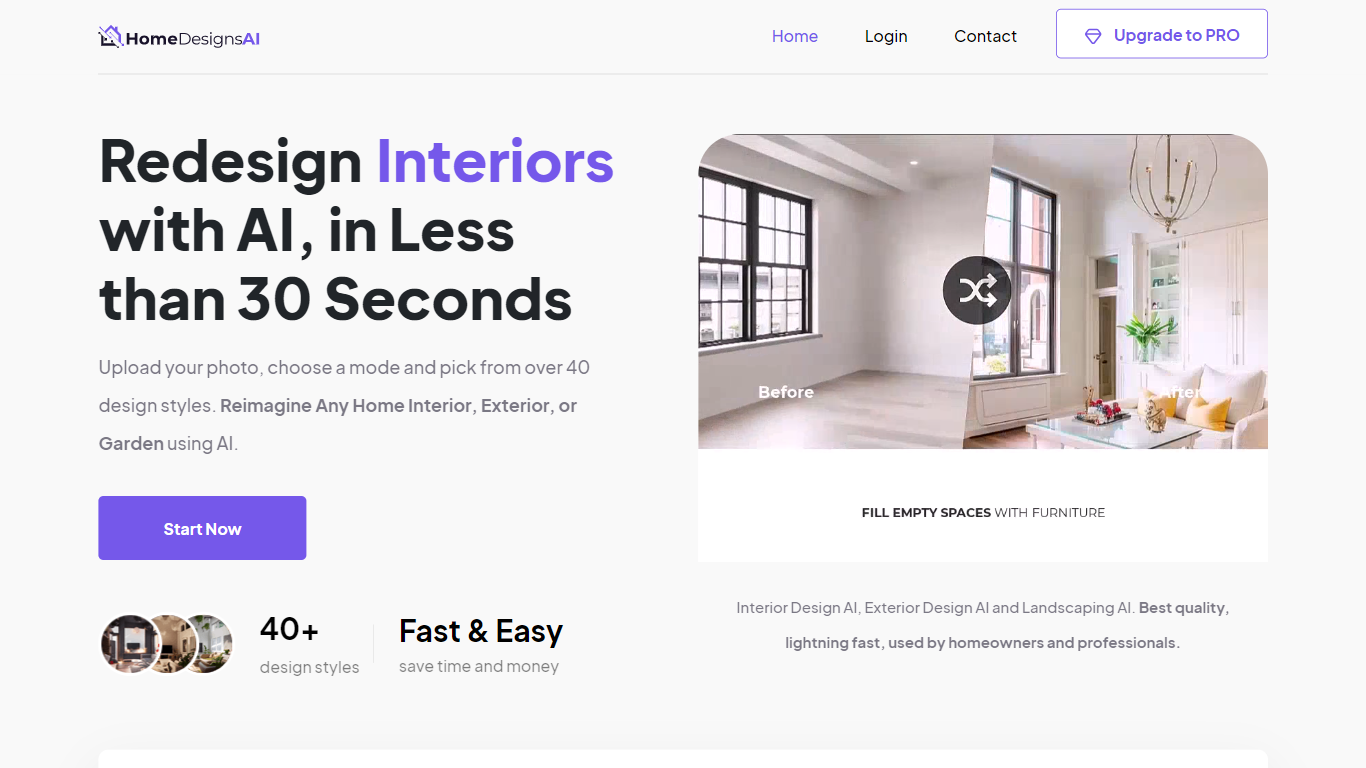
What is HomeDesigns AI?
HomeDesigns AI is a browser-based real estate design tool that turns one room photo into a photoreal redesign in about 30 seconds. Upload an interior, exterior, garden, patio, or terrace image, pick a style, and the app redraws finishes and furniture while keeping walls, windows, and layout fixed. It suits homeowners previewing remodels and agents who need listing visuals without a physical stager.
Unlike generic image generators that invent a new floor plan, HomeDesigns AI locks the structural shell of your photo and only changes design elements. That keeps before-and-after shots believable for buyers. The same account covers virtual staging, 2D-to-3D floor plans, photo-to-video walkthroughs, and Furniture Finder links to shop pieces shown in a render, so agents are not juggling separate staging and plan tools.
The platform launched in 2023 and reports 2.68 million users, 7.87 million generated designs, and use in 167 countries. Paid plans include Standard at $22 per month with 100 design credits, Pro at $29 with 1,000 credits, and Expert at $37 with 2,000 credits. A limited free tier refreshes 3 credits every 24 hours for quick tests.
DecorAI Upvotes
HomeDesigns AI Upvotes
DecorAI Top Features
Generates photorealistic redesigns from one photo in about 30 seconds at 4K resolution
175 design styles across 135 space types including kitchens, bathrooms, and gardens
20 plus AI tools covering kitchen design, AI Relight, sketch-to-render, and frame extension
Unlimited image generations on paid plans at $24 per month with no per-image credits
Magic Edit Brush paints over one area and replaces it with a described element
40 million plus designs generated across residential and outdoor space categories
Commercial usage rights and private generation mode on every paid subscription
HomeDesigns AI Top Features
Upload one photo and get a redesign in about 30 seconds with walls and windows locked in place
Redesign modes include Beautiful, Creative, and Perfect for different levels of layout change
Standard plan includes 100 design credits per month; Pro includes 1,000 and Expert includes 2,000
Virtual staging fills empty rooms and links to purchasable furniture through Furniture Finder on Pro
2D-to-3D floor plans and photo-to-video walkthroughs ship on paid tiers for listing marketing
75+ design styles on the platform with new styles added monthly per the about page
DecorAI Category
- Real Estate
HomeDesigns AI Category
- Real Estate
DecorAI Pricing Type
- Freemium
HomeDesigns AI Pricing Type
- Freemium