DecorAI vs MyRoomDesigner.ai
Compare DecorAI vs MyRoomDesigner.ai and see which AI Real Estate tool is better when we compare features, reviews, pricing, alternatives, upvotes, etc.
Which one is better? DecorAI or MyRoomDesigner.ai?
When we compare DecorAI with MyRoomDesigner.ai, which are both AI-powered real estate tools, The upvote count shows a clear preference for DecorAI. DecorAI has garnered 7 upvotes, and MyRoomDesigner.ai has garnered 6 upvotes.
Not your cup of tea? Upvote your preferred tool and stir things up!
DecorAI


What is DecorAI?
DecorAI turns a photo of a real room, exterior, or garden into a photorealistic redesign in about 30 seconds. Upload one picture, pick a style or describe the look in plain words, and see the same space with new cabinets, flooring, furniture, and lighting while walls and proportions stay fixed.
Most interior design apps need floor plans or CAD skills. DecorAI works from a single photo with 175 style presets across 135 space types, plus Pro mode and a Magic Edit Brush to paint over one area and describe replacements. The trade-off is that it changes finishes and furniture, not structural layout, plumbing, or construction measurements.
Homeowners preview renovations before hiring contractors. Real estate agents stage listings virtually. Interior designers show clients multiple options side by side at 4K resolution without building physical mockups.
MyRoomDesigner.ai
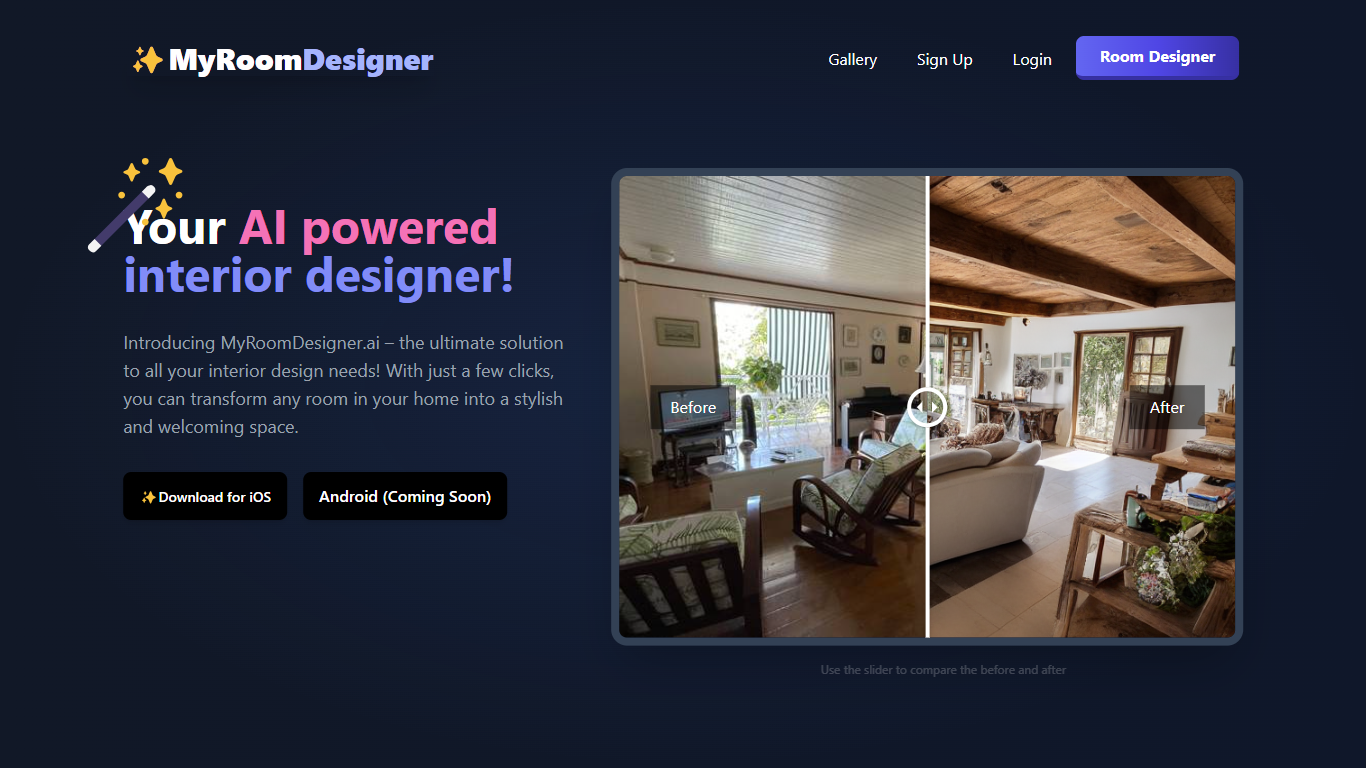
What is MyRoomDesigner.ai?
MyRoomDesigner.ai turns a photo of your actual room into a restyled interior concept in under four seconds while keeping the original walls, doors, and layout intact. Upload a living room, kitchen, or bedroom shot, pick from 25-plus styles like Scandinavian or Mid-Century Modern, set a color palette, and generate up to four variations before chatting with the AI to swap furniture or paint walls sage green.
Generic image generators often reshape room geometry and charge extra for 4K output. MyRoomDesigner.ai analyzes photo quality and layout first, then offers a full interaction suite: upscale to high resolution, remove unwanted items, find similar shoppable products, and export shopping lists from the Design Studio. The platform reports 85,000-plus room redesigns with a 4.8 out of 5 rating from projects.
Homeowners, renters, and interior designers use MyRoomDesigner.ai for virtual staging, client presentations, and quick style comparisons before buying furniture. The free tier includes one room project per month with three style explorations; paid Designer Starter plans begin at $29 per month or $288 billed yearly with 50 AI redesigns per month.
DecorAI Upvotes
MyRoomDesigner.ai Upvotes
DecorAI Top Features
Generates photorealistic redesigns from one photo in about 30 seconds at 4K resolution
175 design styles across 135 space types including kitchens, bathrooms, and gardens
20 plus AI tools covering kitchen design, AI Relight, sketch-to-render, and frame extension
Unlimited image generations on paid plans at $24 per month with no per-image credits
Magic Edit Brush paints over one area and replaces it with a described element
40 million plus designs generated across residential and outdoor space categories
Commercial usage rights and private generation mode on every paid subscription
MyRoomDesigner.ai Top Features
Generates room redesign concepts in under 4 seconds while preserving original walls, doors, and layout geometry
Supports 25-plus room types from kitchens and nurseries to yoga studios plus 25-plus style presets
Interactive chat refines designs with prompts like paint walls sage green or swap the furniture
Find Similar Products button matches items in your photo to real shoppable products
Design Studio adds shopping list creator, background remover, upscale, and mood board import tools
Free plan includes 1 room project per month; Designer Starter at $288 per year includes 50 AI redesigns monthly
DecorAI Category
- Real Estate
MyRoomDesigner.ai Category
- Real Estate
DecorAI Pricing Type
- Freemium
MyRoomDesigner.ai Pricing Type
- Freemium