DeepAI vs Canva-Text to Image
In the contest of DeepAI vs Canva-Text to Image, which AI Image Generation tool is the champion? We evaluate pricing, alternatives, upvotes, features, reviews, and more.
If you had to choose between DeepAI and Canva-Text to Image, which one would you go for?
When we examine DeepAI and Canva-Text to Image, both of which are AI-enabled image generation tools, what unique characteristics do we discover? In the race for upvotes, Canva-Text to Image takes the trophy. The upvote count for Canva-Text to Image is 108, and for DeepAI it's 5.
Does the result make you go "hmm"? Cast your vote and turn that frown upside down!
DeepAI
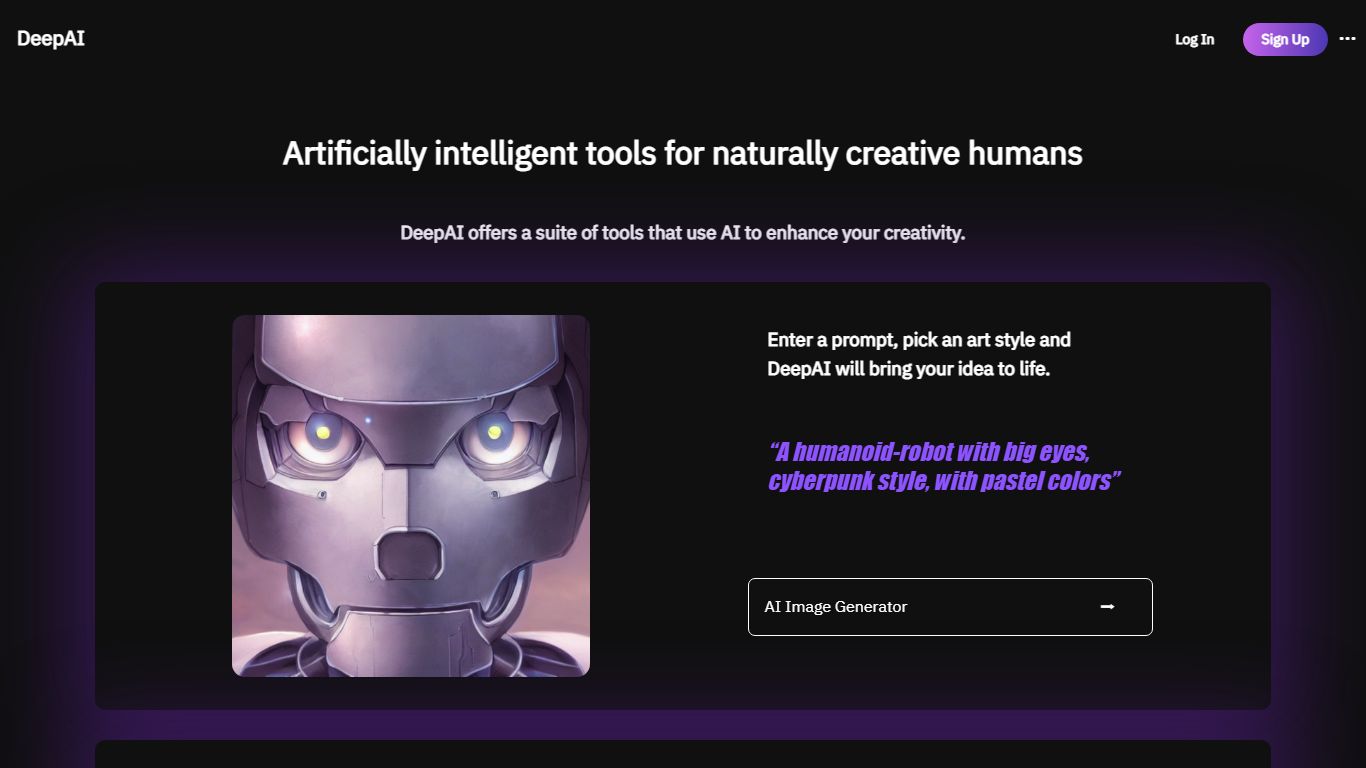

What is DeepAI?
DeepAI bundles chat, image, video, music, voice chat, and photo editing behind one web dashboard. The homepage routes you into separate generators for text-to-image, video, music, and conversational AI, and it advertises answering billions of questions for more than 5% of Americans. Free users get limited basics while DeepAI Pro unlocks Genius Mode outputs and higher quotas.
Unlike single-purpose image sites, DeepAI runs a prepaid wallet on top of subscription allowances. Pro includes monthly packs such as 500 HD images, 1,750 chat messages, 25 seconds of video, and 100 songs, then charges pay-as-you-go rates from a wallet balance when you exceed them. Genius Mode images, Hollywood Mode video with audio, and Super Genius 2K renders sit on the premium side of that meter.
Creators who want one login for images, clips, and chat, developers browsing the APIs page, and casual users testing prompts before subscribing are the natural fit. Monthly Pro costs $9.99 and yearly billing is $89.99, which the pricing page markets as three months free versus paying monthly.
Canva-Text to Image
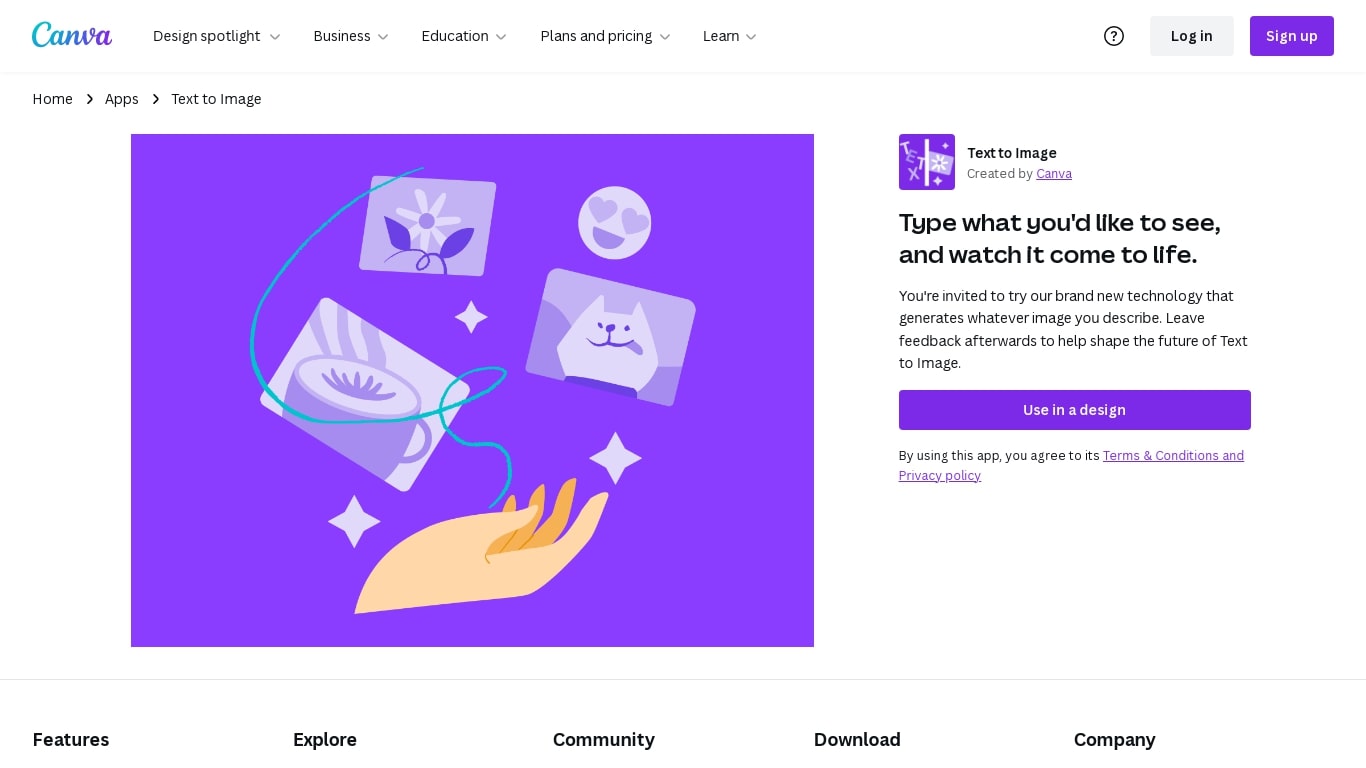
What is Canva-Text to Image?
Canva Text to Image turns a written prompt into a finished visual without leaving the Canva editor. You describe what you want, pick from 10+ preset art styles like Photo, Vibrant, Sketch, or Retrowave, and set an aspect ratio. The tool generates several variations in seconds, and you can drop any result straight into a presentation, social post, or poster layout.
Where standalone generators like Midjourney or DALL-E hand you a file to download and edit elsewhere, Canva keeps everything in one workflow. Background removal, Magic Edit prompt-based retouching, text overlays, and export to PNG, JPG, PDF, or PPTX all sit in the same canvas. That trade-off means less raw control over model parameters, but a much faster path from prompt to publishable design.
Content creators use it for social graphics and thumbnails, entrepreneurs for quick branding assets, and hobbyists for concept sketches. You can also upload a reference photo and generate new images that keep the original layout or subject. Pro and Business plans unlock higher AI generation allowances, Magic Expand for extending image borders, and a content planner for scheduling posts.
Free accounts include up to 200 Standard AI uses or 20 Premium AI uses per year. Canva runs automated prompt checks to block inappropriate content, and commercial use is permitted under Canva's AI Product Terms, though you are responsible for trademark and public figure rights.
DeepAI Upvotes
Canva-Text to Image Upvotes
DeepAI Top Features
DeepAI Pro includes 500 HD image generations per month on the $9.99 monthly plan
Pro allowance covers 1,750 standard chat messages and 100 AI songs monthly
Video tier includes 25 seconds of standard video and 8 seconds of Hollywood Mode
Genius Mode adds 60 higher-quality images and 250 smarter chat messages monthly
Pay-as-you-go wallet charges $0.01 per extra HD image after allowances expire
Yearly Pro is $89.99, marketed as saving $29.89 versus monthly billing
Canva-Text to Image Top Features
Choose from 10+ preset art styles including Photo, Vibrant, 3D Render, Cinematic, and Retrowave
Free plan includes up to 200 Standard AI uses or 20 Premium AI uses per year
Generate from a text prompt or upload a reference photo to preserve layout and subject
Export finished designs as PNG, JPG, PDF, or PPTX without leaving Canva
Pro plan at $180 per year includes 10x the AI generation allowance of the Free tier
Magic Edit and Magic Eraser let you refine generated images with short written prompts
DeepAI Category
- Image Generation
Canva-Text to Image Category
- Image Generation
DeepAI Pricing Type
- Freemium
Canva-Text to Image Pricing Type
- Freemium