Deepfakes Web vs Supercreator AI
Compare Deepfakes Web vs Supercreator AI and see which AI Video Generation tool is better when we compare features, reviews, pricing, alternatives, upvotes, etc.
Which one is better? Deepfakes Web or Supercreator AI?
When we compare Deepfakes Web with Supercreator AI, which are both AI-powered video generation tools, In the race for upvotes, Supercreator AI takes the trophy. The upvote count for Supercreator AI is 52, and for Deepfakes Web it's 6.
You don't agree with the result? Cast your vote to help us decide!
Deepfakes Web
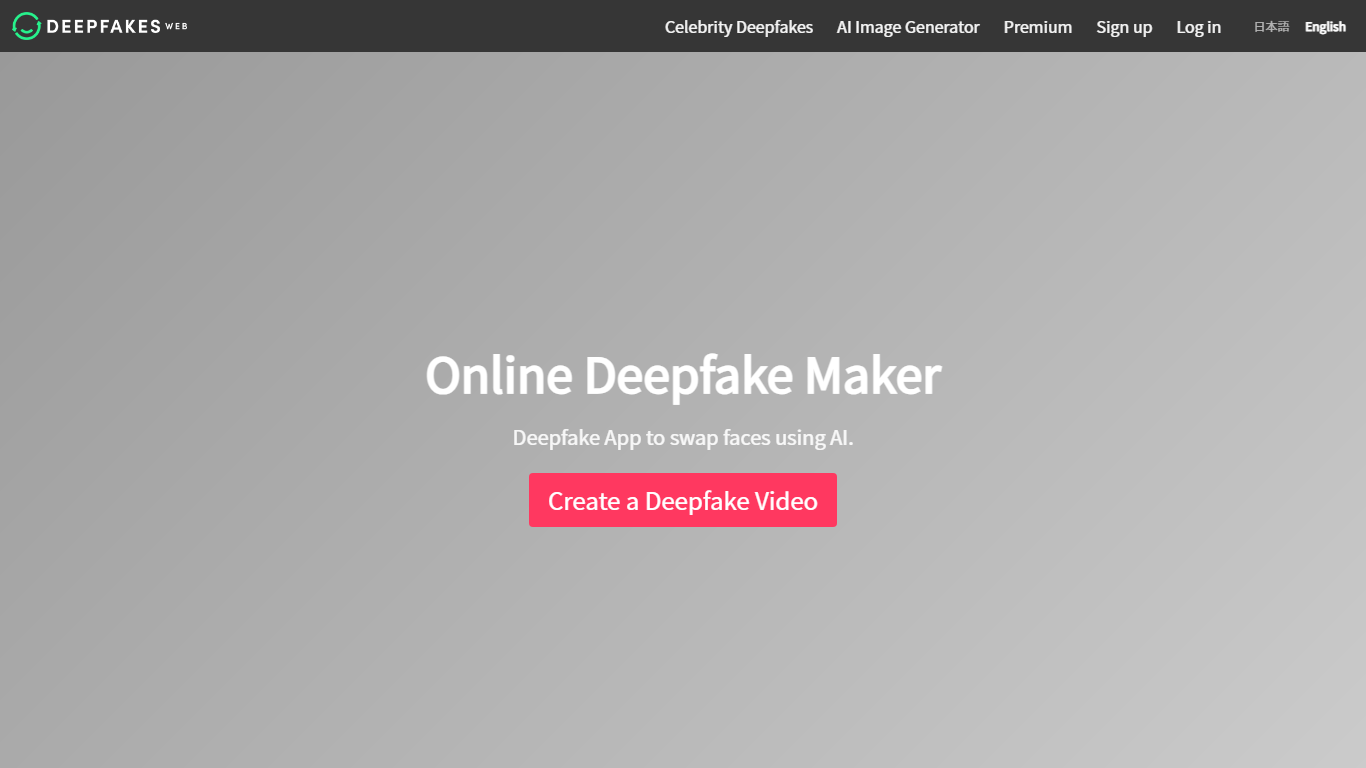

What is Deepfakes Web?
Deepfakes Web is a cloud video generator that swaps one face onto another clip from a photo plus an MP4 upload. You pick a source face, attach a target video up to about three minutes and 200MB, and the service extracts faces frame by frame, runs the swap, and returns a downloadable MP4. The same pipeline runs in a browser studio, on iOS and Android, and through a REST API.
Most face-swap services push monthly subscriptions. Deepfakes Web charges per finished video instead, with no recurring plan. The web studio lists $10 per clip while the mobile app advertises roughly $0.05 per video, a gap the site puts at 95% cheaper on app. That structure fits occasional meme edits and one-off projects more than daily production teams.
Creators making satire clips, short-form memes, and gaming content are the obvious audience, along with developers wiring swaps into their own apps via the API. Uploads stay private to your account, outputs carry invisible watermarks, and the team deliberately leaves detectable imperfections so clips read as synthetic rather than pass-as-real footage.
Supercreator AI

What is Supercreator AI?
Supercreator AI lets you plan a short video scene by scene, record it with a scrolling teleprompter, then trim and caption the footage in the same browser workspace. Storyboarding, recording, timeline editing, and mini apps for AI media, talking avatars, and multi-shot sequences all sit on one home screen. You sign in to save creations, but every tool is listed before you start.
Where many video editors assume you already have footage, Supercreator AI front-loads scripting and recording. The storyboard maps scenes before capture, the recorder scrolls your script while you film, and one-click templates plus AI captions sit beside standalone tools like a Reel transcriber and clip editor. That workflow keeps scripting, capture, and polish in one tab instead of three separate apps.
It fits creators who publish to TikTok, Reels, and Shorts and want scripting, capture, and caption polish without switching tools. Founders, educators, and on-camera marketers get teleprompter support, visual aids, and reusable identity presets across projects.
Deepfakes Web Upvotes
Supercreator AI Upvotes
Deepfakes Web Top Features
Cloud rendering finishes a face swap in under 10 minutes on uploaded MP4 files up to 200MB
Web studio pricing is $10 per video while the mobile app costs about $0.05 per video
Supports up to 3 minutes of footage with 4K export quality and no subscription fees
REST API at api.deepfakesweb.com/v1/ authenticates with an X-API-Key header
Outputs include invisible digital watermarks plus deliberate imperfections for detection
iOS and Android apps can start swaps without creating an account first
Supercreator AI Top Features
Storyboard maps scripts scene by scene before you hit record
Built-in recorder pairs a teleprompter with visual aids and smart overlays
Timeline editor cuts clips and adds AI-generated stylized captions
One-click templates turn raw clips into scroll-stopping social videos
Script Trainer collects high-performing videos, transcribes them, and drafts new scripts
Avatars mini app builds talking-head videos with AI voices
Super Director stitches multi-shot AI video sequences from one workspace
Deepfakes Web Category
- Video Generation
Supercreator AI Category
- Video Generation
Deepfakes Web Pricing Type
- Paid
Supercreator AI Pricing Type
- Freemium