DeepFiction vs Directory Crop
In the clash of DeepFiction vs Directory Crop, which AI Image Generation tool emerges victorious? We assess reviews, pricing, alternatives, features, upvotes, and more.
When we put DeepFiction and Directory Crop head to head, which one emerges as the victor?
Let's take a closer look at DeepFiction and Directory Crop, both of which are AI-driven image generation tools, and see what sets them apart. In the race for upvotes, Directory Crop takes the trophy. Directory Crop has been upvoted 7 times by aitools.fyi users, and DeepFiction has been upvoted 6 times.
Think we got it wrong? Cast your vote and show us who's boss!
DeepFiction
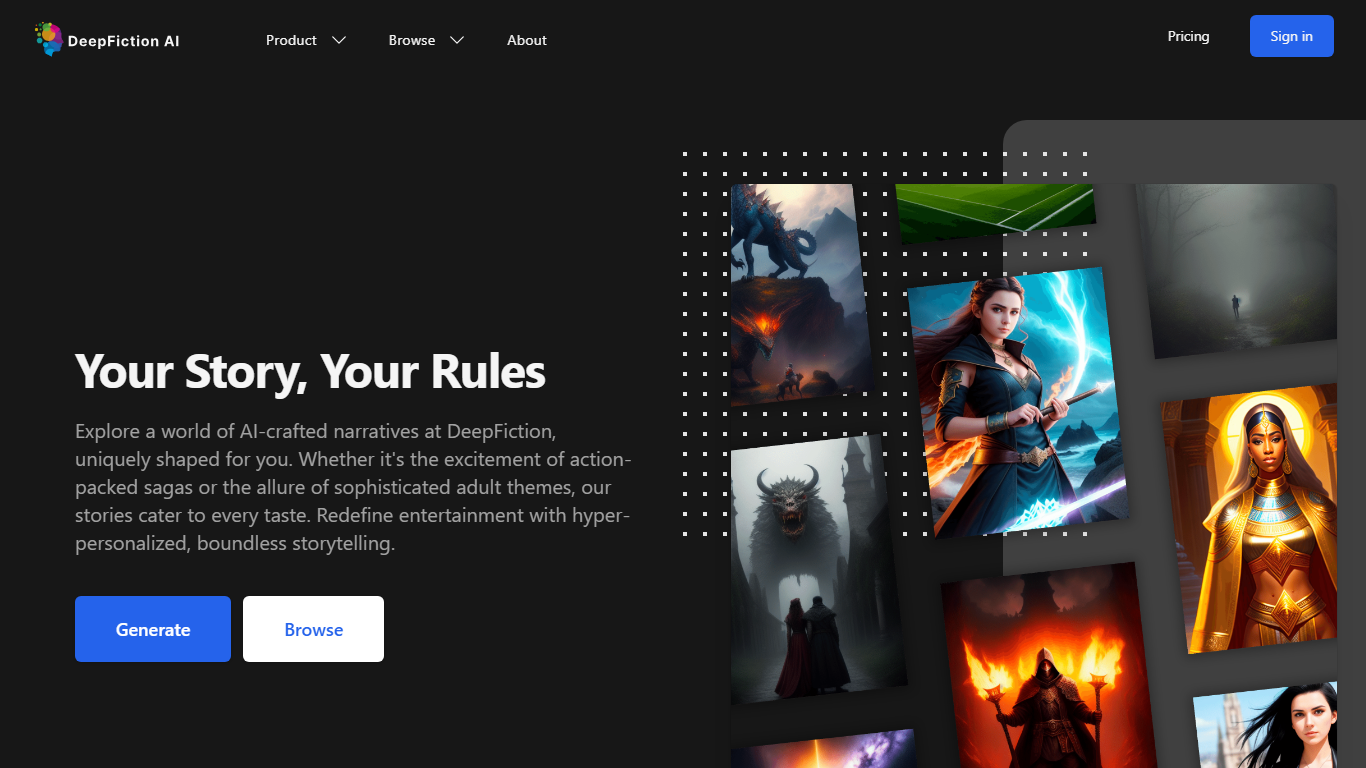

What is DeepFiction?
DeepFiction stands as a trailblazer in personalized storytelling, offering a platform where users can indulge in AI-generated narratives that align with their individual tastes and preferences. The platform boasts an extensive range of genres, inviting readers to experience the thrills of action sagas, the nuances of romantic tales, and the depths of sophisticated adult themes. With the inception of Lustix, a dedicated AI erotica platform, DeepFiction demonstrates its commitment to the freedom of expression and diversity, ensuring a safe and private exploration of mature narratives. Embark on your journey with ease; set your preferences and let the AI curate a story that resonates with you. DeepFiction personalizes your reading adventure while evolving with your changing preferences, establishing itself as an indispensable companion in your storytelling exploration.
Directory Crop

What is Directory Crop?
Directory Crop speeds up sorting bulk AI image outputs on Windows, macOS, and Linux. Open a folder of generations, crop out bad hands or extra limbs, and delete failed files with one click or one keypress. After each crop or delete, the app jumps to the next image so you can review hundreds of files without digging through file managers.
Photo editors built for single images slow you down when a Stable Diffusion run drops 200 variants. Directory Crop is built for that culling workflow: crop guidelines, optional output folders, metadata preservation, and keyboard shortcuts for next, previous, and delete. Images never leave your machine, which matters when prompts or outputs are private.
The free tier covers 100 crops per month before a watermark appears. Professional plans start at $9 per month for 1,000 crops, $19 for 5,000, or $49 for unlimited per user. Students, journalists, Java Champions, and beta testers can apply for free license keys. Install via direct download, Homebrew, Chocolatey, or winget.
DeepFiction Upvotes
Directory Crop Upvotes
DeepFiction Top Features
Personalization: Offers story generation based on user preferences catering to individual tastes.
Diverse Genres: Provides a wide range of narratives including action romance and adult themes.
Freedom of Expression: Features Lustix a platform for mature and private adult storytelling.
AI Integration: Utilizes advanced AI to continuously adapt and create captivating stories.
Ease of Use: Allows users to begin their personalized story journey with minimal effort and no financial commitment.
Directory Crop Top Features
Crop and delete images in a folder with automatic jump to the next file
One-click or one-key delete for bad AI generations like extra limbs
Runs locally on Windows, macOS, and Linux with privacy-first processing
Crop guidelines, metadata preservation, and optional separate output directory
Free tier includes 100 crops per month before watermarking
Install via EXE, DMG, DEB, Homebrew, Chocolatey, or winget package managers
DeepFiction Category
- Image Generation
Directory Crop Category
- Image Generation
DeepFiction Pricing Type
- Paid
Directory Crop Pricing Type
- Freemium