Devassistant.ai vs Gorilla Terminal
In the face-off between Devassistant.ai vs Gorilla Terminal, which AI Code Assistant tool takes the crown? We scrutinize features, alternatives, upvotes, reviews, pricing, and more.
In a face-off between Devassistant.ai and Gorilla Terminal, which one takes the crown?
If we were to analyze Devassistant.ai and Gorilla Terminal, both of which are AI-powered code assistant tools, what would we find? Neither tool takes the lead, as they both have the same upvote count. Be a part of the decision-making process. Your vote could determine the winner.
Want to flip the script? Upvote your favorite tool and change the game!
Devassistant.ai
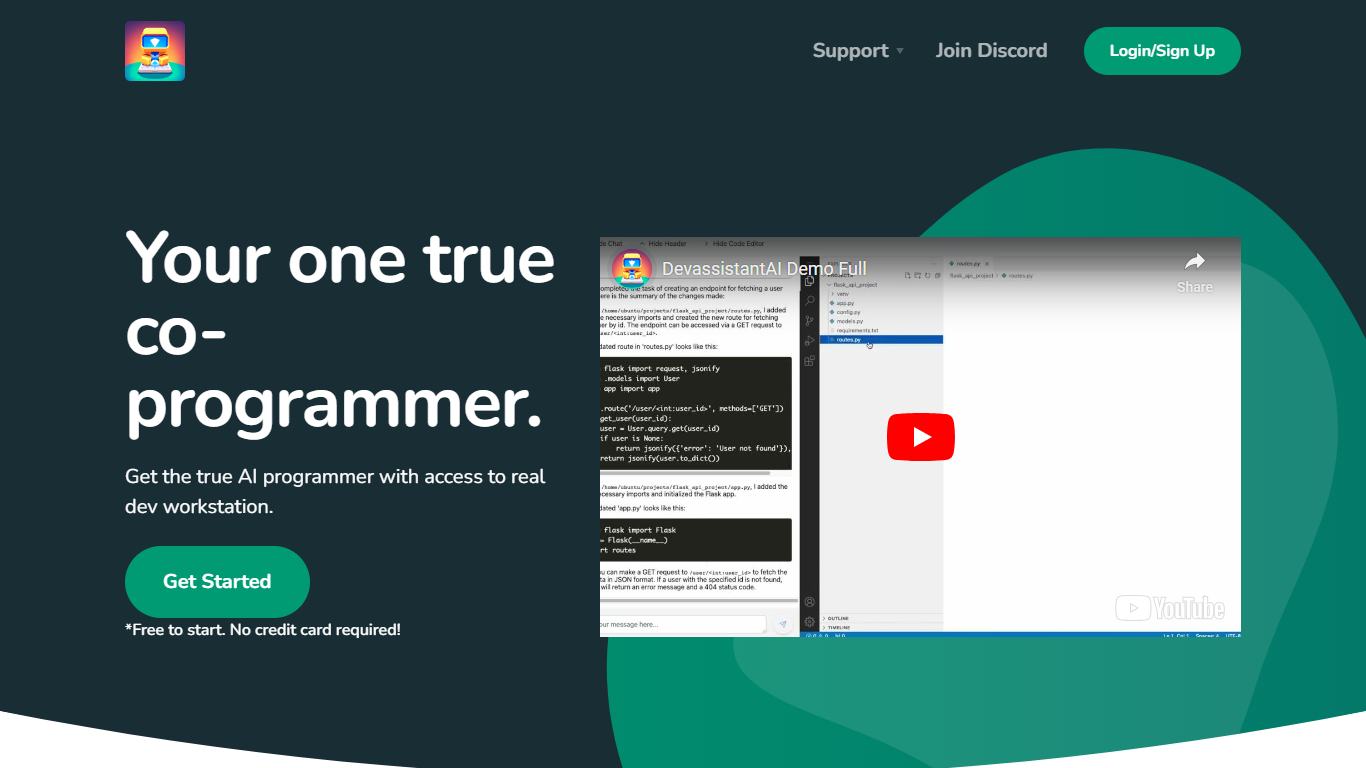

What is Devassistant.ai?
Devassistant.AI helps you turn a product idea into a scoped and built MVP through an AI-guided workflow. You describe what you want to build once, and the assistant pressure-tests the idea, tightens requirements, defines the MVP scope, and handles delivery updates in the same project thread.
The platform supports common product types like mobile apps, internal tools, blogs, and SaaS products. After the initial brief, you can keep the same thread active for follow-up feature requests, revisions, and milestone updates as the MVP moves forward.
Pricing is a flat $10 per month for ongoing delivery support, follow-up requests, and continued product assistance once scoping begins. Billing runs through Stripe.
Gorilla Terminal

What is Gorilla Terminal?
Gorilla Terminal pulls stock data, SEC filings, macro indicators, and earnings call transcripts into one terminal-style dashboard in your browser. Search by ticker and you get charts, quarterly reports, insider trades, Twitter sentiment, and live futures without hopping between Bloomberg tabs and scattered finance sites.
Most research terminals either dump raw data tables or lean on generic summaries. Gorilla Terminal focuses on earnings calls: it runs sentiment analysis on what executives actually said, flags positive and negative statements, and lets you filter by quarter. That transcript-first angle is the trade-off. You get deeper call breakdowns than a charting site, but the product is built for equity research rather than crypto or forex.
Portfolio managers, solo investors, and finance students use this investment research tool to prep for earnings season, scan sector averages, and stress-test holdings with value-at-risk and regression tools. The macro panel covers CPI, unemployment, retail sales, and consumer sentiment in one click.
Devassistant.ai Upvotes
Gorilla Terminal Upvotes
Devassistant.ai Top Features
Turns a product brief into scoped MVP requirements before building starts
Keeps one active thread for intake, delivery updates, and follow-up requests
Supports common product types including mobile apps, internal tools, blogs, and SaaS
Offers rigorous scoping to pressure-test ideas before development
Flat $10 per month plan for continued support after MVP scoping begins
Gorilla Terminal Top Features
Earnings call transcripts with AI sentiment scoring and positive/negative statement filters per quarter
Macro dashboard covering CPI, unemployment, retail sales, and consumer sentiment in one view
Stock search returns charts, 10-Ks, 10-Qs, insider buying, and Twitter sentiment on one page
Value-at-risk and regression analysis for portfolio risk modeling
Industry average metrics across revenue growth, margins, and tax rates by sector
Pro plan at $29 per month, down from a listed $49 per month on the pricing page
7-day pass at $9.99 for short-term access without a monthly commitment
Devassistant.ai Category
- Code Assistant
Gorilla Terminal Category
- Code Assistant
Devassistant.ai Pricing Type
- Paid
Gorilla Terminal Pricing Type
- Paid