Devin vs BrainSoup
Explore the showdown between Devin vs BrainSoup and find out which AI Agents tool wins. We analyze upvotes, features, reviews, pricing, alternatives, and more.
When comparing Devin and BrainSoup, which one rises above the other?
When we contrast Devin with BrainSoup, both of which are exceptional AI-operated agents tools, and place them side by side, we can spot several crucial similarities and divergences. BrainSoup is the clear winner in terms of upvotes. BrainSoup has garnered 9 upvotes, and Devin has garnered 7 upvotes.
Disagree with the result? Upvote your favorite tool and help it win!
Devin
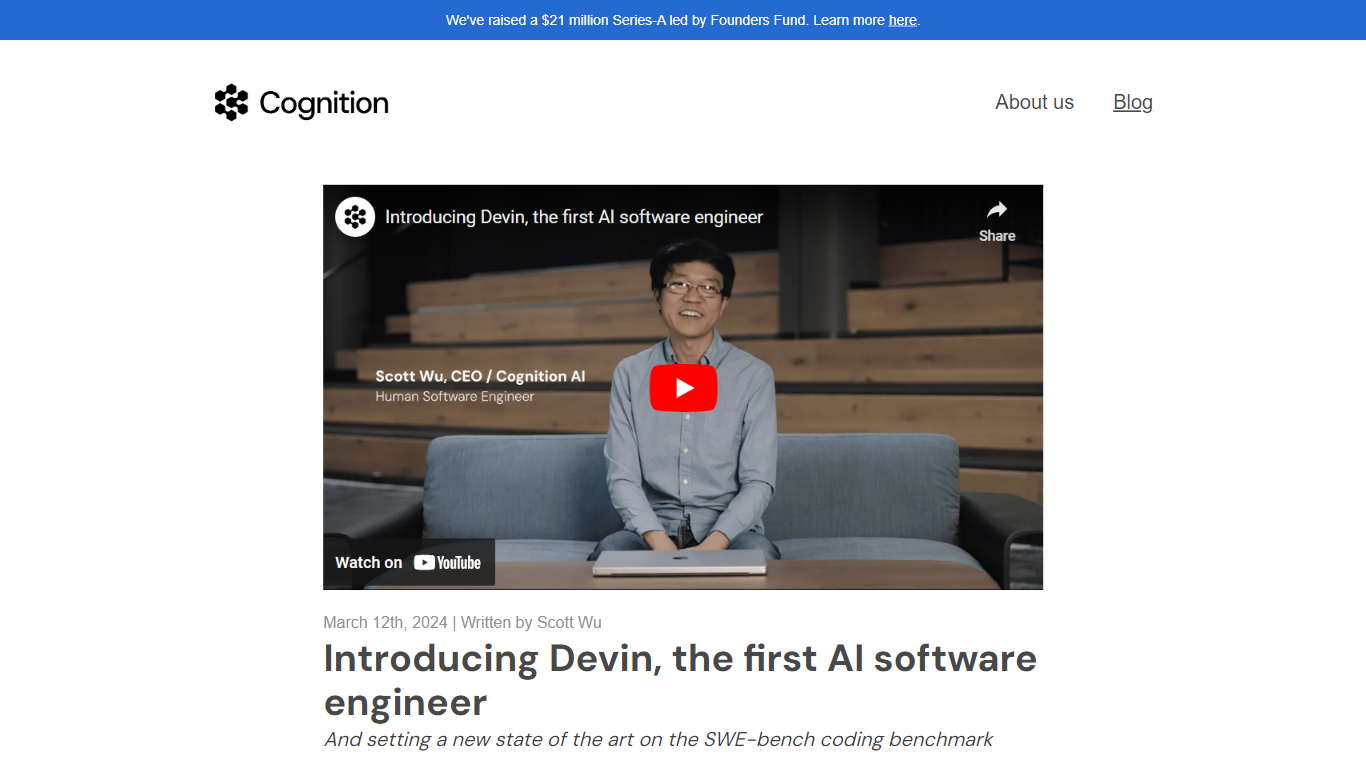

What is Devin?
Devin plans and executes real engineering work across your repos, from bug fixes and PR reviews to multi-week migrations. You assign tasks in natural language, and Devin investigates the codebase, writes changes, runs tests, and opens pull requests your team can review and merge. It targets engineering teams with complex, multi-repo codebases who want parallel agents instead of another autocomplete sidebar.
Standalone coding assistants live inside your editor and suggest the next line. Devin runs as autonomous agents in secure cloud VMs (Devin Cloud) or through Devin Desktop, a full IDE and command center that evolved from Windsurf. The product routes work across frontier models from Anthropic, OpenAI, Google, and Cognition SWE models, and plugs into GitHub, Linear, Slack, Datadog, Jira, and hundreds of other tools.
Teams at Nubank, Itaú, Ramp, Harvey, and NVIDIA use Devin for code migrations, vulnerability remediation, incident triage, and long-running refactors. Enterprise deployments add VPC hosting, SAML SSO, audit logs, and MultiDevin fleets where manager agents coordinate worker agents in parallel.
BrainSoup
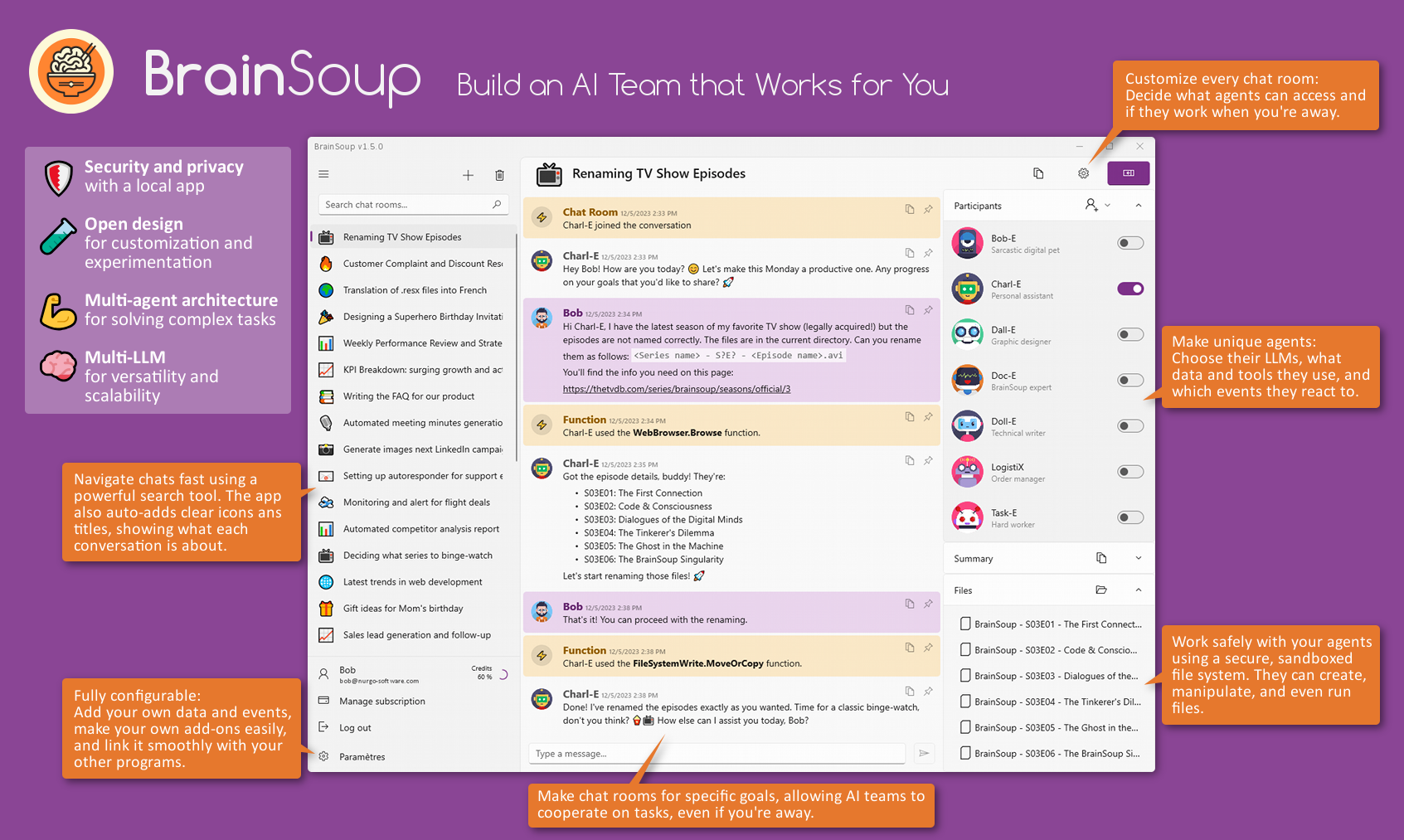
What is BrainSoup?
BrainSoup is a personal AI platform that lets you build custom AI agents tailored to your specific tasks. These agents can automate simple routines or collaborate on complex projects through multi-agent workflows, all controlled via natural language commands. It supports advanced Large Language Models like ChatGPT, Mistral AI, and local LLMs, enhanced by Semantic Kernel technology that gives agents a sense of time and memory, enabling them to remember past interactions for a more personalized experience.
Users can feed BrainSoup with their own documents to expand the AI's knowledge base, making it highly adaptable to unique business needs. The platform prioritizes privacy by storing data locally and anonymizing any requests to third-party AI services, ensuring your information stays secure and is not used for model training. BrainSoup also supports low-code integration, allowing agents to interact with real-time data, user-defined events, and external tools through simple scripts without complex APIs.
Beyond text, BrainSoup agents have multimodal capabilities, processing images and audio to enrich interactions. They come equipped with built-in tools for calculations, web browsing, email sending, API calls, media generation, and script execution, with options to add custom tools and ChatGPT plugins for extended functionality. The user interface is designed like a messaging app, making it intuitive and accessible for both beginners and experts.
A built-in expert agent named Doc-E assists users with setup and advanced configurations, serving as both a helper and an example of what can be created. BrainSoup is currently available as a native Windows application with plans to expand to other platforms and add features like command-line interface, more LLM options, event sources, and optional cloud sync with client-side encryption. It is offered as a subscription starting at $5 per month, providing a low-commitment way to harness AI for personal productivity, creative work, customer service automation, and custom AI development.
Devin Upvotes
BrainSoup Upvotes
Devin Top Features
Parallel cloud agents finish PRs while you step away from the laptop
Spins up fleets of agents for migrations across COBOL, .NET, Talend, and legacy ETL
Full browser and desktop access for visual QA on every pull request
Routes tasks across Anthropic, OpenAI, Google, and Cognition SWE models
Integrates with GitHub, Linear, Slack, Datadog, Jira, and hundreds of other tools
Devin Desktop unifies local and cloud agents in one IDE command center
Event-driven automations trigger from CI failures, Snyk alerts, or PagerDuty incidents
BrainSoup Top Features
🧠 Custom AI Agents: Build AI helpers tailored to your unique tasks for personalized automation.
🤖 Multi-Agent Collaboration: Coordinate specialized AI agents to handle complex projects efficiently.
🔒 Local Data Storage: Keep your data private with secure, on-device storage and anonymized cloud requests.
🛠️ Built-in Tools & Plugins: Use agents to perform calculations, browse the web, send emails, and more.
🎨 Multimodal Interaction: Engage with AI agents using text, images, and audio for richer communication.
Devin Category
- Agents
BrainSoup Category
- Agents
Devin Pricing Type
- Freemium
BrainSoup Pricing Type
- Paid