Dipickt vs Adobe Firefly
Explore the showdown between Dipickt vs Adobe Firefly and find out which AI Image Generation tool wins. We analyze upvotes, features, reviews, pricing, alternatives, and more.
When comparing Dipickt and Adobe Firefly, which one rises above the other?
When we contrast Dipickt with Adobe Firefly, both of which are exceptional AI-operated image generation tools, and place them side by side, we can spot several crucial similarities and divergences. Both tools are equally favored, as indicated by the identical upvote count. Your vote matters! Help us decide the winner among aitools.fyi users by casting your vote.
Does the result make you go "hmm"? Cast your vote and turn that frown upside down!
Dipickt
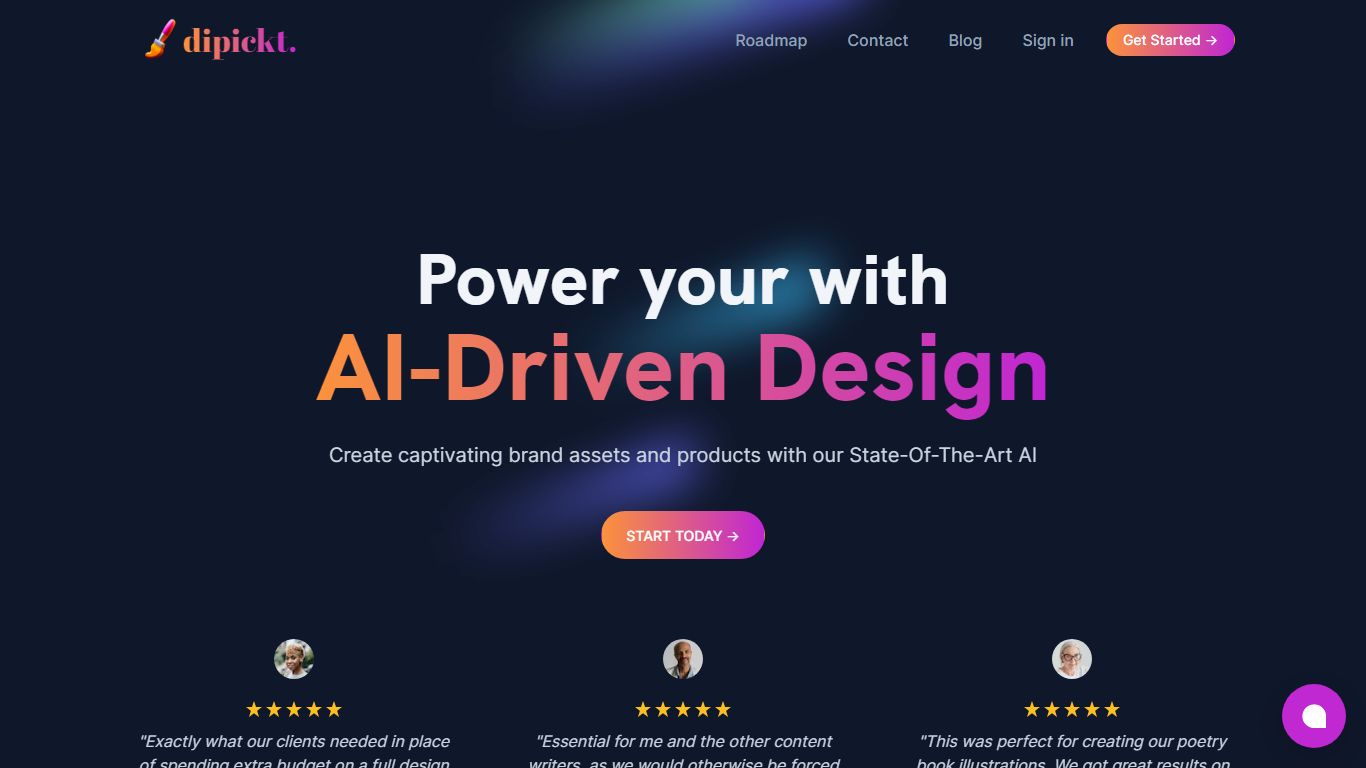

What is Dipickt?
Create captivating brand assets and products with our State-Of-The-Art AI. From logos, to illustrations, to poster covers and more, you simply type in your company name or a description of what you're looking for, and the tool generates a range of branding assets to choose from. For a limited time only, we offer UNLIMITED access of the tool, including a welcome package of logos, icons, illustrations and more tailored to your business for a one-off purchase cost.
Adobe Firefly
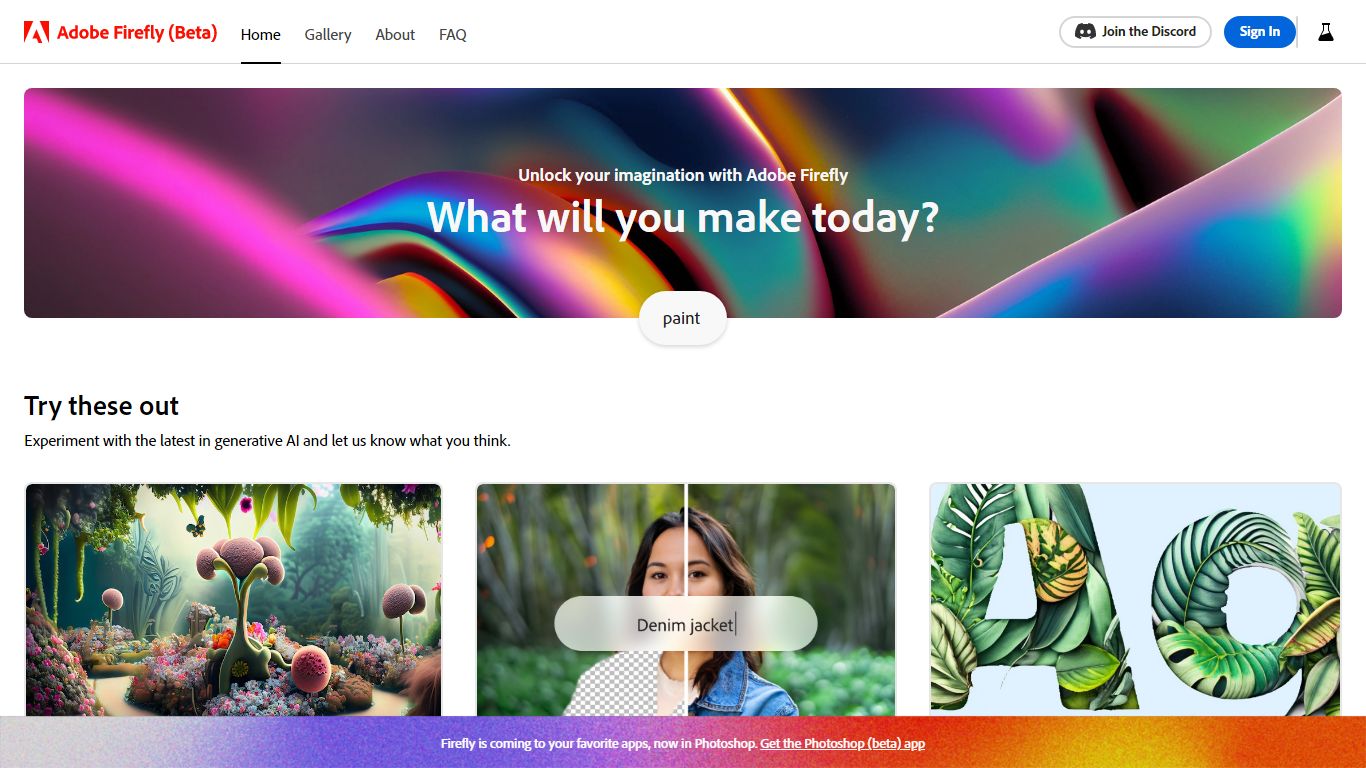
What is Adobe Firefly?
Adobe Firefly generates images, video, audio, and edits from text prompts inside one browser-based creative studio. The homepage lists 30+ models spanning Adobe's commercially safe Firefly Image 5 line and partner models like GPT Image, Gemini, FLUX, and Runway Gen-4, with workflows for generative fill, image expansion, video from image, speech, music, and Boards collaboration.
Standalone image generators rarely ship video, audio, and timeline editing in the same UI. Firefly bundles image editor quick actions, Quick Cut video assembly, Firefly Boards for guided remix workflows, and a Timeline view so marketers and designers stay in one Adobe surface instead of exporting between tools.
Creative teams use it for social assets, product mockups, and short video clips, while photographers lean on remove-object, upscale, and generative expand tools. Adobe-trained models are labeled commercially safe for business use, with partner models clearly marked as third-party options.
Dipickt Upvotes
Adobe Firefly Upvotes
Dipickt Top Features
Logo Generation
Illustration Generation
Image Editing
Image Upscaling
Background Removal
Adobe Firefly Top Features
30+ AI models including Firefly Image 5 and partner models like FLUX and Gemini
Text-to-image, image-to-video, speech, music, and sound effect generation
Generative fill, expand image, remove object, and upscale quick actions
Firefly Boards and Timeline for collaborative remix and video workflows
Adobe models labeled commercially safe for business content
Promo offers 30% off annual plans with unlimited generations
Dipickt Category
- Image Generation
Adobe Firefly Category
- Image Generation
Dipickt Pricing Type
- Paid
Adobe Firefly Pricing Type
- Freemium